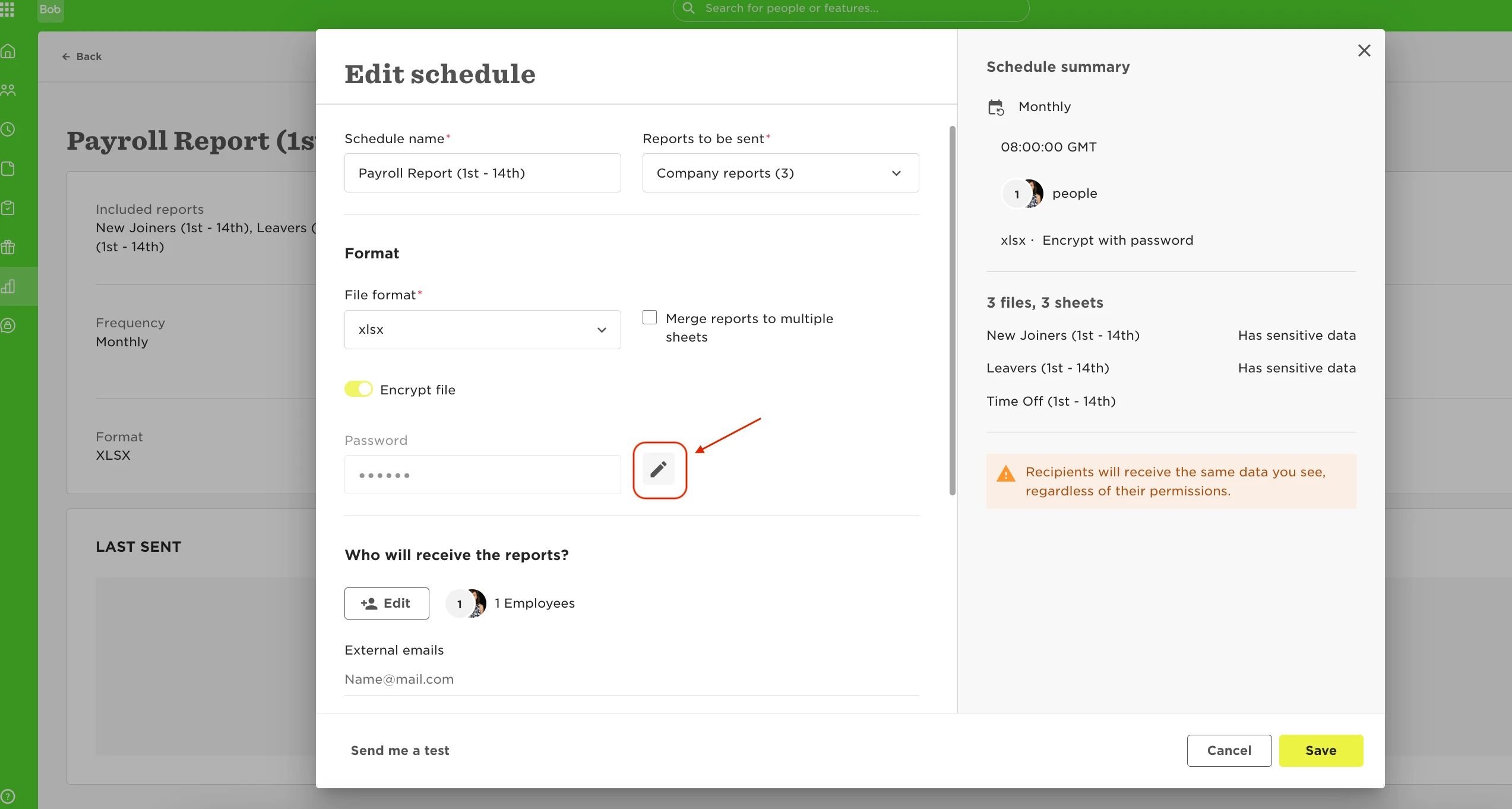

Here are the steps to change the password of a scheduled report:
- please head to Analytics > Reports > Schedule reports > Click on the relevant report > Actions > Edit.
- Scroll down and click the pencil icon to Edit, this will allow you to Edit the password: