
Bob, does not calculate automatically based on the client’s metrics, the option here is to download the relevant report and calculate externally.
- How many sick leave days - This information is also available in the Time taken by policy type report, you can see how many days each employee took by adding with the column picker.

- How many employees are on sick leave - you can get this information from the approved requests summary and filter by policy and start dates to see who is currently in Sick leave

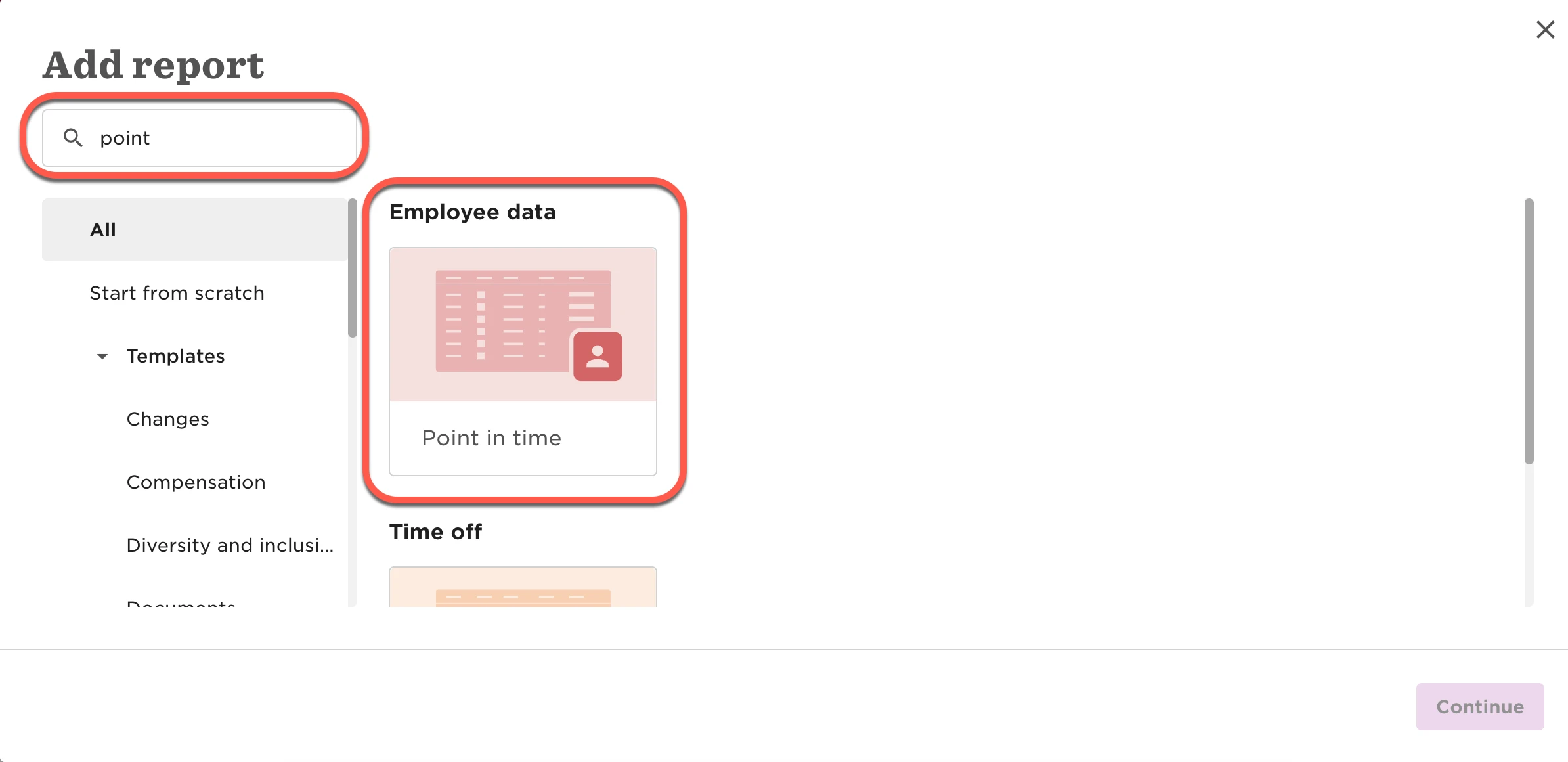
- How many active employees, number of employees in that year - Unfortunately, we cannot pull the details in range, however, can do as per specific date using Point in time

- Number of sick leave requests in a year, sick leave requests per employee last year - You can find it in the the All requests summary report and filter it by policy type, and date of the request.

All this reports can be downloaded to a spreadsheet by clicking on the download icon.