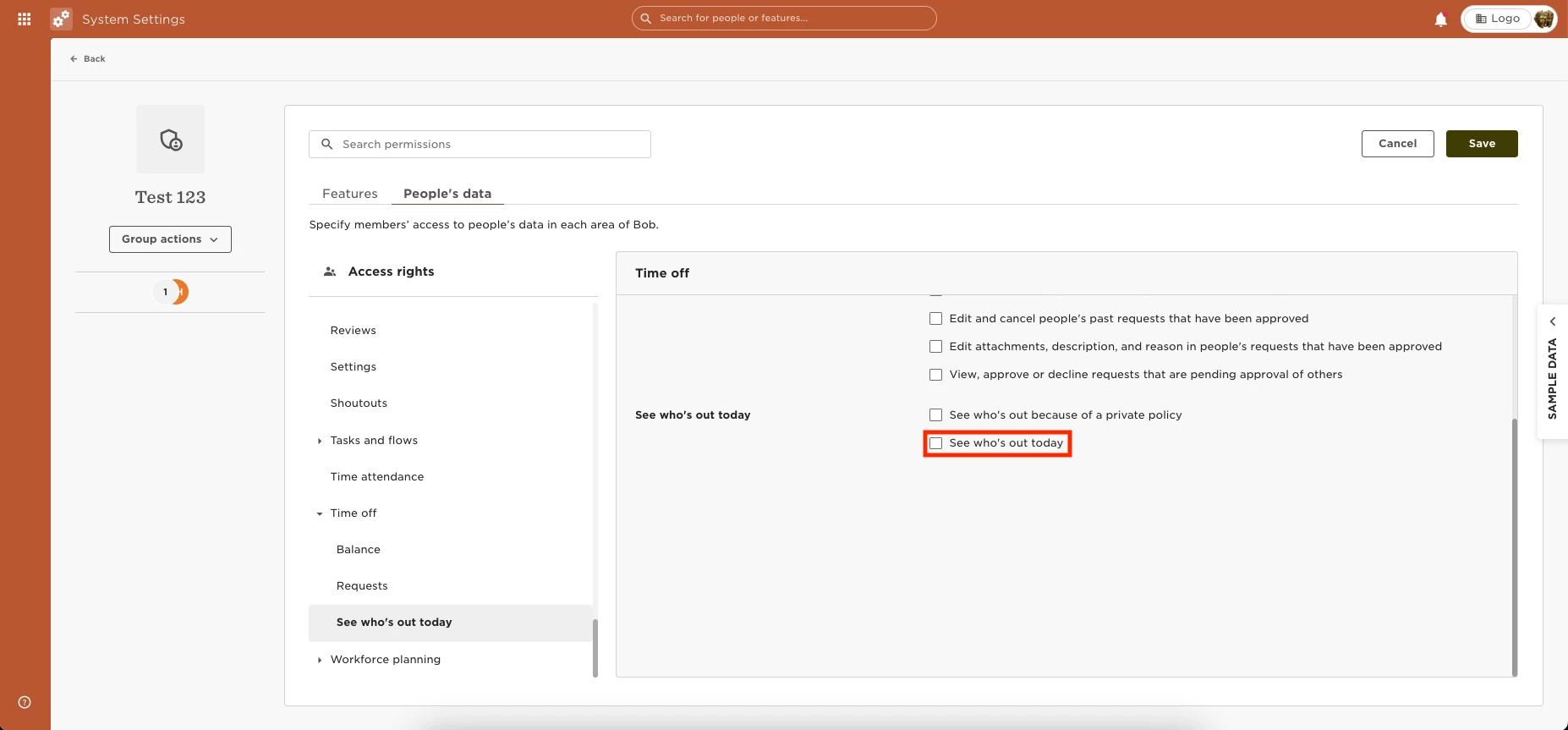
You can provide the permissions to see the Calendar under “People’s time off” by going to Settings > Permission Groups > Select the appropriate group > Select the People’s data tab > Time Off > See Who’s out today > Enable the permissions to “See who's out today.”
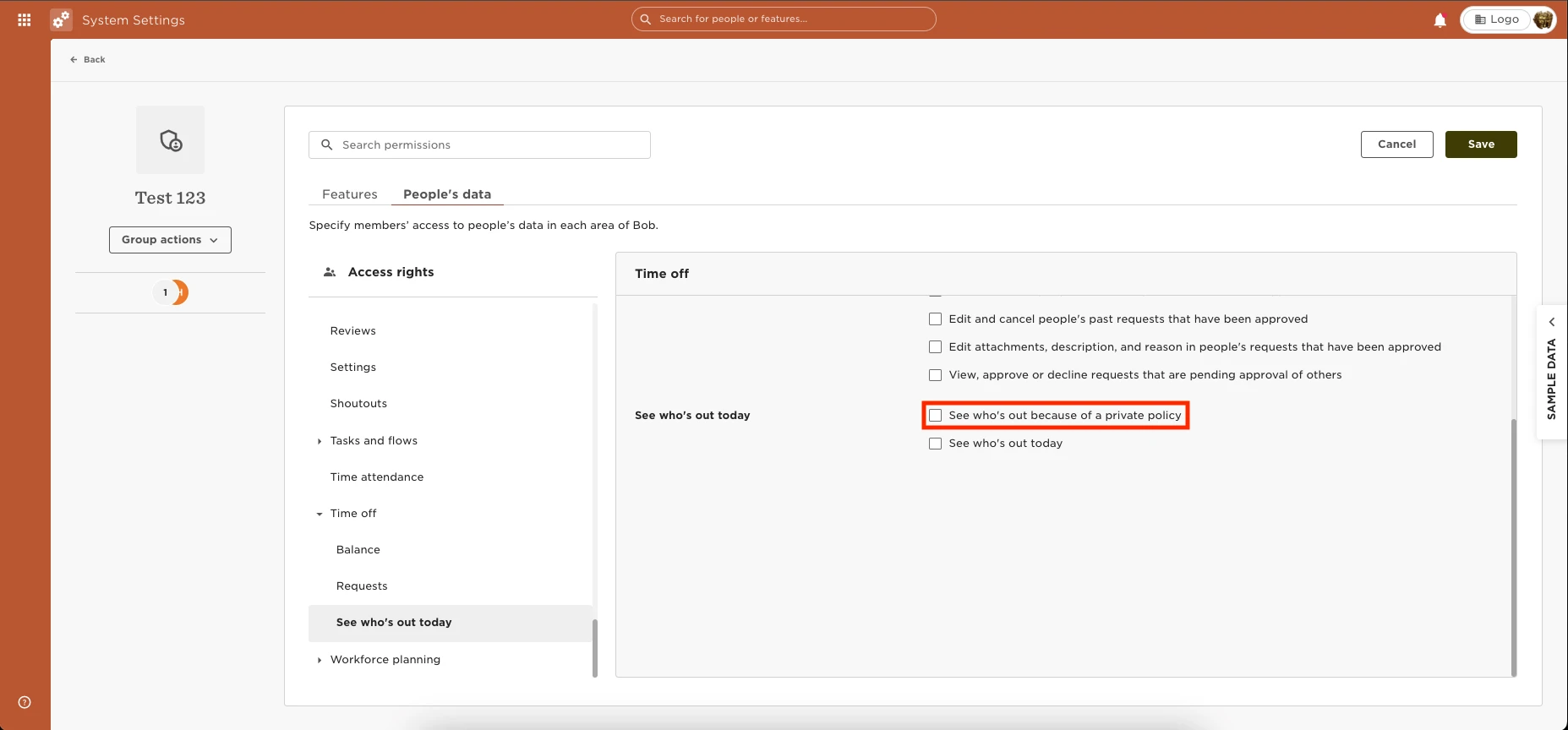
To grant permission for the employee to see “Private” or the true name of “Custom” name requests, you can enable the “See who's out because of a private policy” permission.