Time Off - Permissions to View / Approve / Cancel /Decline requests under "Manage Requests" in People's time off.

  • Apr 14, 2023 11:21 AM UTC
  • Sep 17, 2024 9:17 AM UTC
  • 2 replies
  • 382 views
  • Translate All

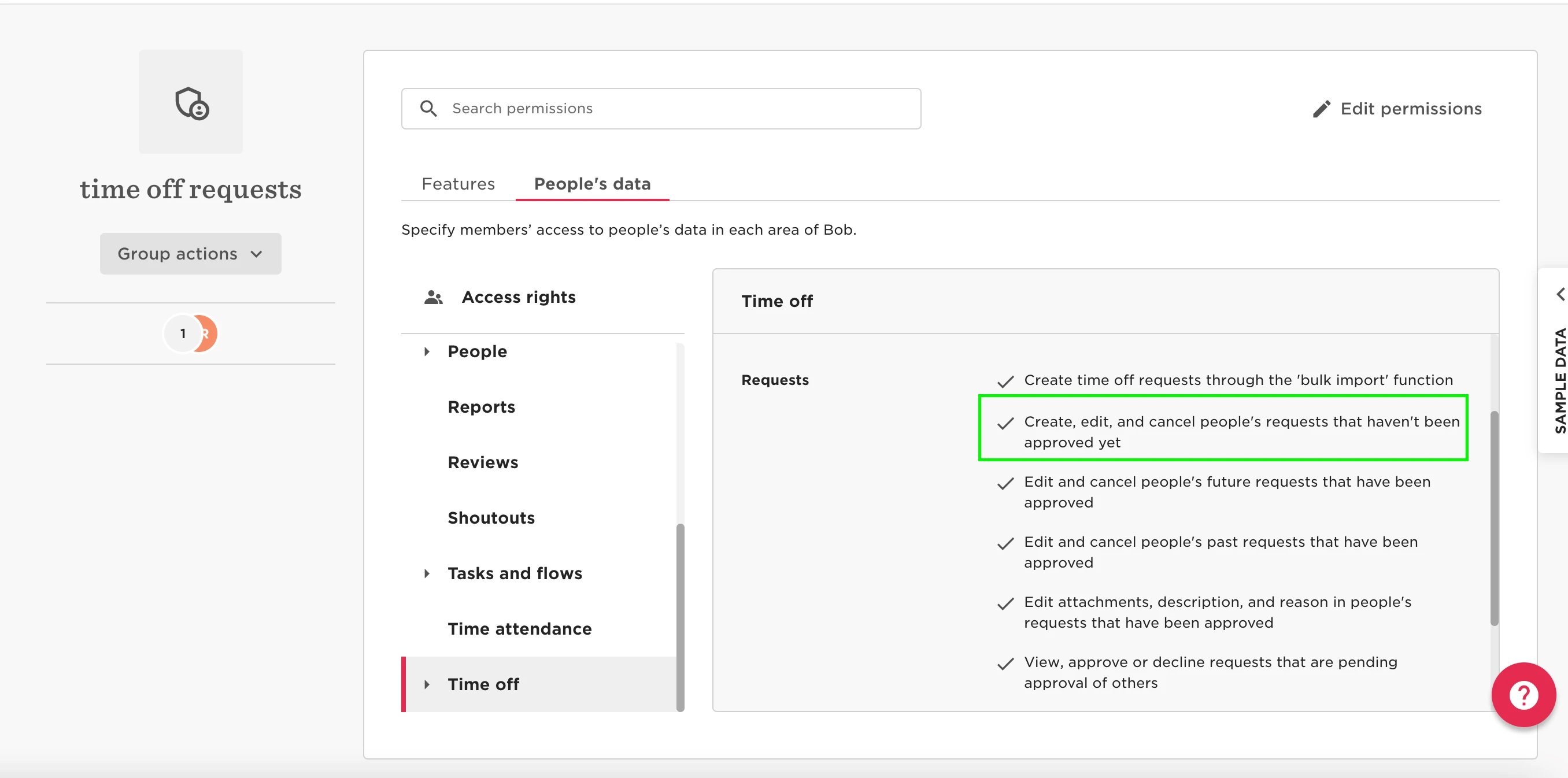
You can provide the permissions to View / Approve / Cancel /Decline requests by going to Settings > Permission Groups > Select the appropriate group > Select the People’s data tab > Time Off > Requests > Enable the permissions to “Create, edit, and cancel people's requests that haven't been approved yet.”
 

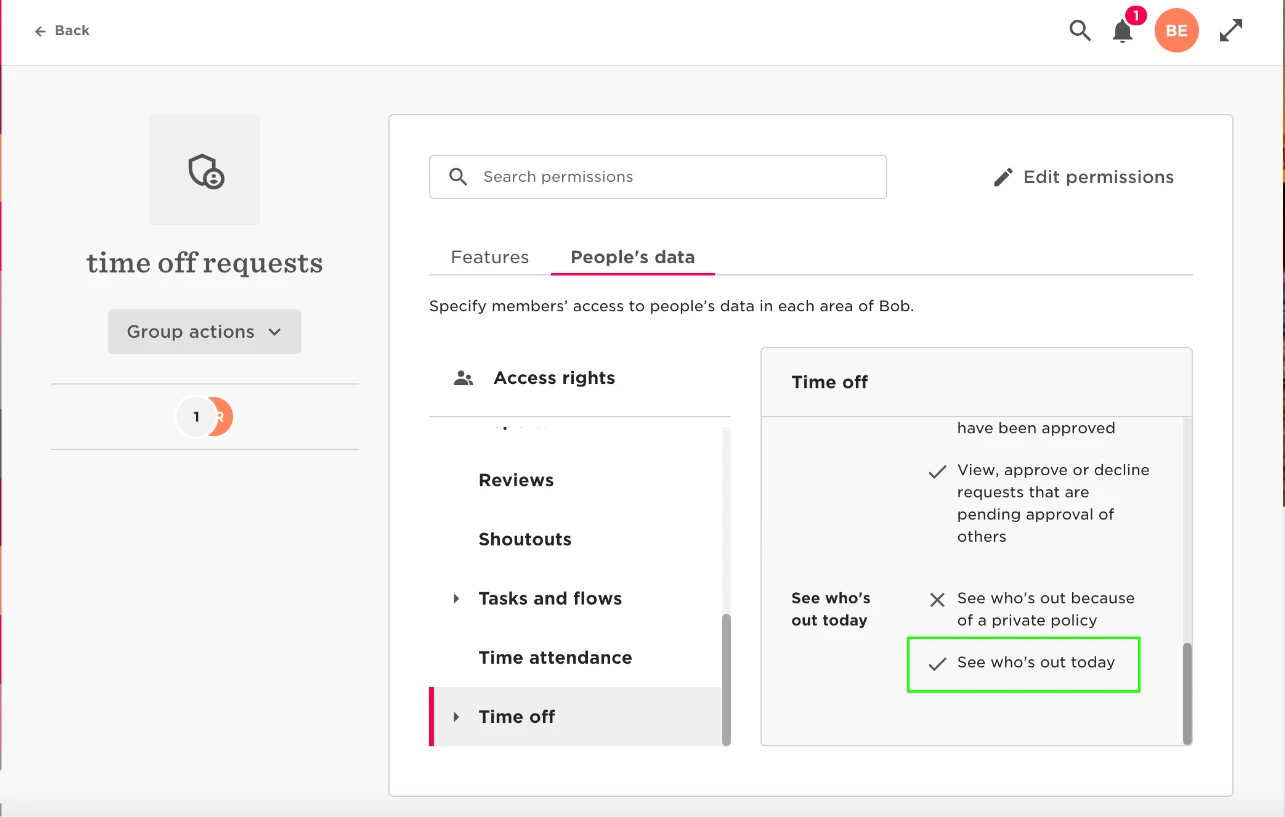
They will also need permission to “see who’s out today” under Time Off > See Who’s out today > Enable the permissions to “See who's out today.”



2 replies

Petra Nováková

Hello @Ben Edwards,

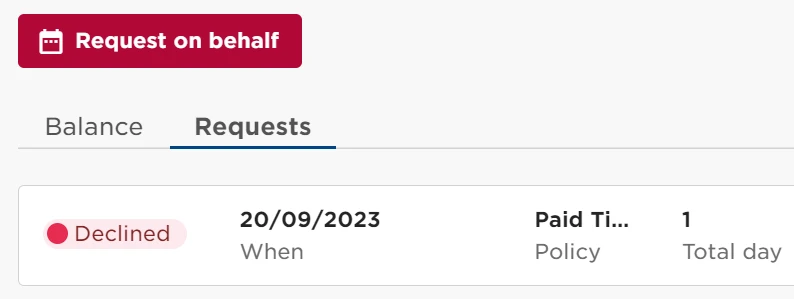
would you know please if it is possible to set up option to delete declined time off request? When we test our set up we tried to request time off but declined request is not possible to remove. Is there any way how to remove it? Thank you, Petra


Translate

Lindsay Sinenberg
Bobber

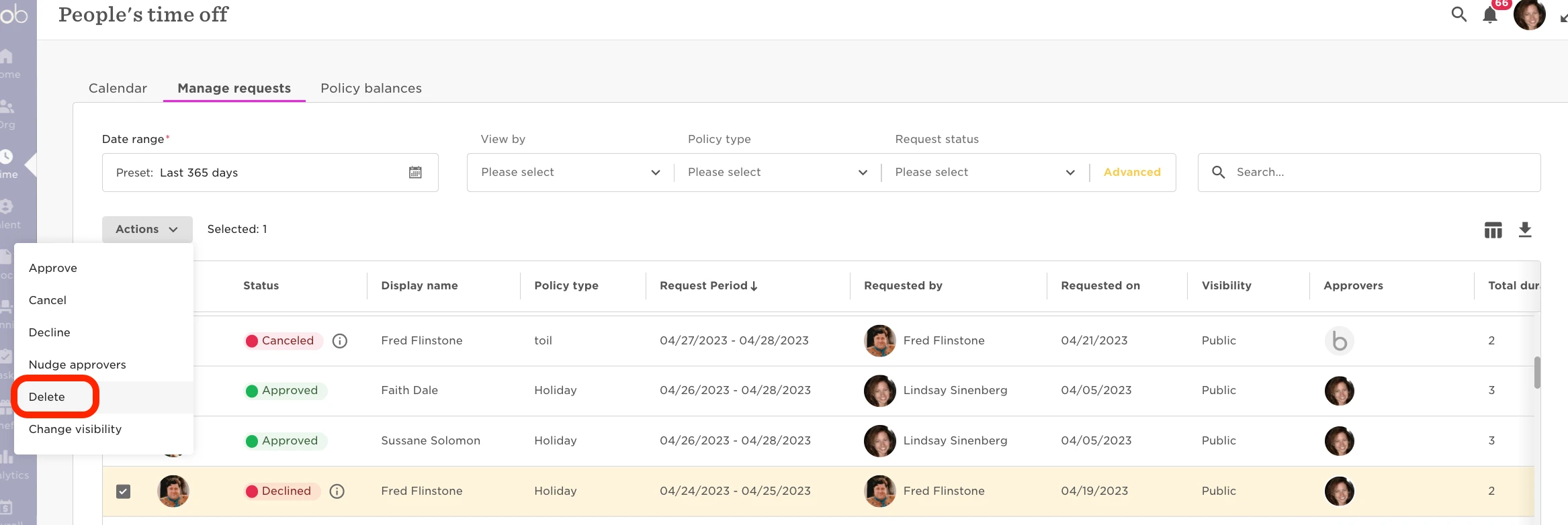
Hi @Petra Nováková! Just to confirm, are you trying to delete the declined request from the Manage Requests page? From this section, you’ll be able to select the request in the list> click Actions> Delete

Example below:


We also have a Help Center article with additional information about managing requests.

Translate