The way the system works is if you have direct reports then you will automatically have permission to view the 1-on-1 feature.
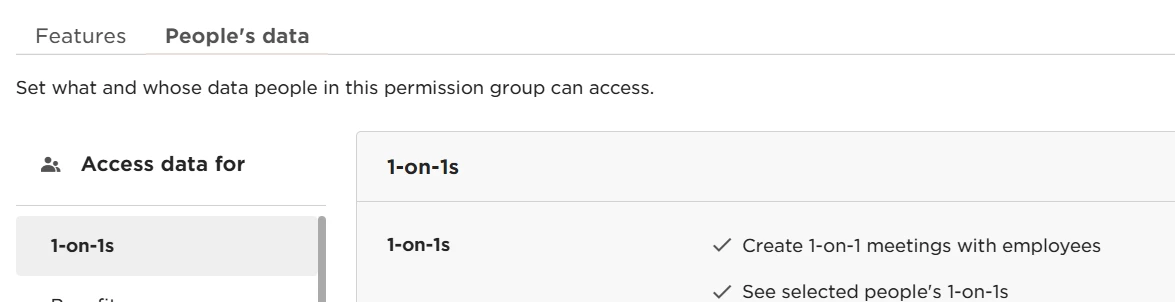
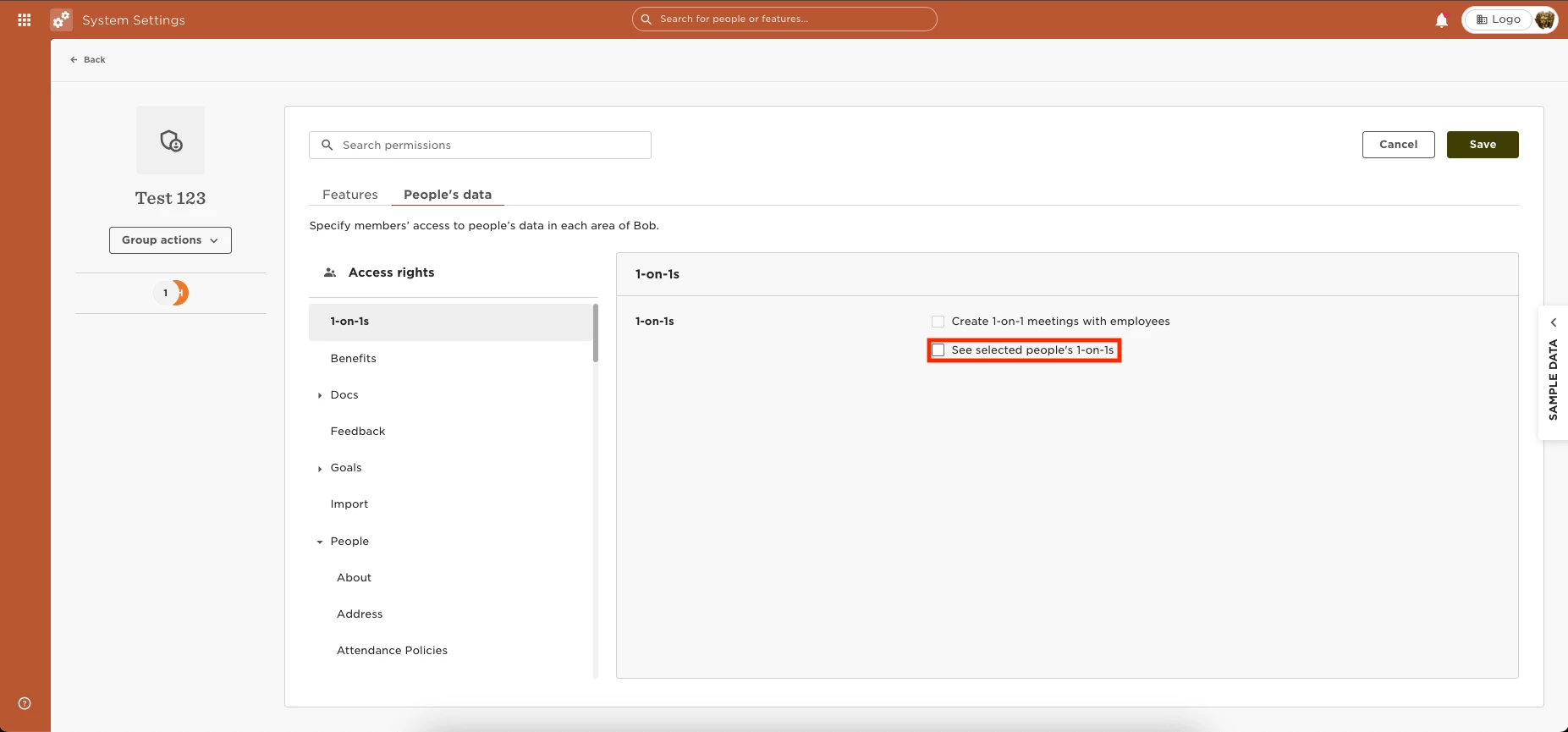
You can also grant employees permission to view the 1-on-1 report by going to Settings > Permission Group > Select the group > Edit > People’s data > 1-on-1s > Then grant the permissions to “See selected people's 1-on-1s.”
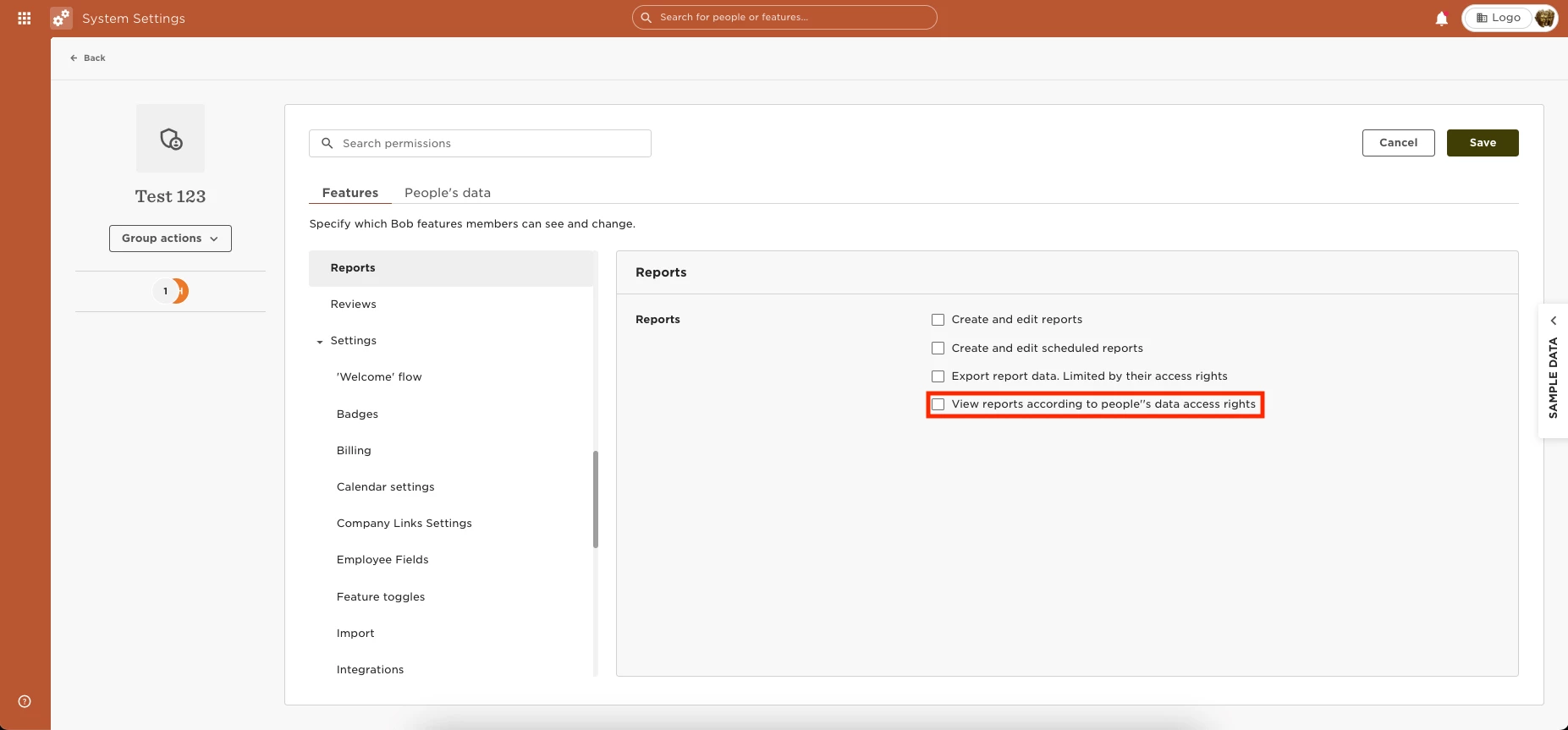
You will also need to grant permission to view reports under “Features” > Reports > View reports according to people''s data access rights