

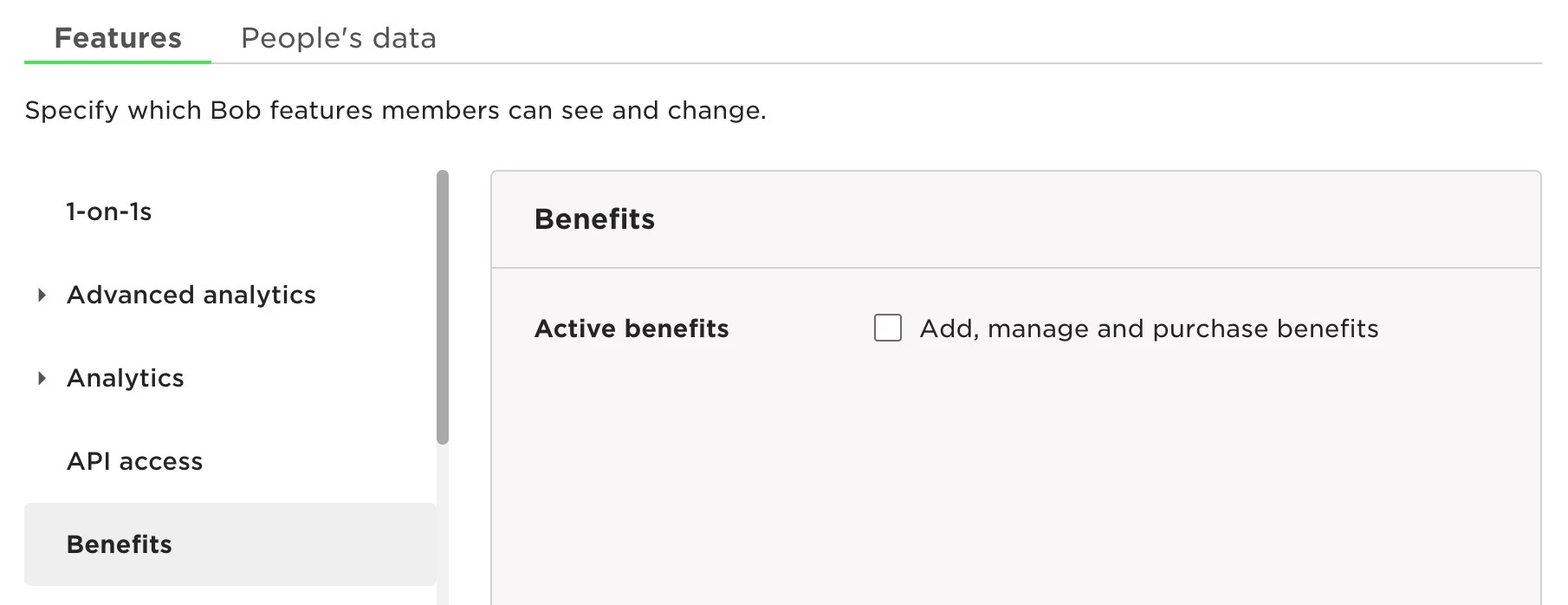
Under Features:
Go to Benefits > Active Benefits > enable Add, manage and purchase benefits
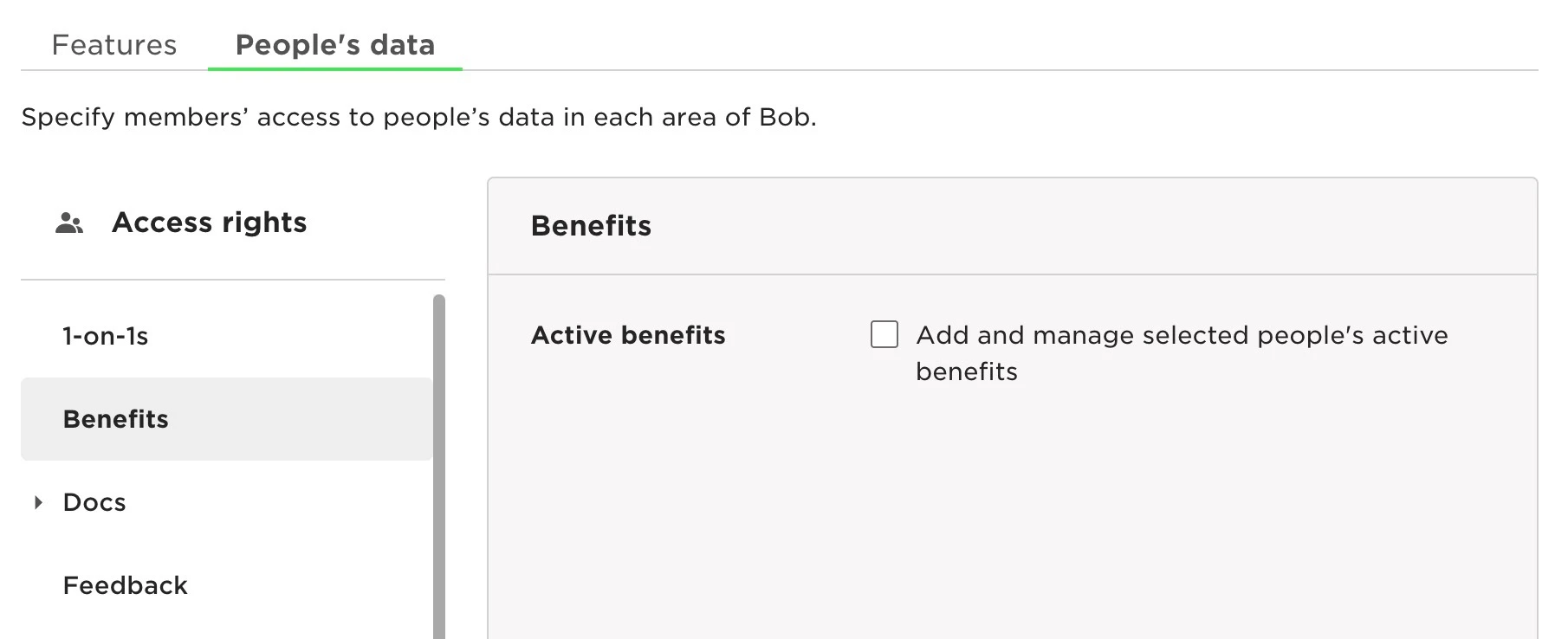
Under People's Data:
Go to Benefits > Active Benefits > enable Add and manage selected people's active benefits
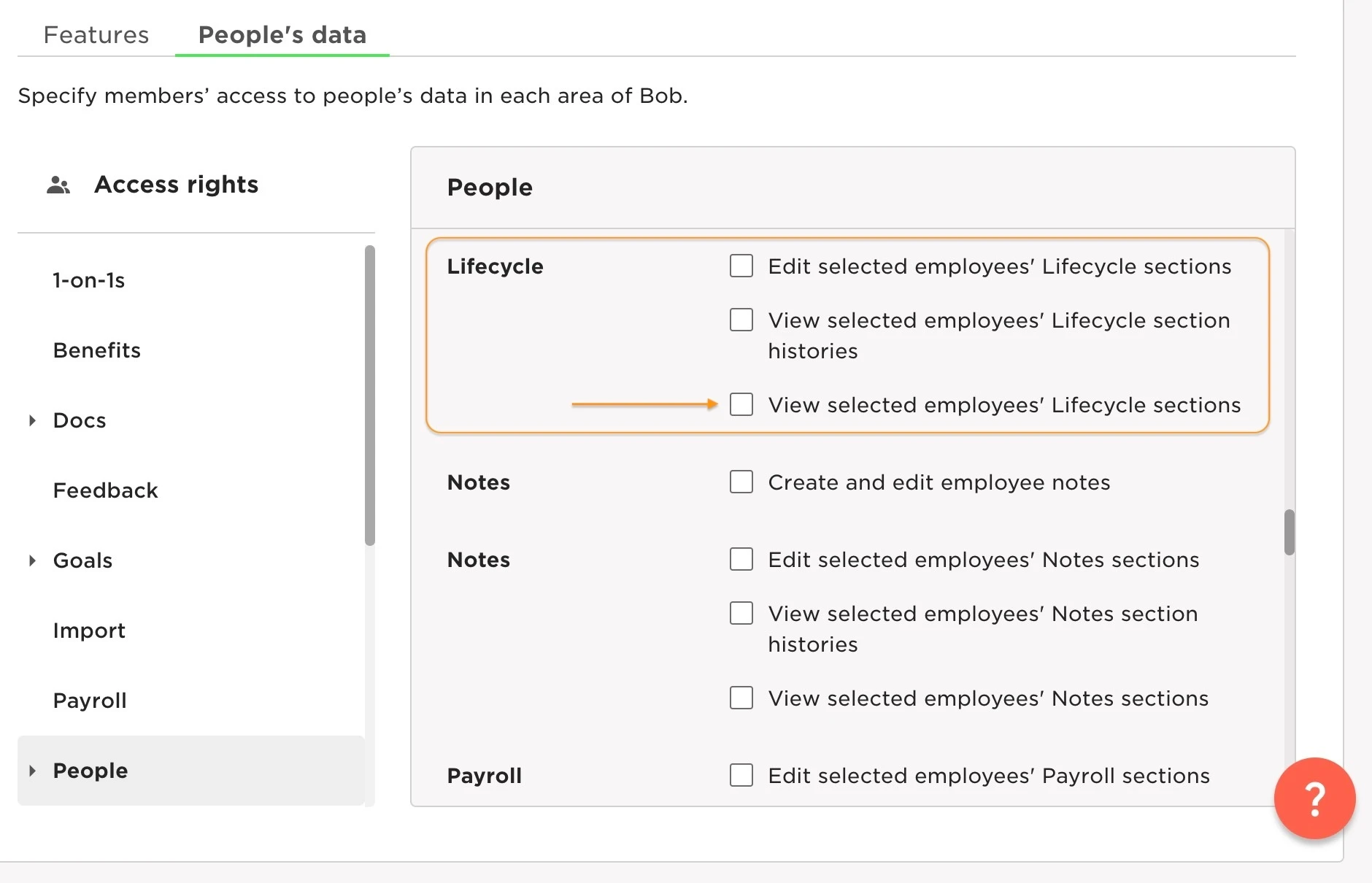
and
People > Lifecycle > enable View selected employees' Lifecycle sections (otherwise they won't be able to select the Main Contact)
Last updated on Nov 17th, 2023