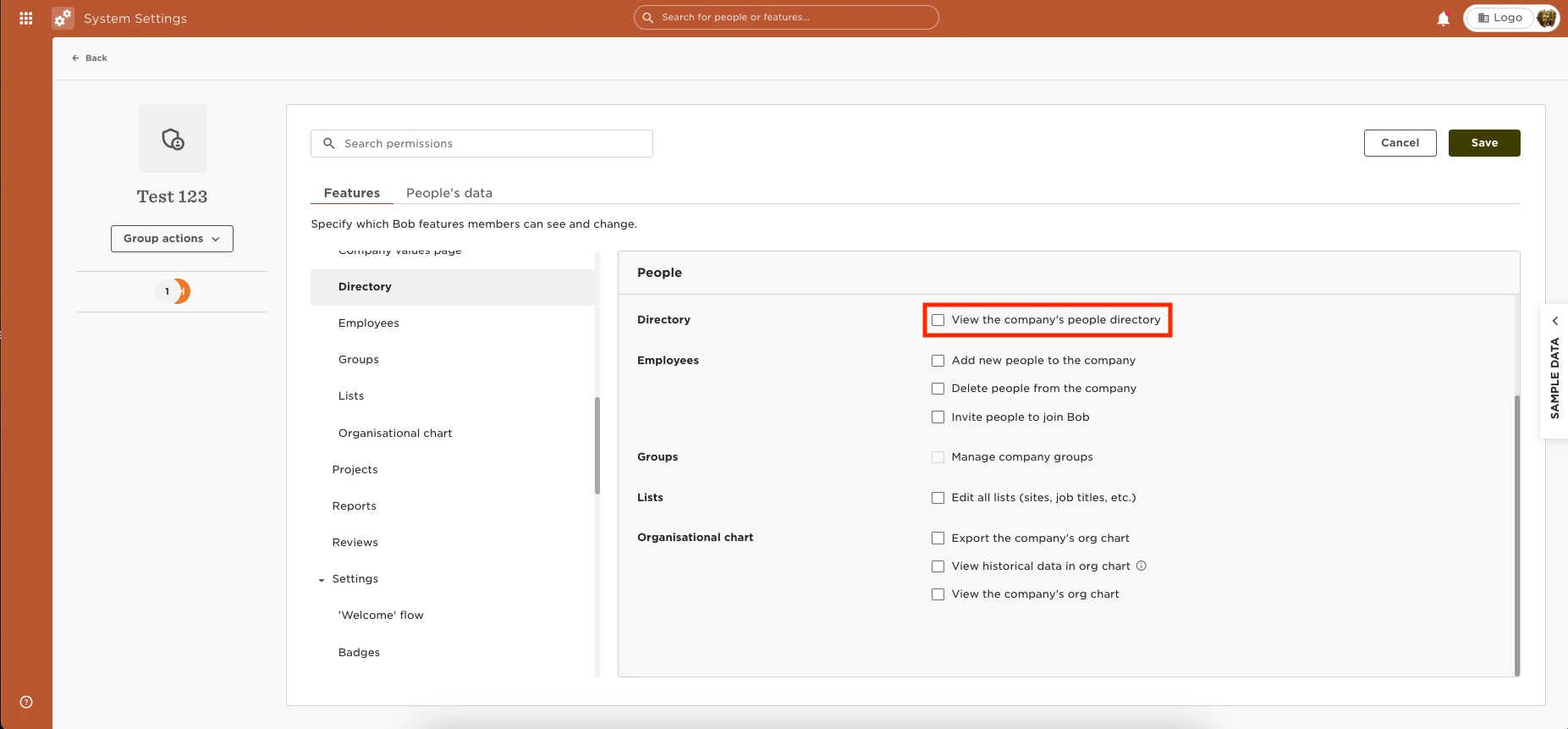
You can provide the permissions for employees to view the Directory by going to Settings > Permission Groups > Select the appropriate group > Select the Features tab > People > Directory > Enable the permissions to view the directory.
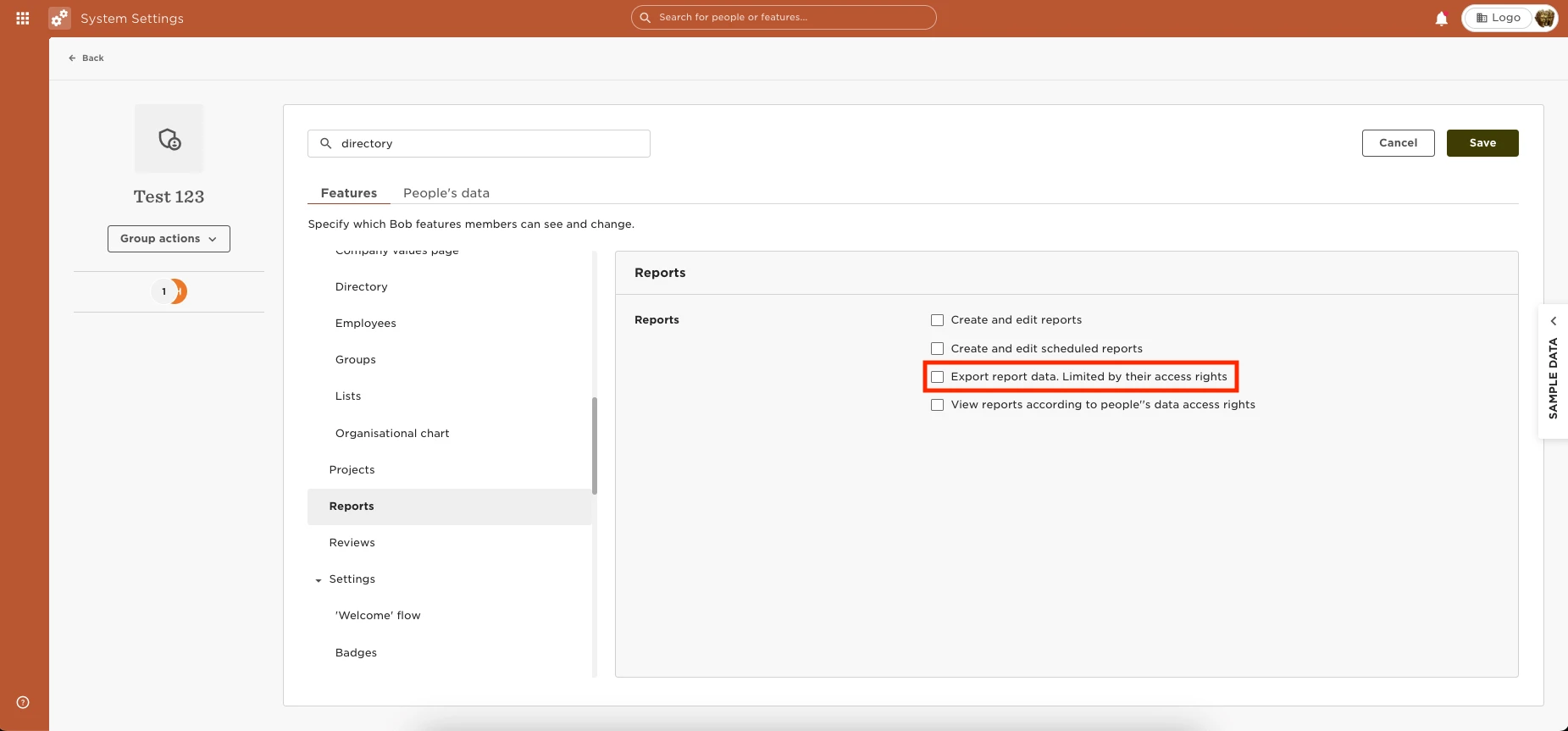
If you would like for employees to also be able to export the data, you can grant the permission by going to Settings > Permission Groups > Select the appropriate group > Select the Features tab > Reports >Export report data. Limited by their access rights