
Understanding how permissions work will help you streamline troubleshooting. The more permission groups a person belongs to, the more places you need to check, so knowing how Bob combines permissions makes it easier to spot where access is coming from.
The examples below focus on permission groups that share the same Access for setting. Keep in mind that the same permission can apply differently depending on who it’s configured for. For example, a permission group that has 'access for' lifecycle = employed and another that has site = London
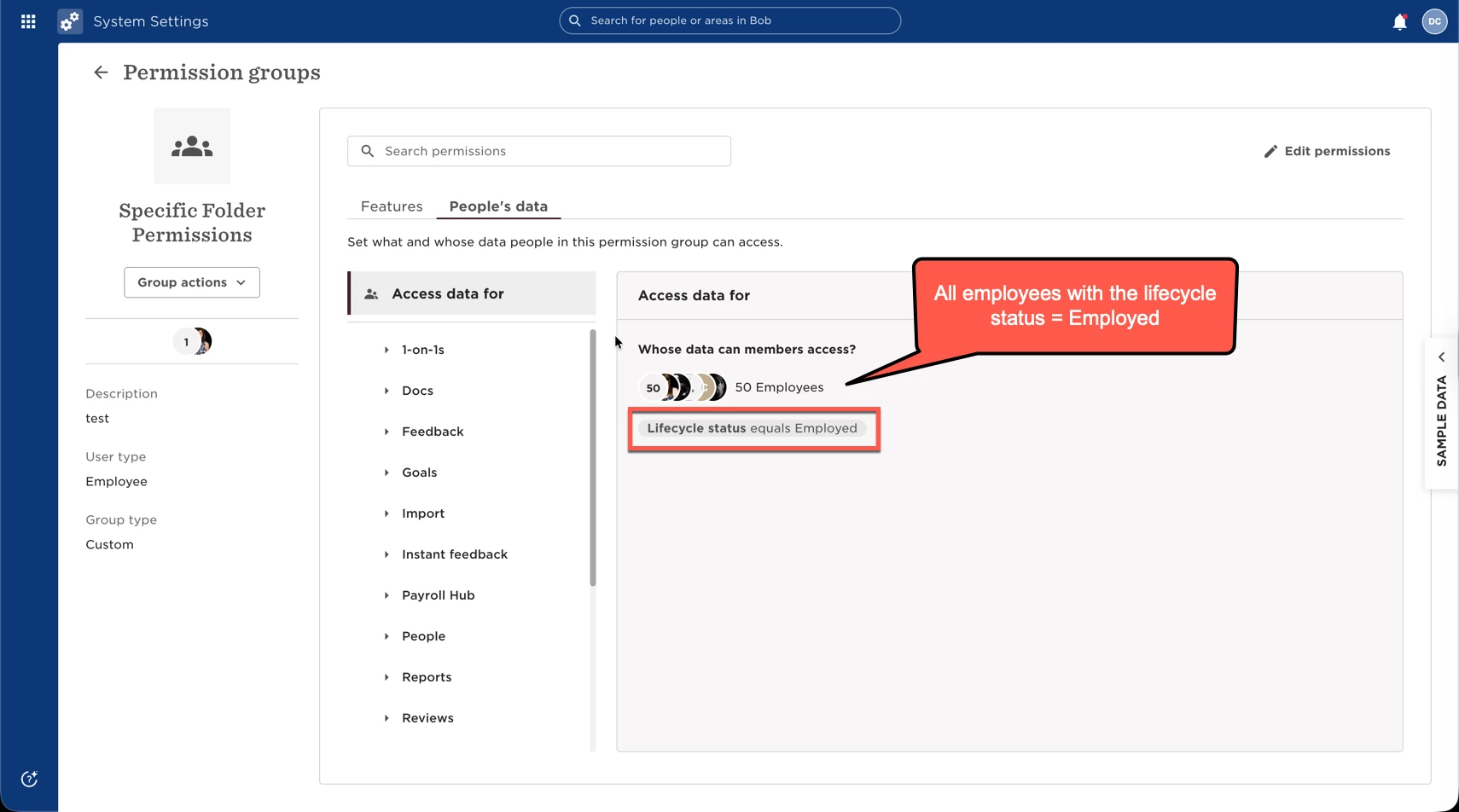
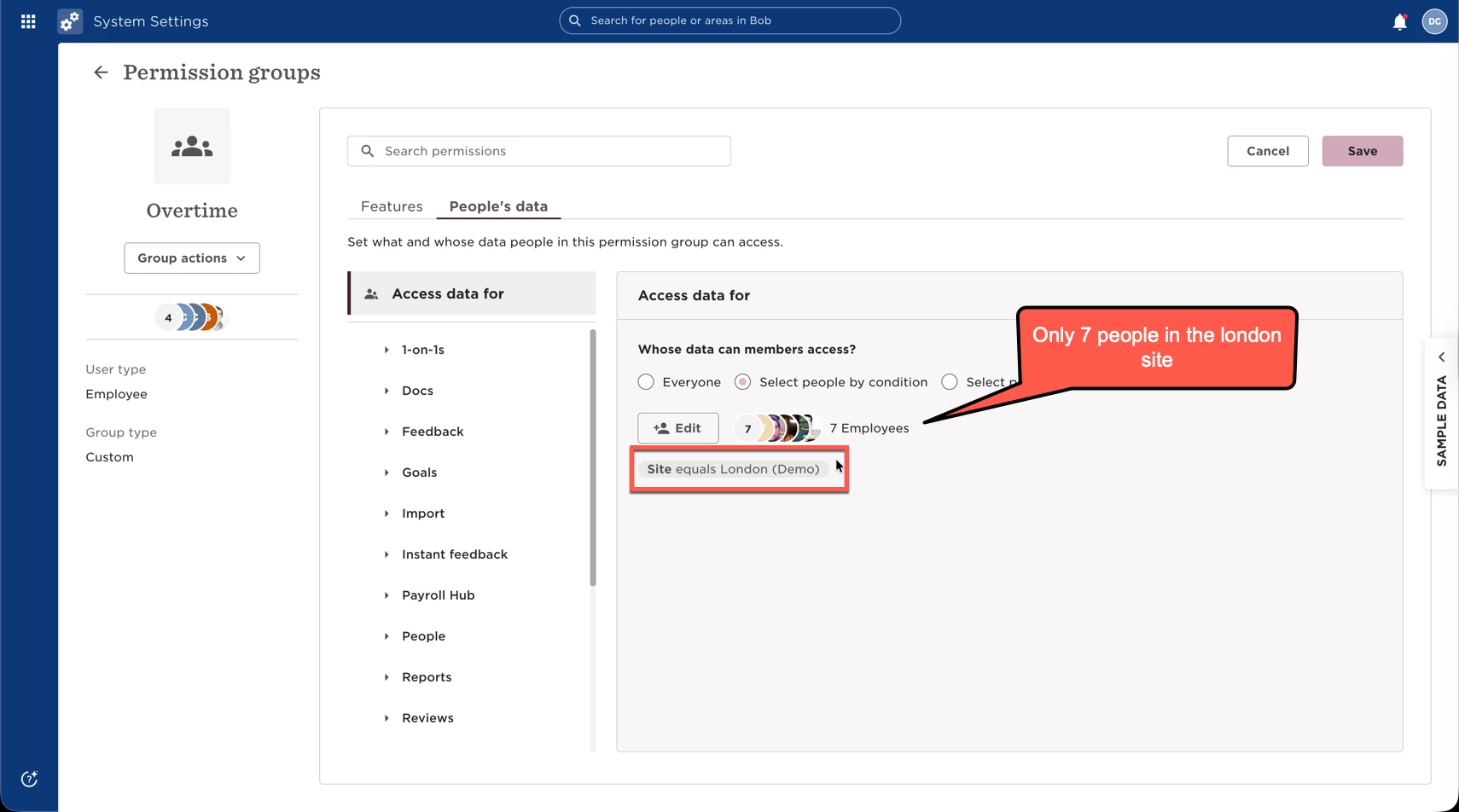
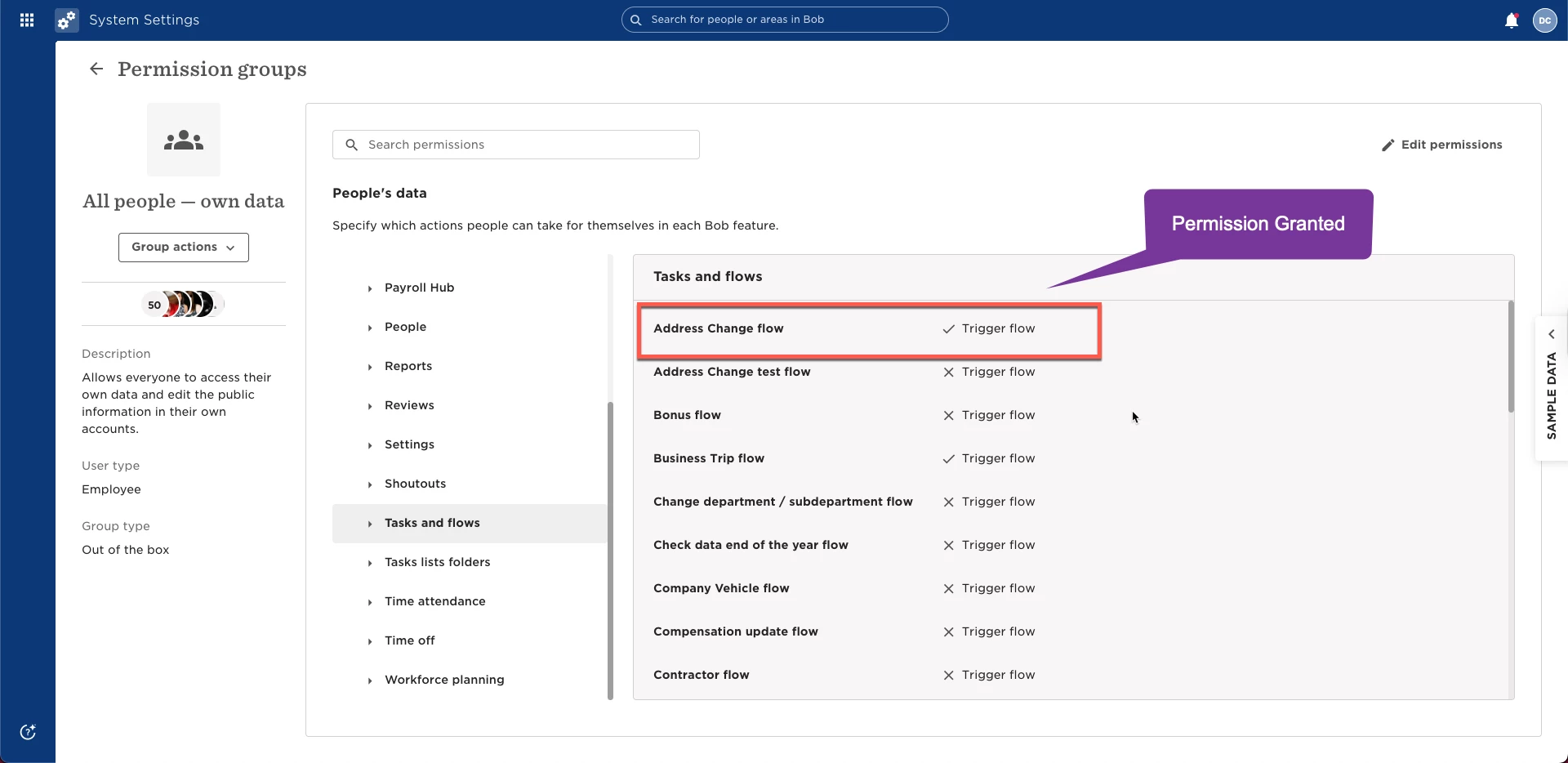
Permissions in Bob are cumulative(Please bold). This means that if someone belongs to multiple permission groups, Bob combines everything that’s granted, whichever group allows an action is the one that takes effect.
Example: If one group allows access to the Address Change Flow(Please bold) and another group doesn’t, the person will still be able to use the Address Change Flow(Please bold) because at least one group grants it.
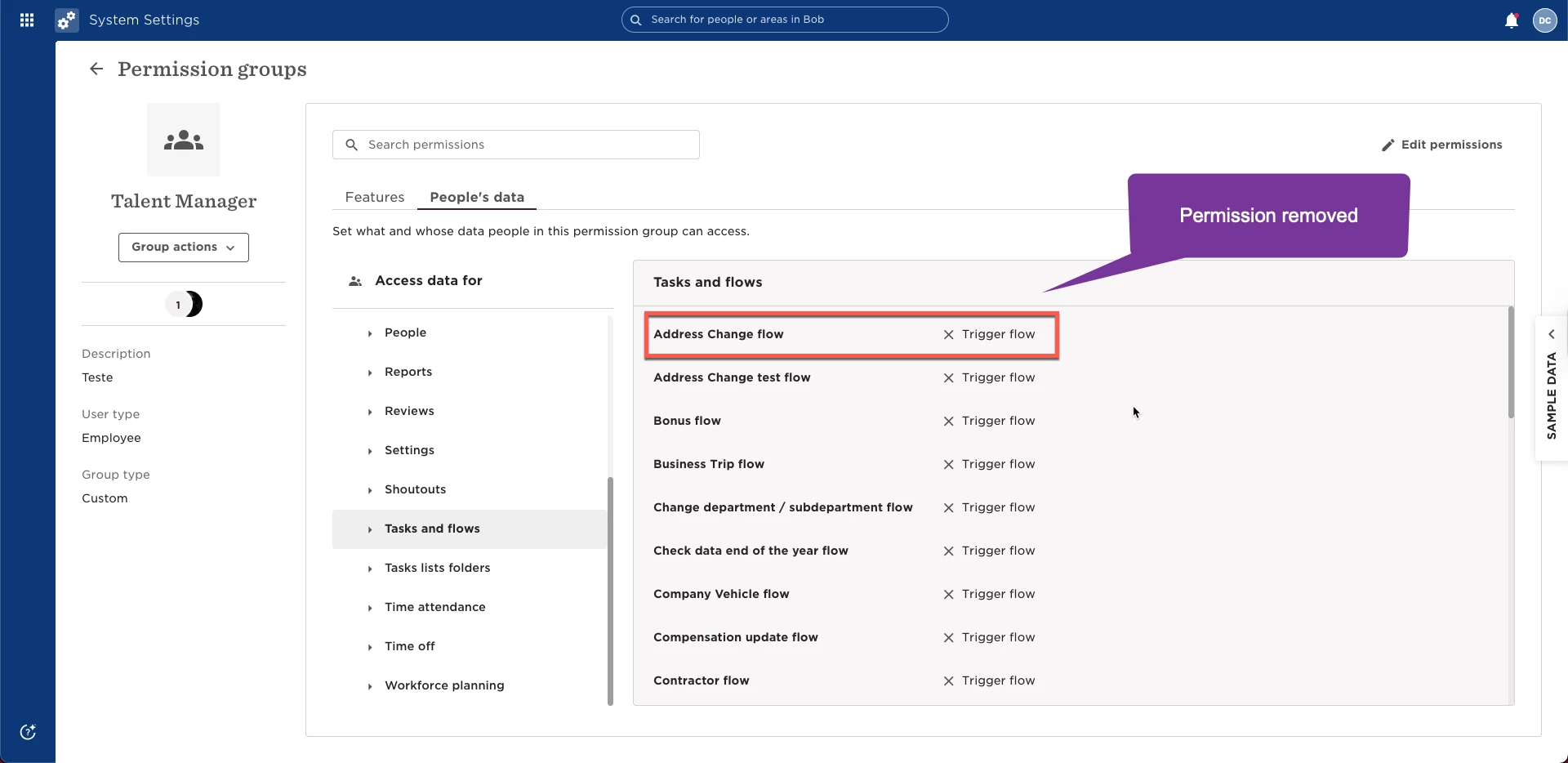
This helps you understand why adding people to several groups with overlapping permissions can create unnecessary complexity.
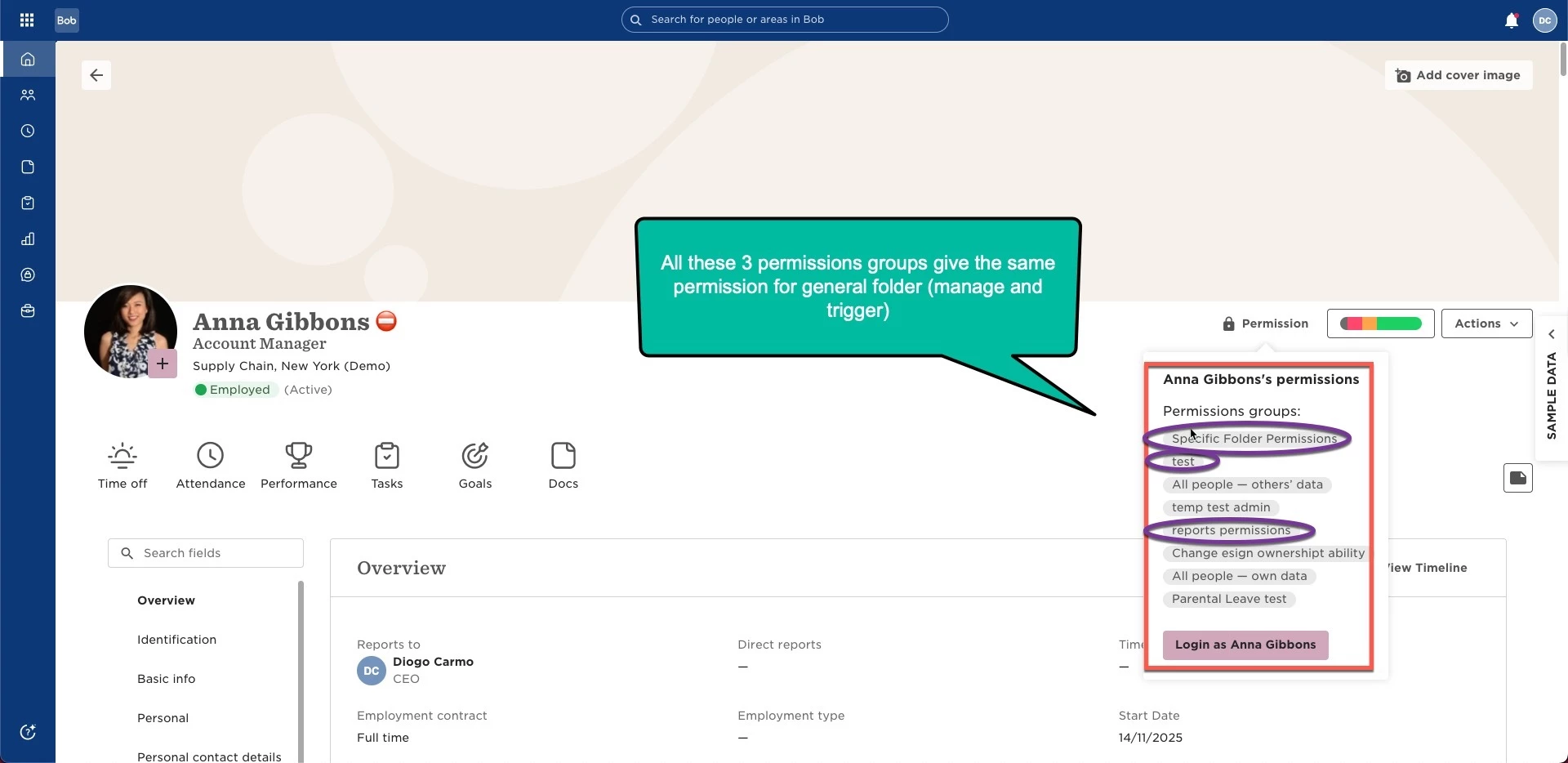
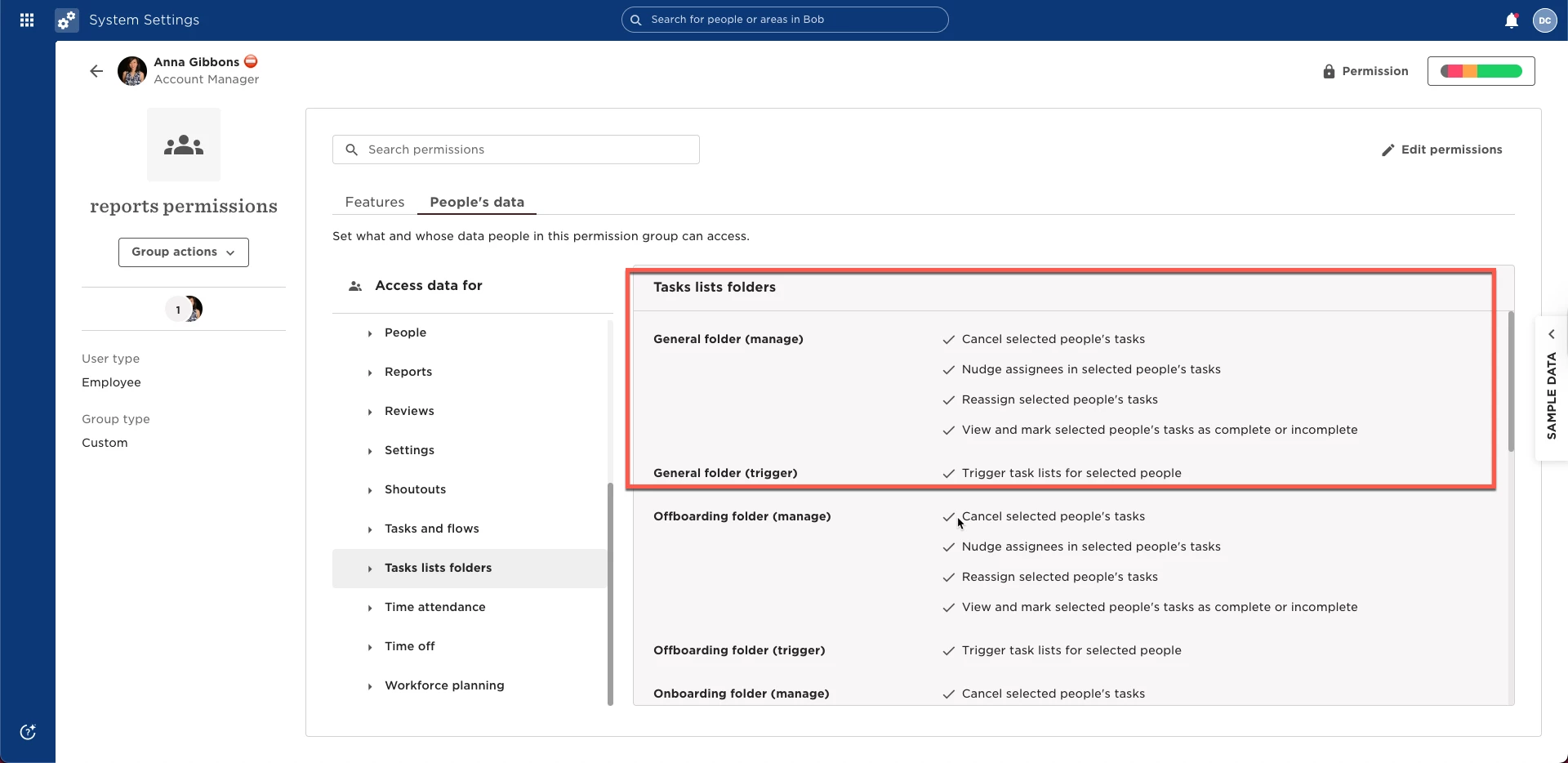
Example: If you add someone to three different groups that all include the General Folder (Manage and Trigger) (Please bold) permission, you now have three places to check when troubleshooting, without changing their actual access.
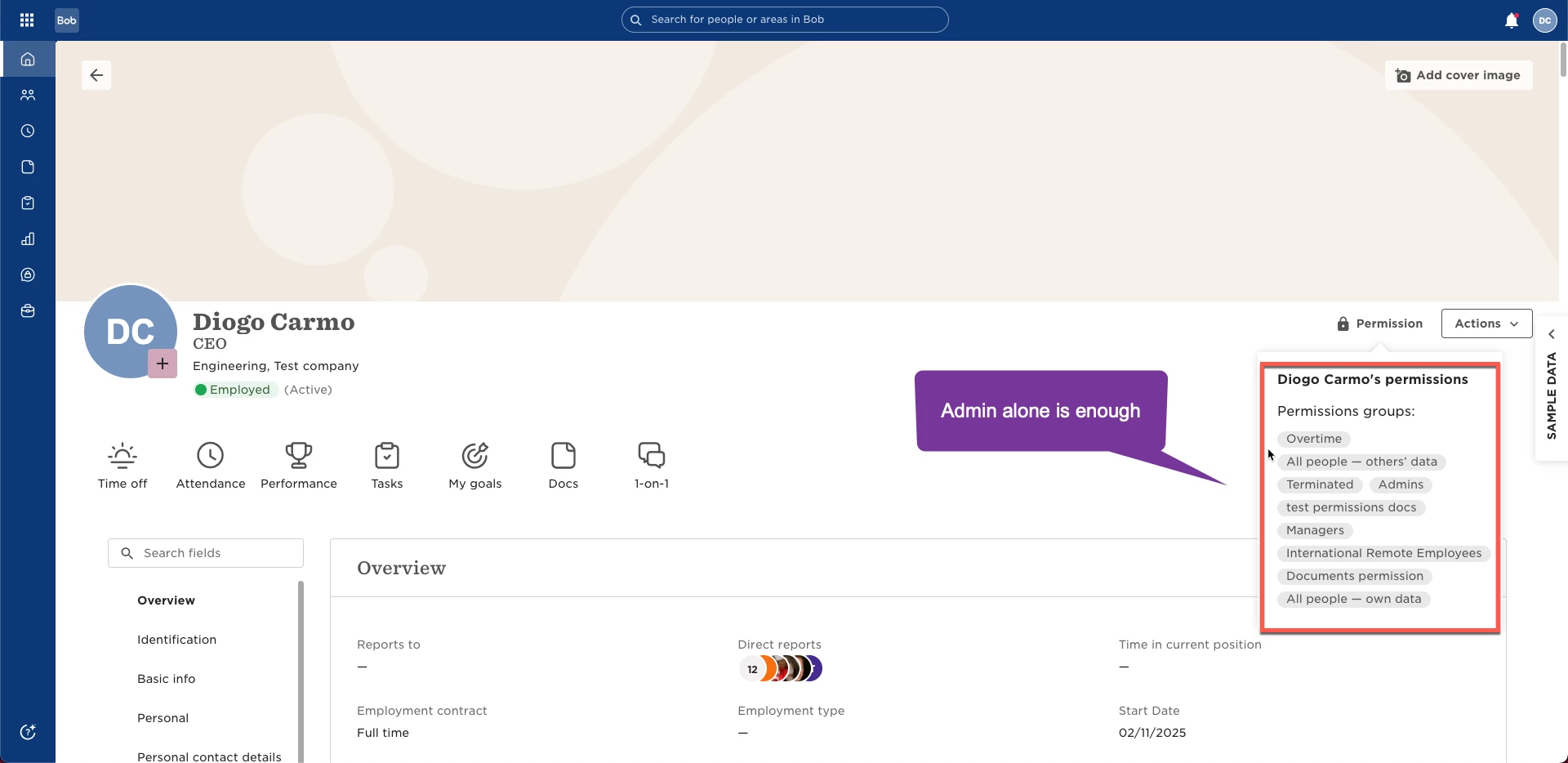
Admins (please bold) already have complete access by default, so assigning them to custom permission groups is redundant and doesn’t change their access.
Example: Even if you put an Admin into a restricted group where “View Documents”(Please bold) is turned off, they’ll still be able to view documents because Admin privileges override group settings.
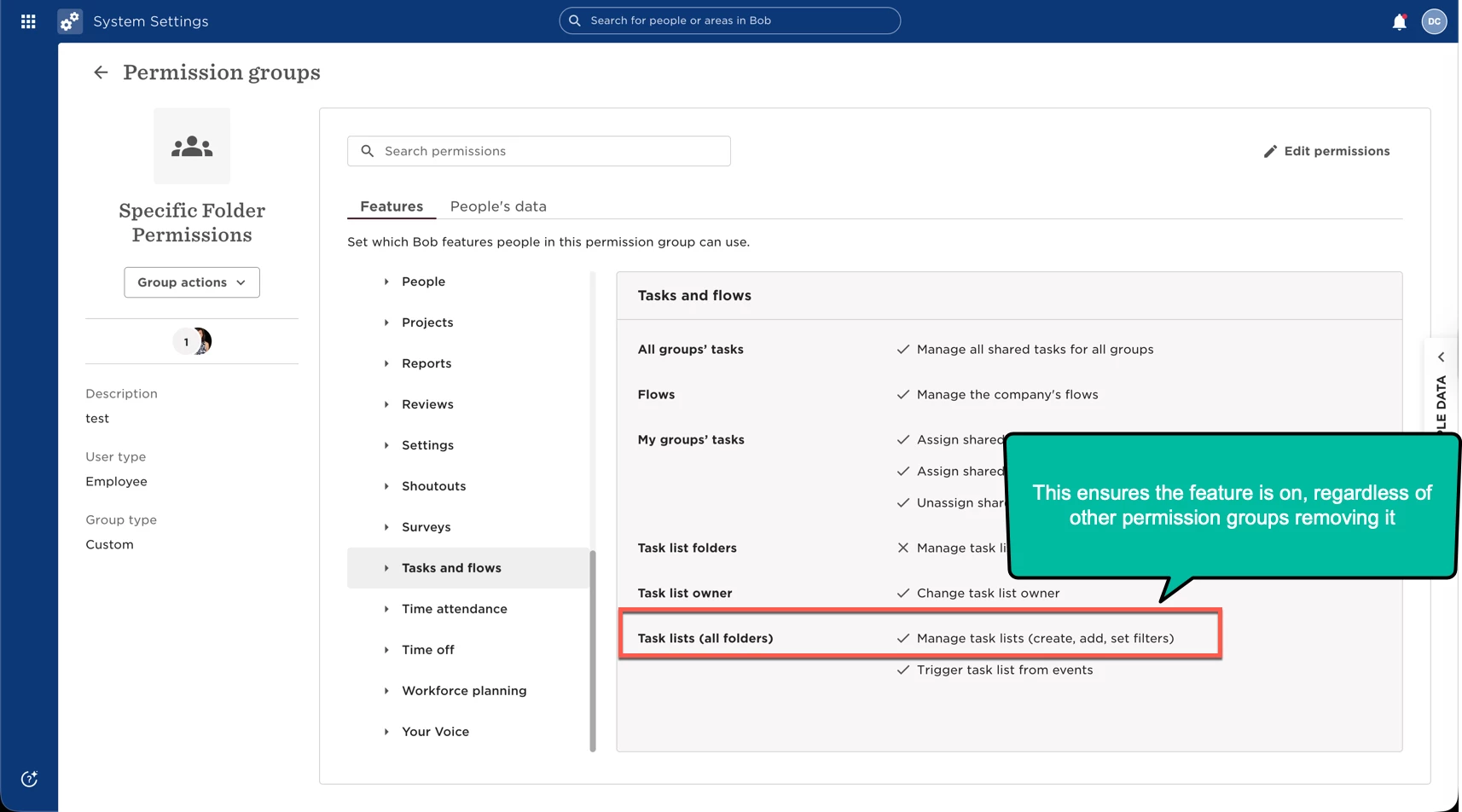
Feature permissions work the same way: once a feature is granted through any group, it stays granted, there’s no need to try adding or removing (it is off by default when you create a new permission group)
Example: If someone has the permission to manage task lists on a custom or out-of-the-box permission group, adding or removing that feature in their “General HR” (Please bold) group won’t take it away; they keep it as long as one group grants it.