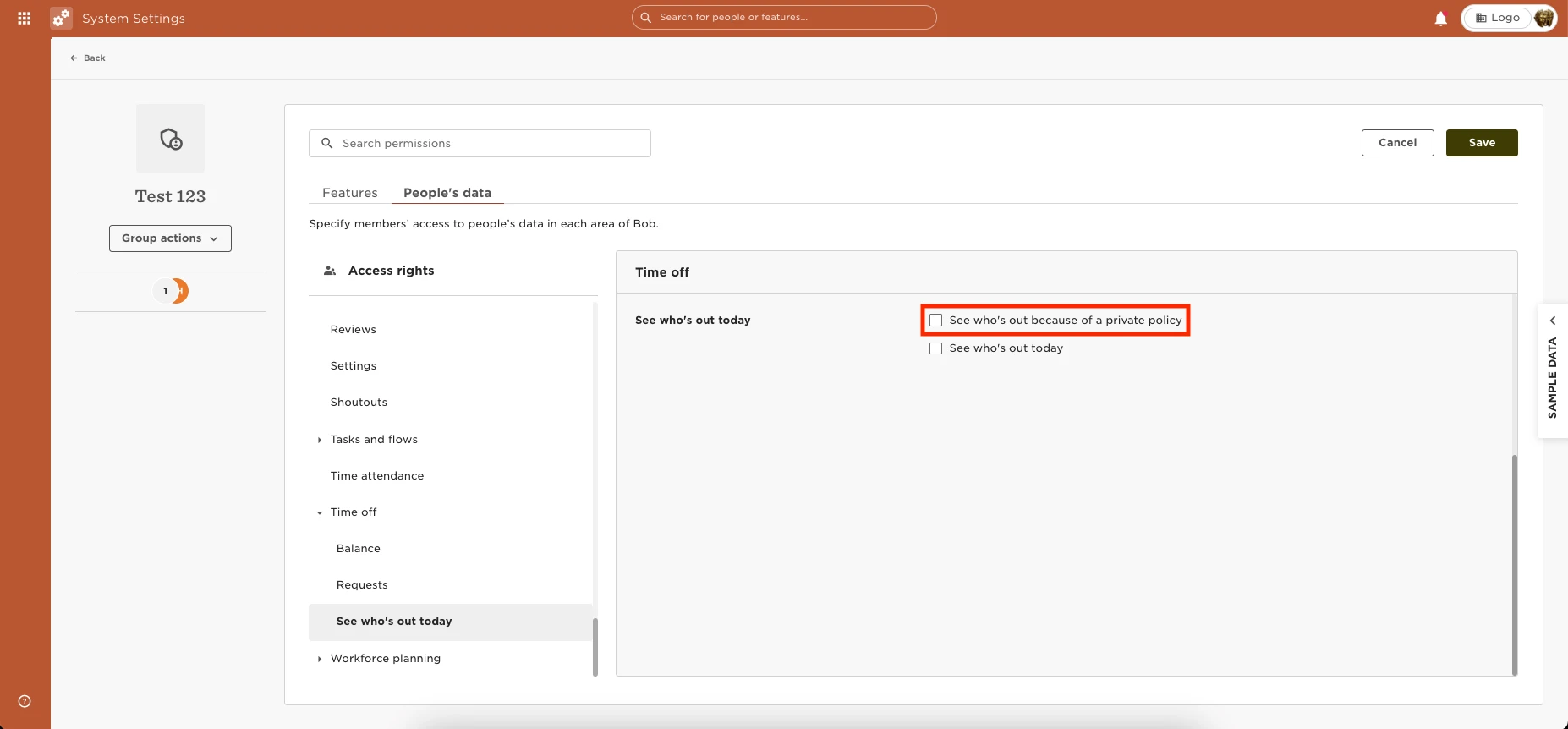
To enable the permissions for employees to see “People’s Availability” for Private and Custom name policies on the Homepage go to Settings Permissions > Select the appropriate group > Select the “People’s Data” tab > Time Off > Grant the permission to “See Who’s out today because of a private policy.”