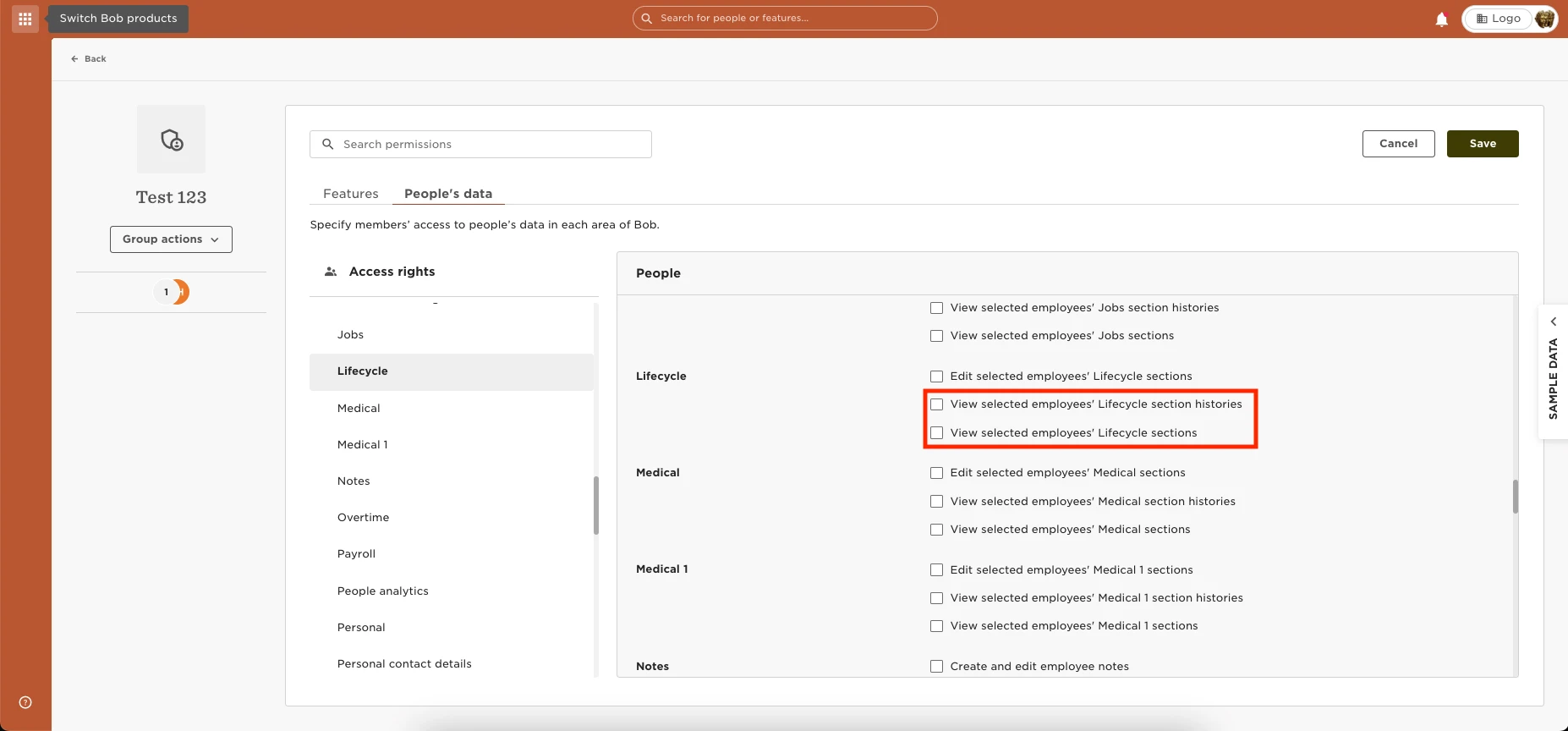
You can grant permission to view the Termination/ Leave reason in the employee's Lifecycle section by going to Settings > Permission Group > Select the group > Edit > People’s data > People > Lifecycle > Grant the permissions to “view selected employees' Lifecycle sections” and “View selected employees' Lifecycle section histories.”