
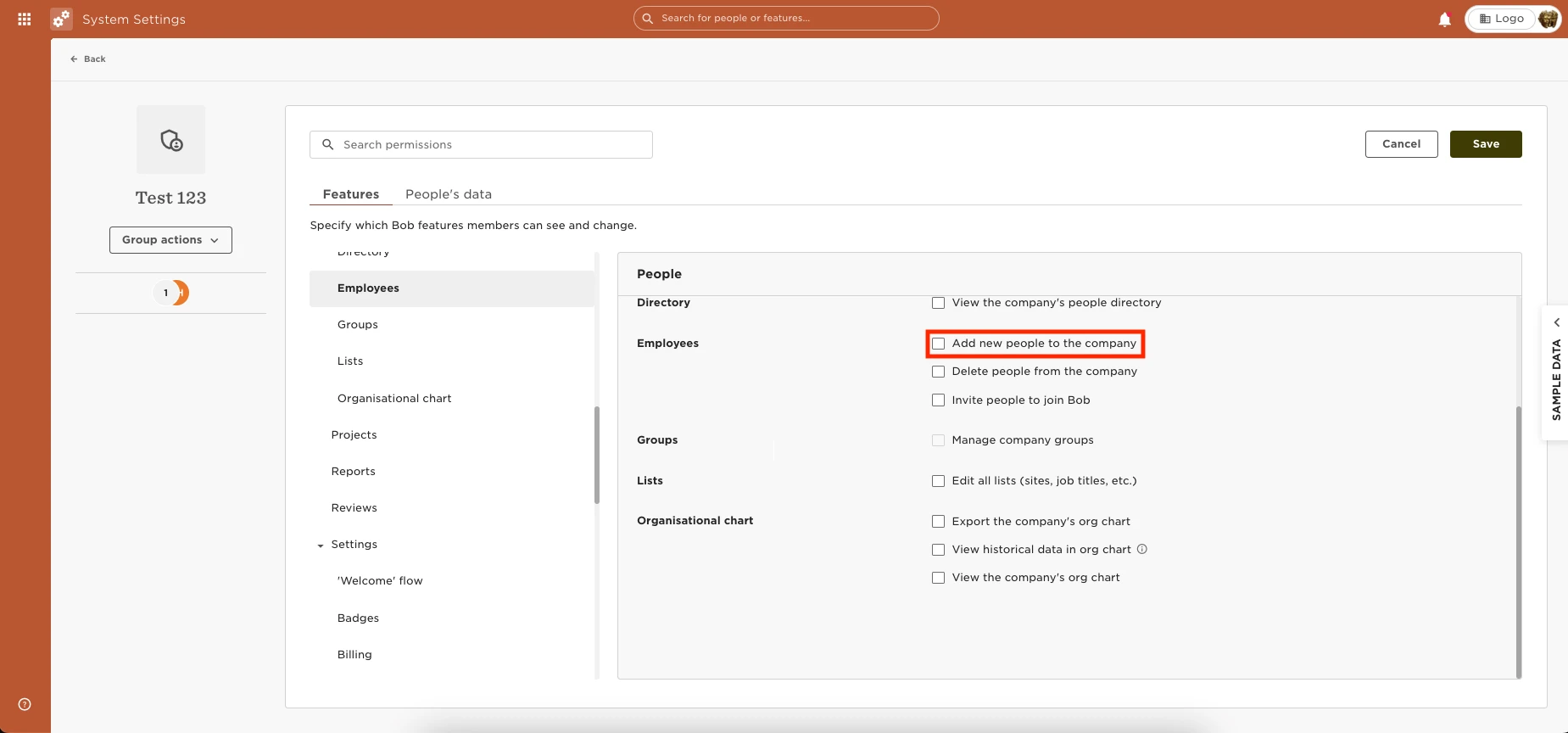
You can provide the permissions to add an employee through the directory by going to Settings > Permission Groups > Select the appropriate group > Select the Features tab > People > Employees > Enable the permissions to “Add new people to the company.”
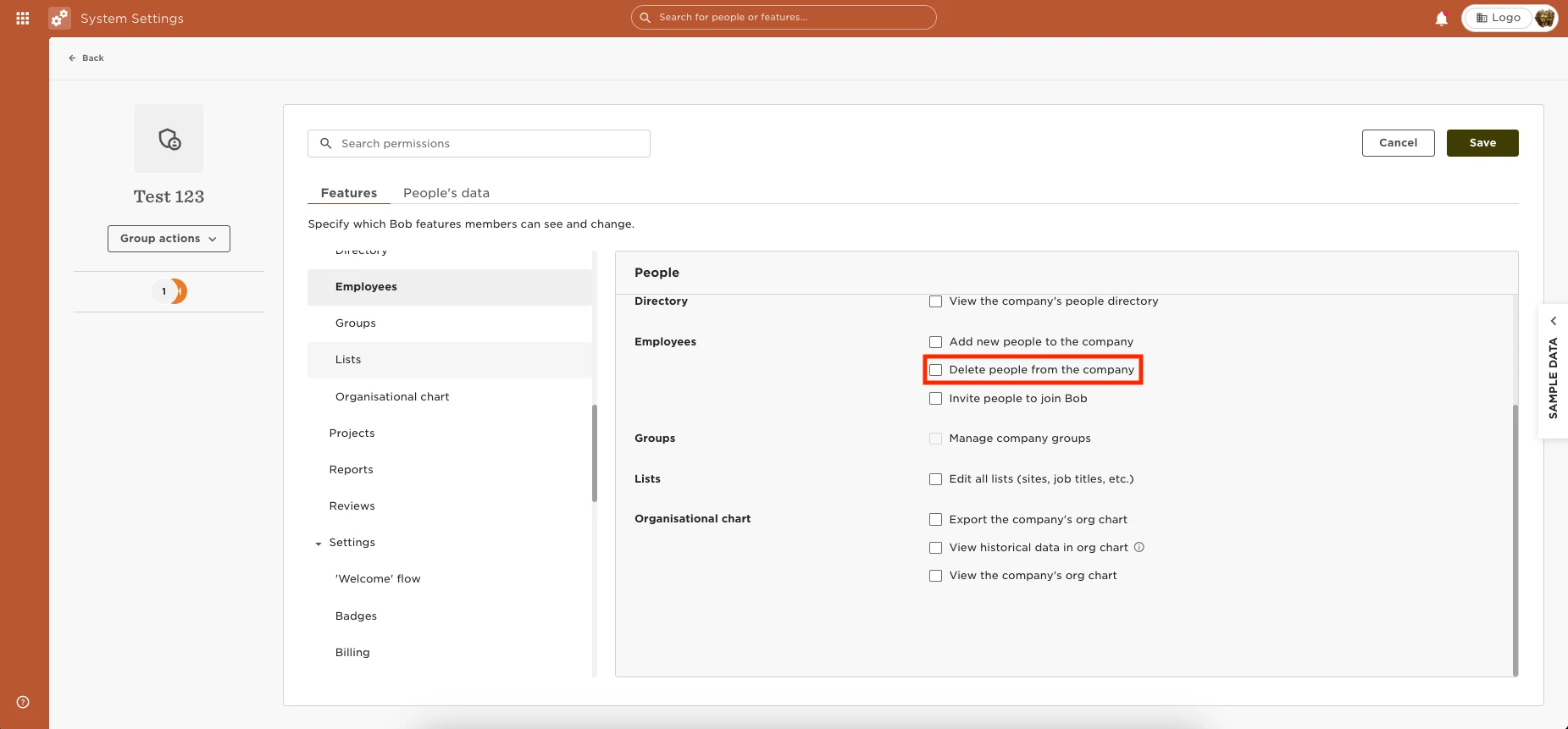
For permission to delete an employee grant the permission to “Delete people from the company.”
For permission to invite an employe
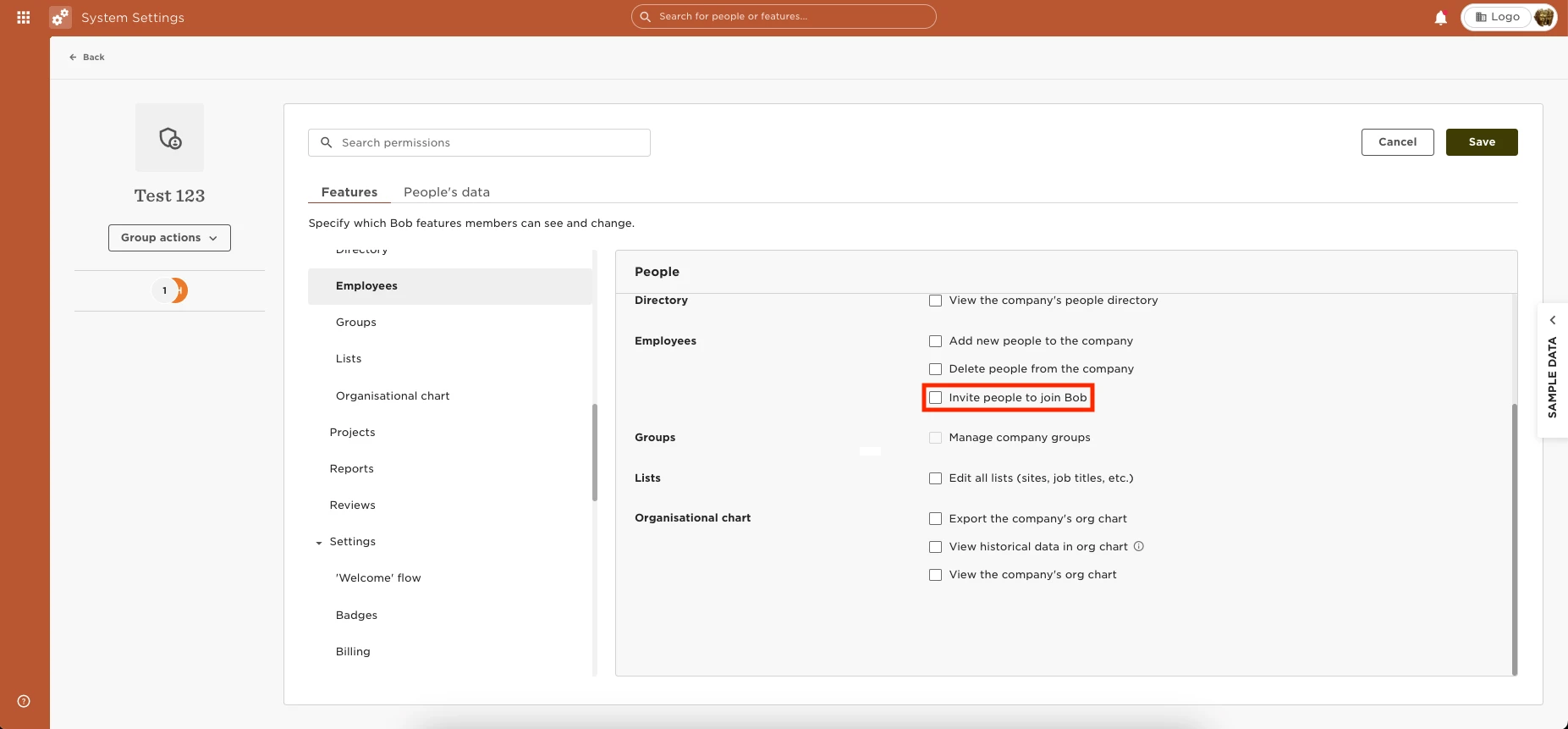
e grant the permission to “Invite people to join Bob.”