

When AI permissions are enabled, the way managers access employee goals inside a review changes slightly. The goals aren’t removed - they’re just shown in a different place within the performance review.
If managers say they can’t find employee's goals within review cycle, this is usually the reason.
1. Go to My Reviews → My Team
2. Open the relevant review cycle
3. Enter the employee’s review
If the Writing Assistant is visible:
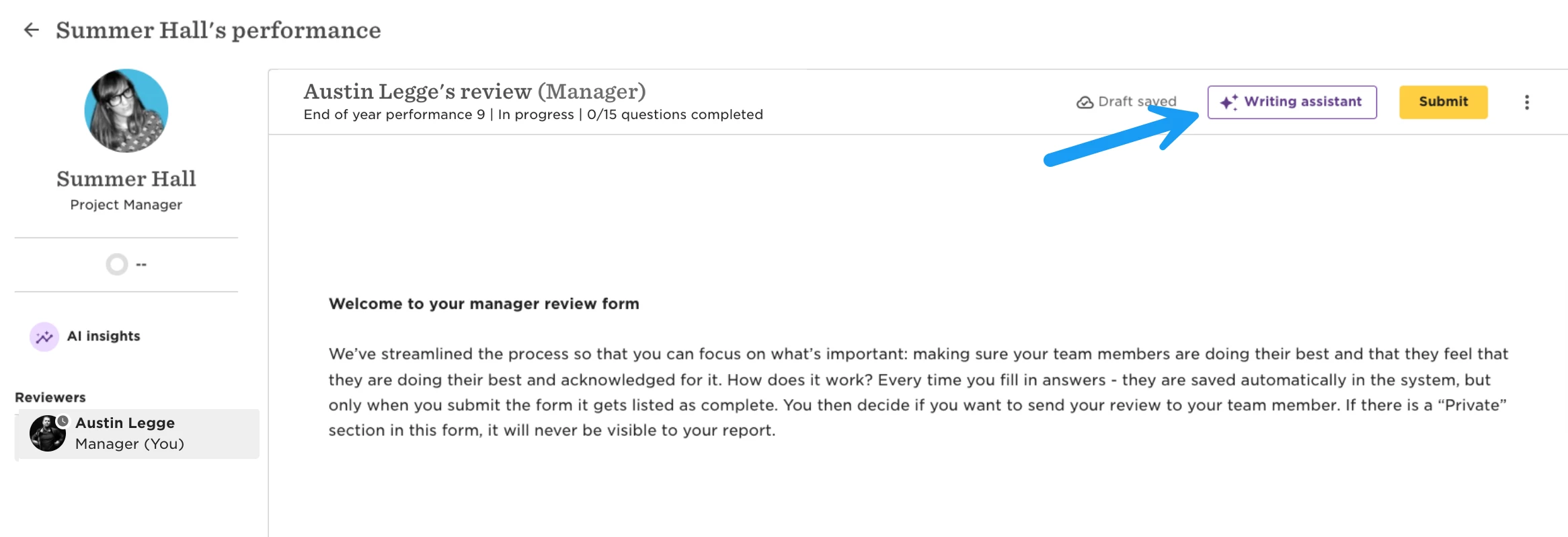
4. Click Writing Assistant at the top of the review:
5. You can find "Goals" under helpful info for this review:
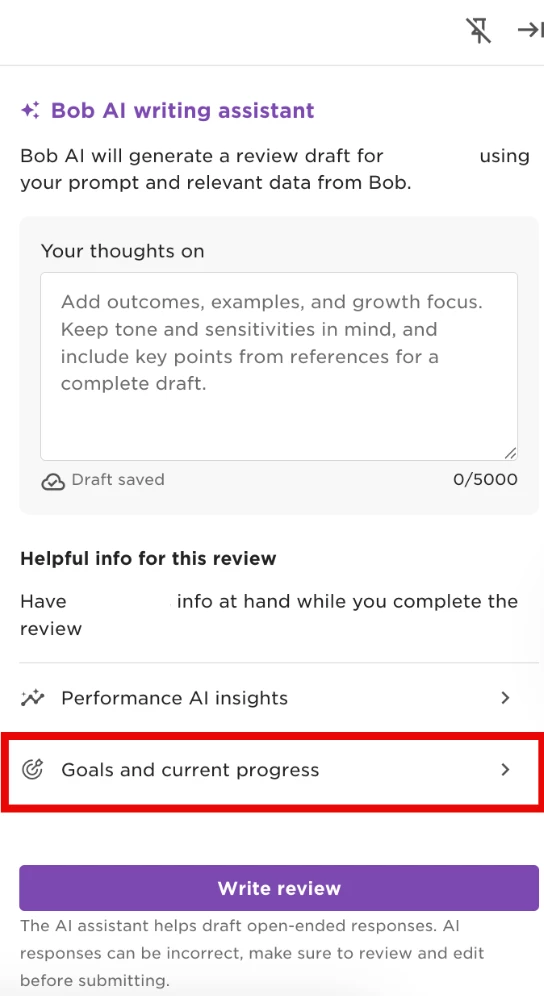
6. The employee’s goals will open in the side panel