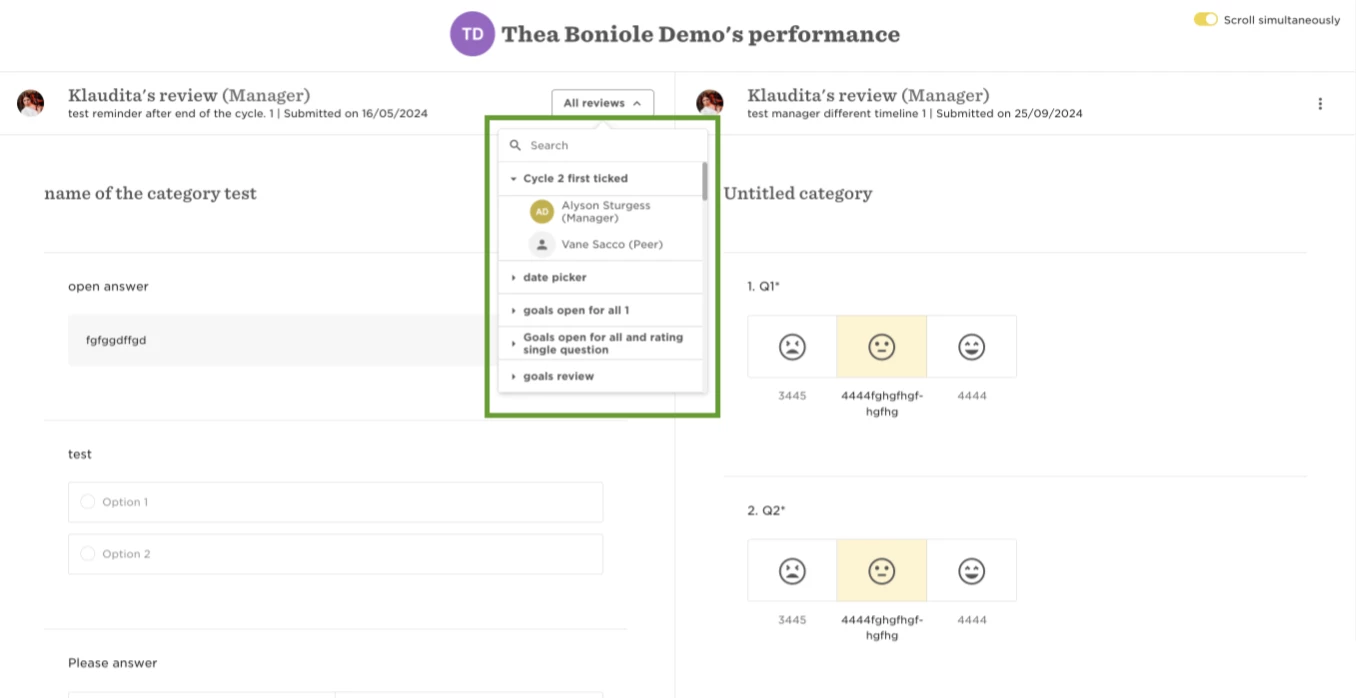
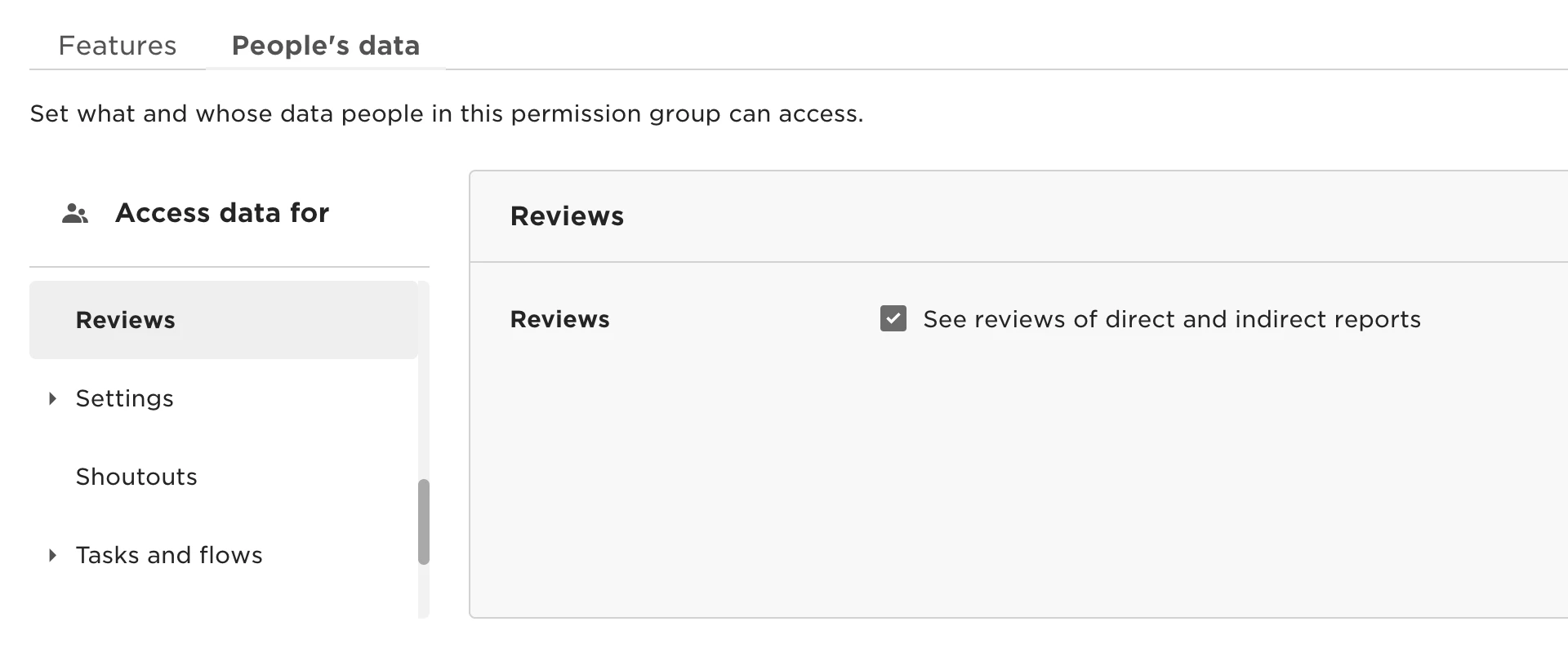
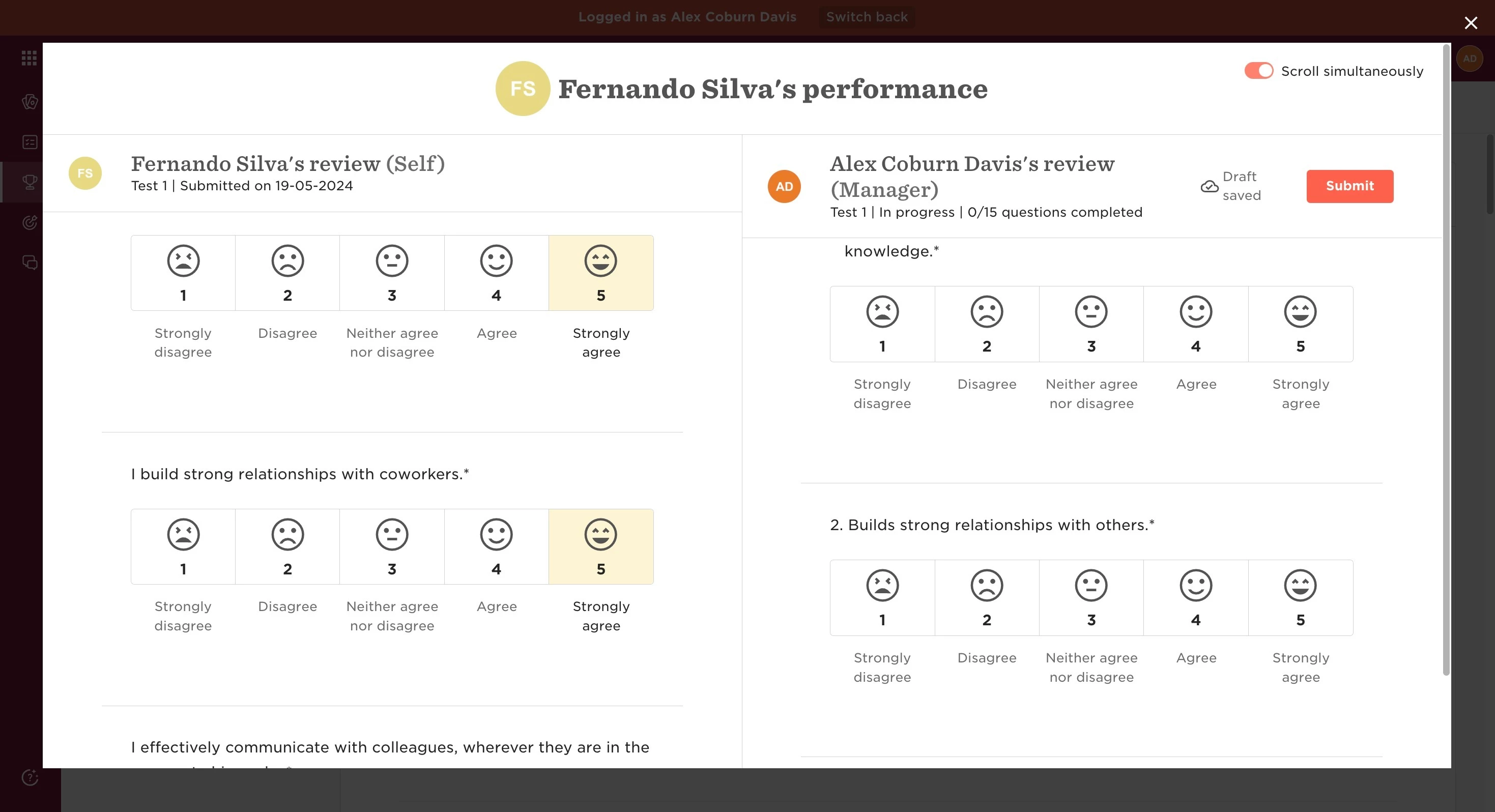
The split view option is available for Managers whilst both creating the review, and upon completion to review both answers.
However, should the review be their report’s first review, the split view will not be an option to select as there are no previous reviews to compare to.
This can be achieved by following the next steps:
- From the top left, click on Bob products
- Select Talent
- You will find in the left menu the option Performance
- Select My reviews
- Click on the tab My team
- Start the review you want to fill
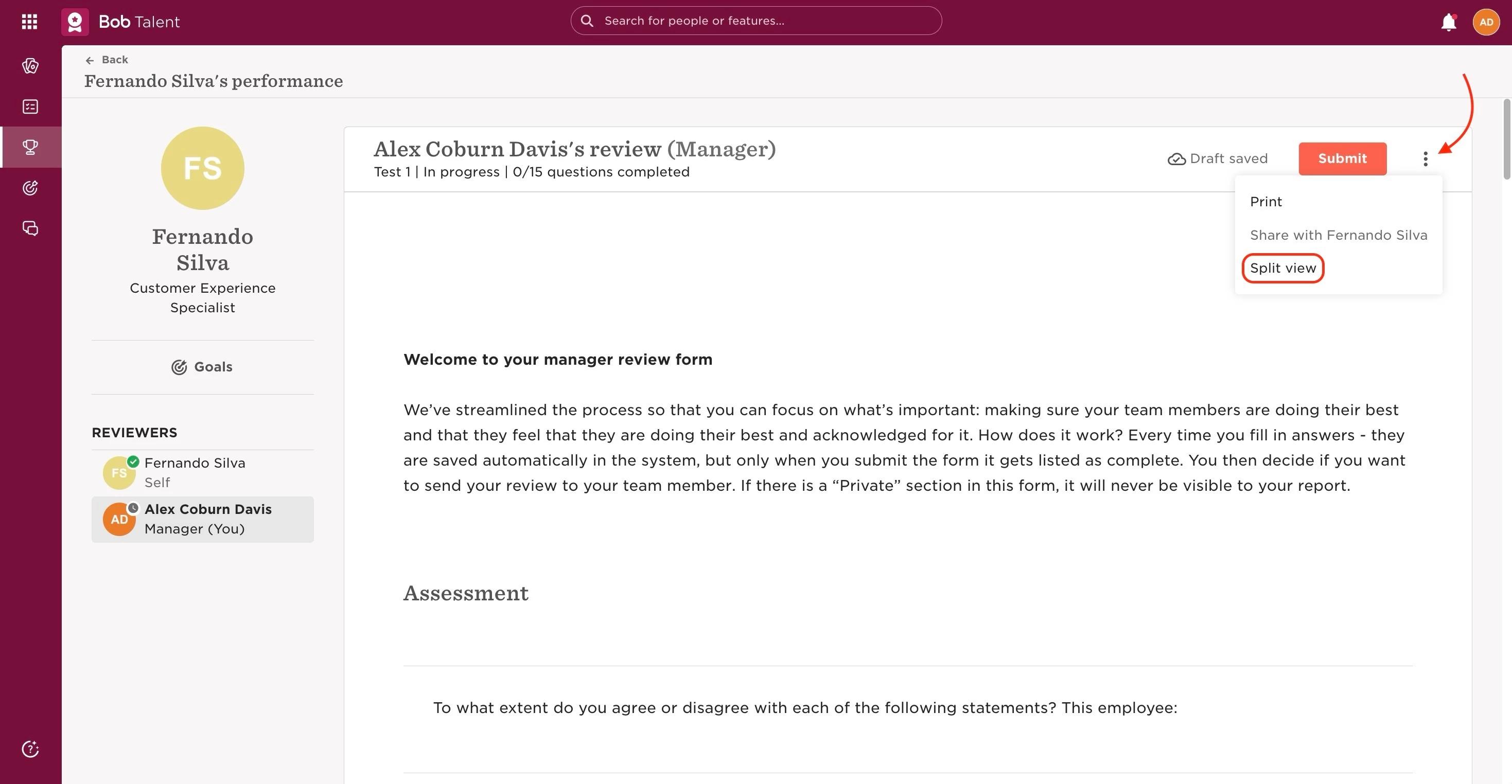
- On the top right, click on the 3 dots next to the submission button
- Select Split view
Last edited on June 25th, 2024