

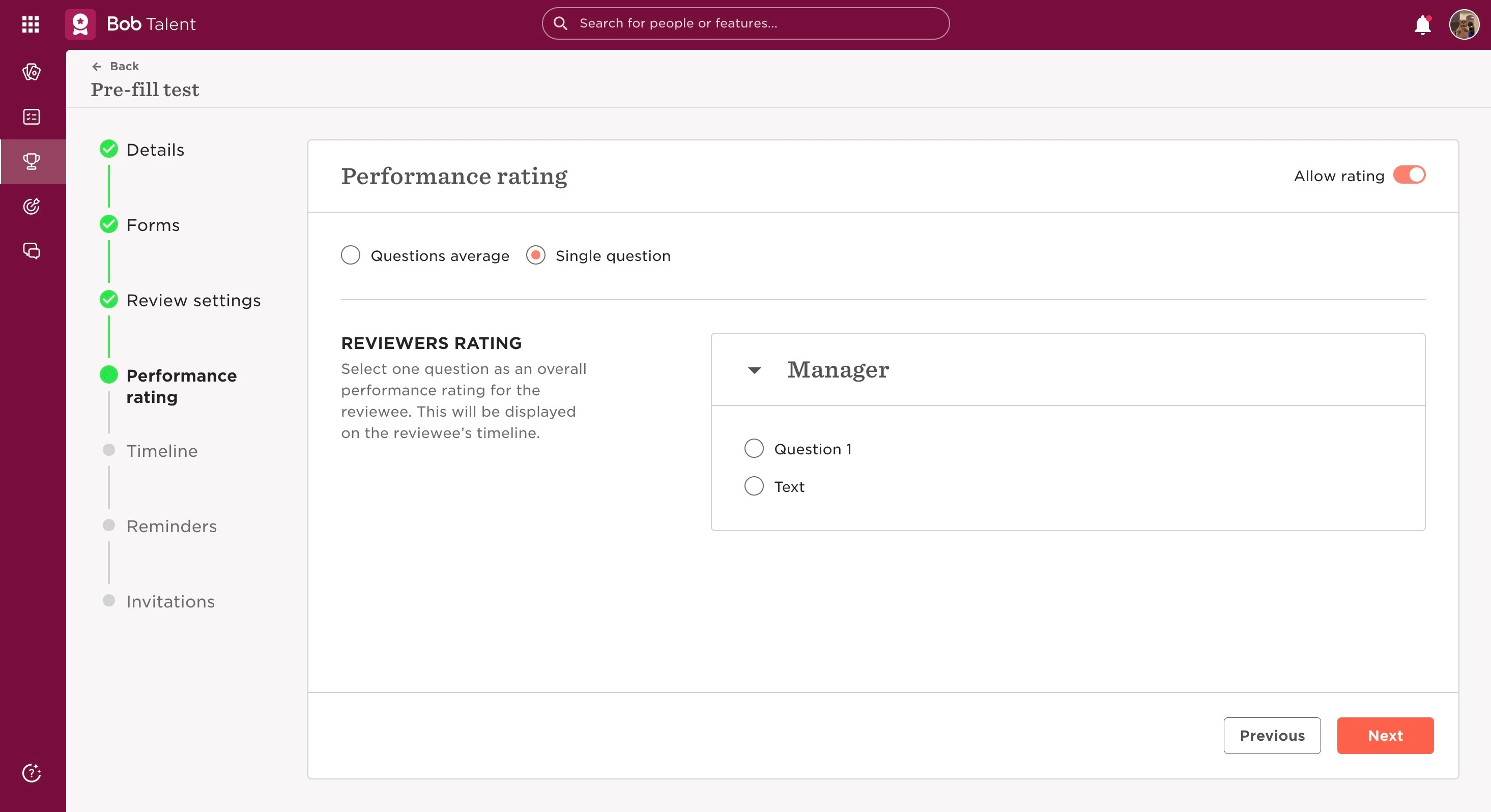
It’s important to understand that the "Single question" option is only available when there is a Manager review. If any cycle only includes other reviews than a Manager review, this option will not be there.
So, if you go:
- From the top left, click on Bob products
- Select Talent
- You will find in the left menu the option Performance
- Select Manage cycles
- Click on the already created cycle or create a new one on + New Cycle
- Go to the section Performance rating
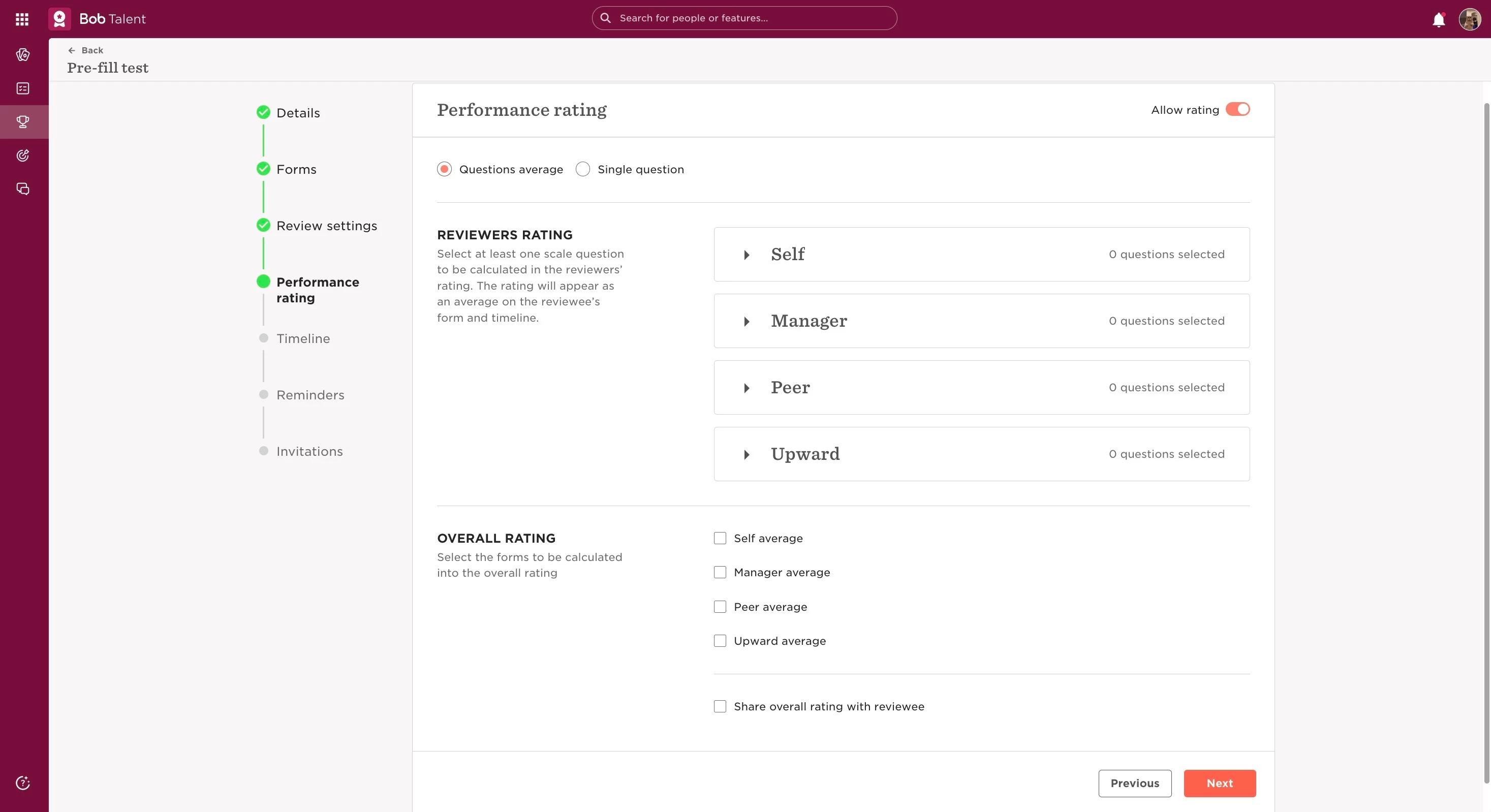
The "Single question" option is only for overall performance rating for the reviewee and displayed on the reviewee’s timeline, while the "Questions average" option is intended for one scale question to be calculated in the reviewers’ rating and the rating will appear as an average on the reviewee’s form and timeline.
Last edited on June 20th, 2024