
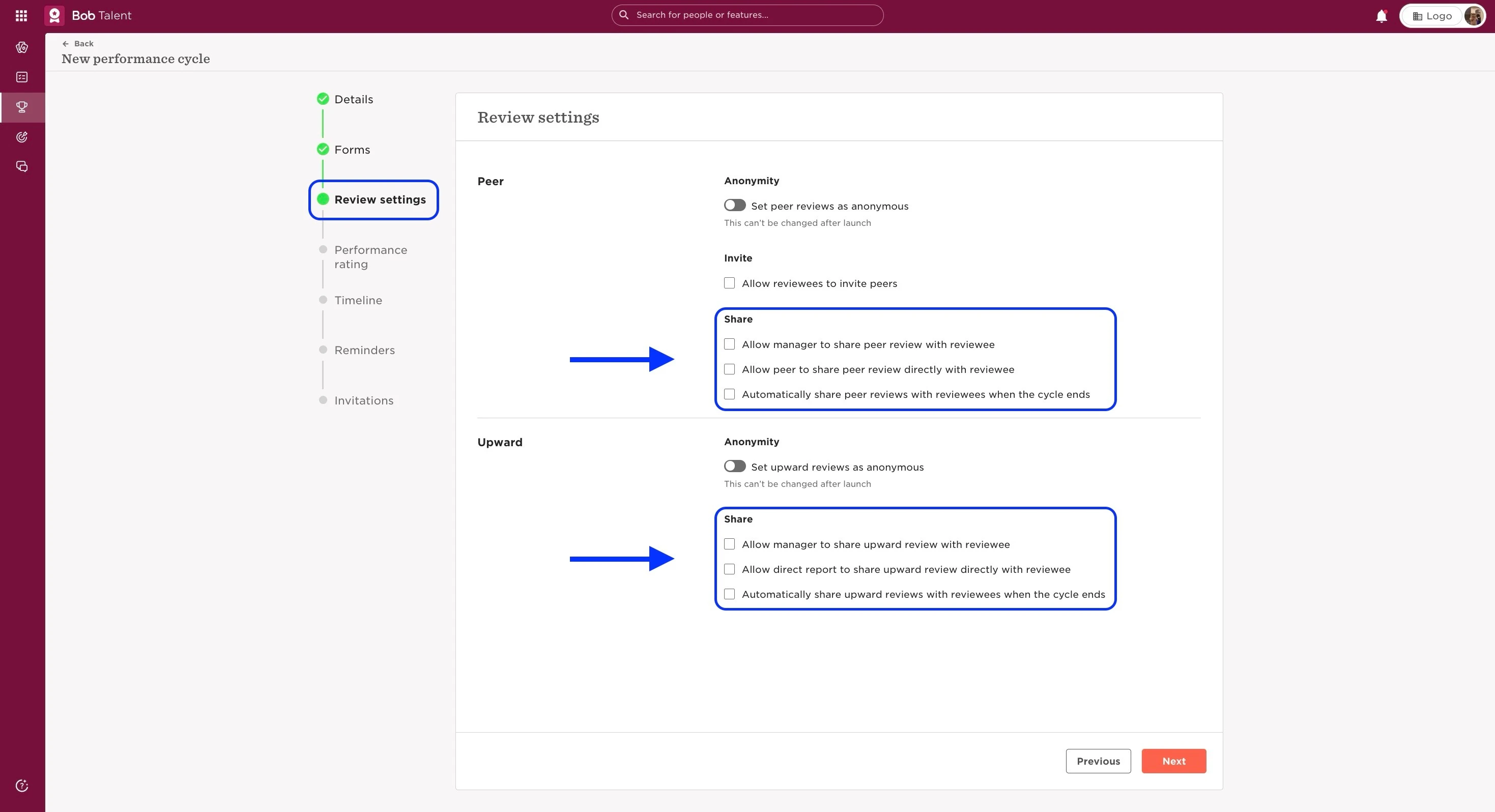
Upward and Peer reviews will be visible for the participant, as long as this was shared with them. How this will happen can be defined while setting up the cycle, and there are a few options to select from.
You can do it following the next steps:
- From the top left Menu, select Talent
- Choose the option Performance
- You will find in the left menu the option Performance > Manage cycle
- Click on Create a new cycle, or edit one already created
- Follow all the steps until you reach “Review settings”
- From here, you can choose the Share options desired (see more details on the options here)
Last updated on June 30th, 2024