Order of Status in Performance Reviews

  • Jul 9, 2025 12:52 PM UTC
  • 2 replies
  • 96 views
  • Translate All

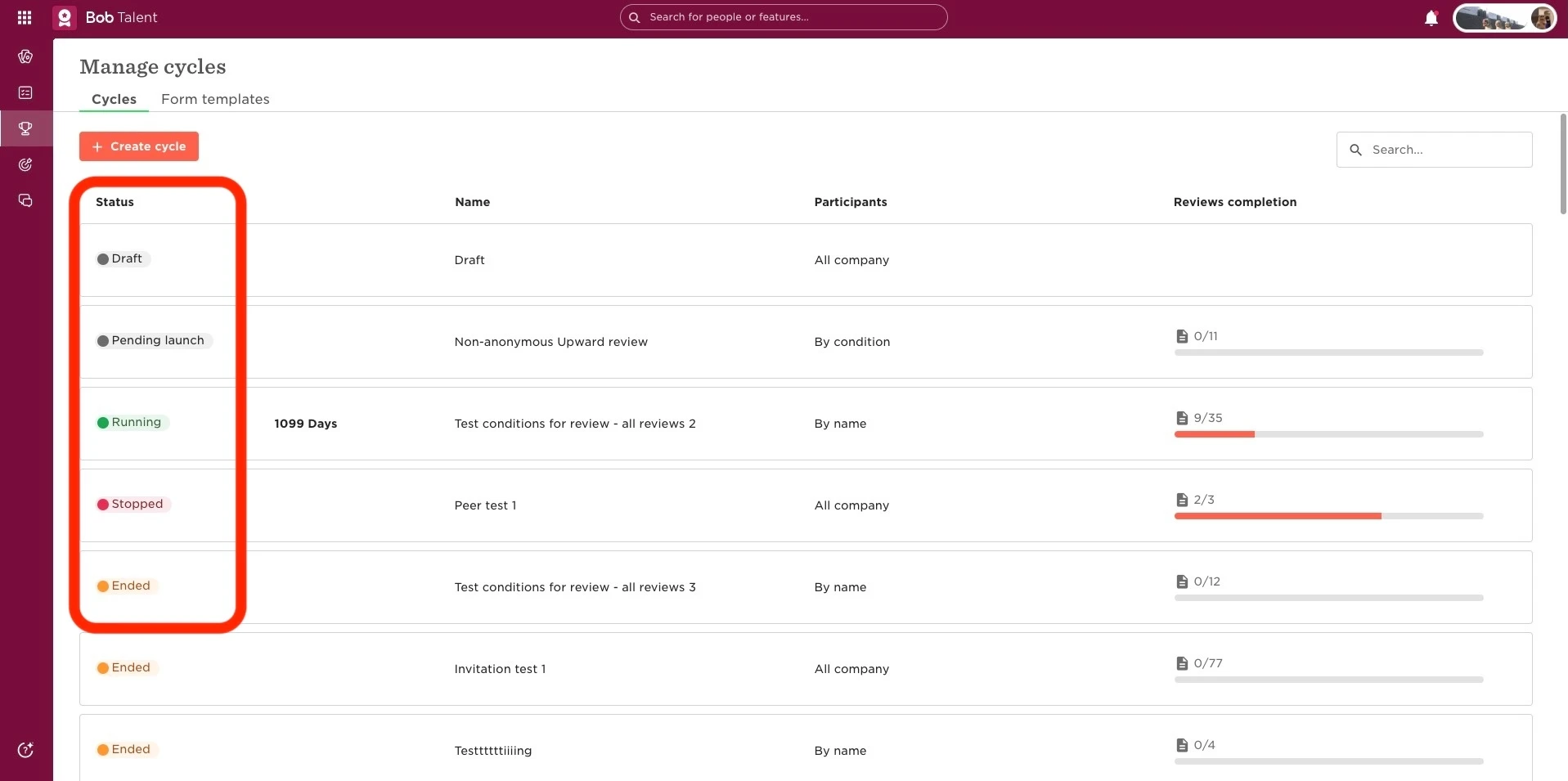
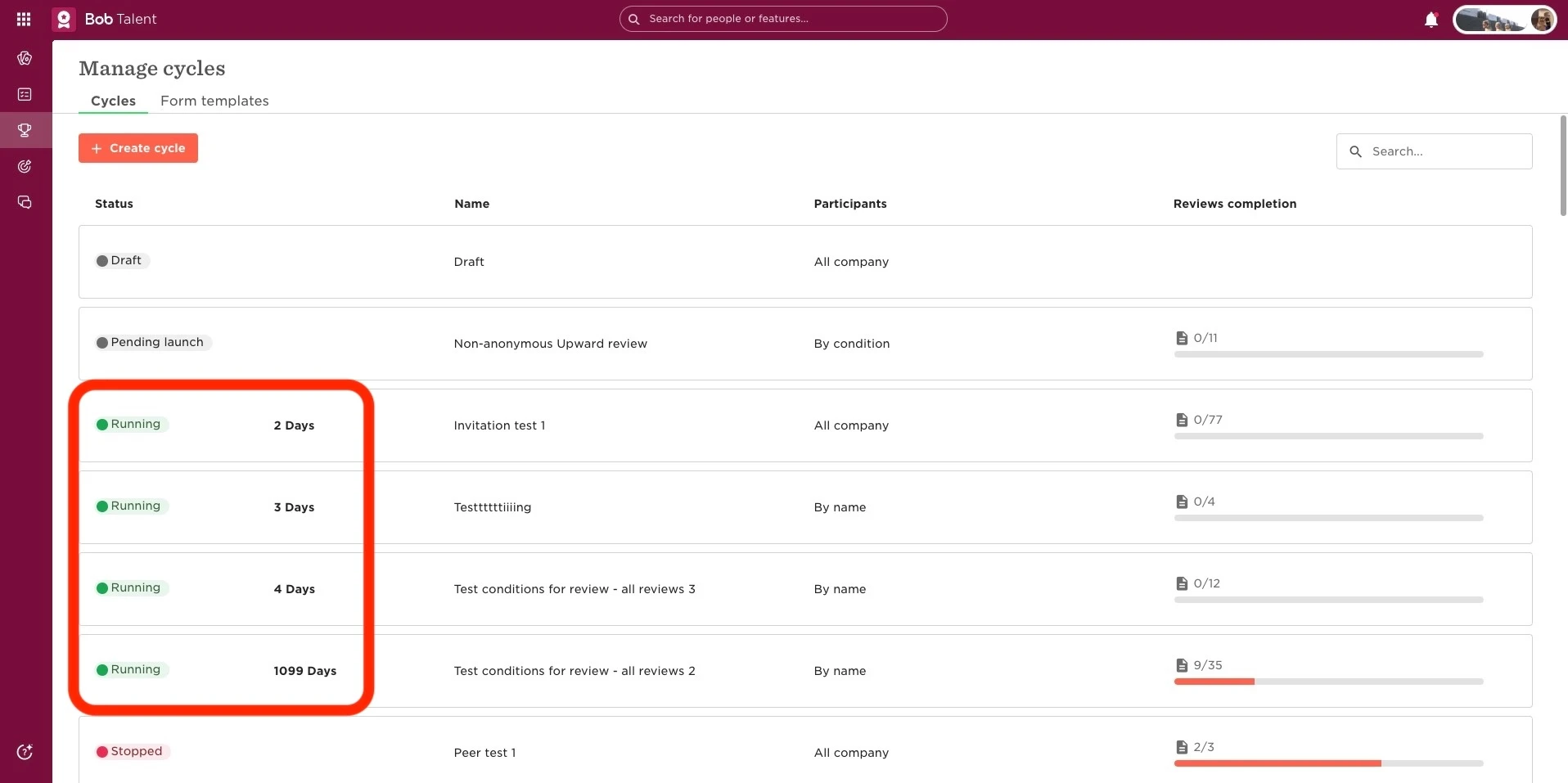
In the Manage cycles tab of Bob’s Performance area, review cycles are automatically ordered by status and end date. This order can't be customized.

First, cycles are grouped by status, following this sequence:

  • Draft

  • Pending launch

  • Running

  • Stopped

  • Ended

Within each status group, cycles are listed by end date, with the closest end date appearing at the top.
 

2 replies

I have one old 2024 performance review cycle under the Stopped status, and it always shows up at the top of the list since all my other  quarterly 2025 cycles are marked as Ended. This is confusing and frustrating for users, as it appears as if this cycle is the most recent one.

👉 Is there a way to reorder or move this Stopped cycle so that it’s displayed based on its actual end date (or at least not on top)?

Thanks in advance!

Translate

Jessica Lane
Bobber

Hi ​@Ugne Tamulyne 👋🏻

As mentioned by Anna, it is not possible to customise this order unfortunately, 


By default, cycles are grouped by status following this sequence:

  • Draft

  • Pending launch

  • Running

  • Stopped

  • Ended

As above, the ‘stopped’ cycle will display ahead of ‘ended’ cycles by default.

Translate