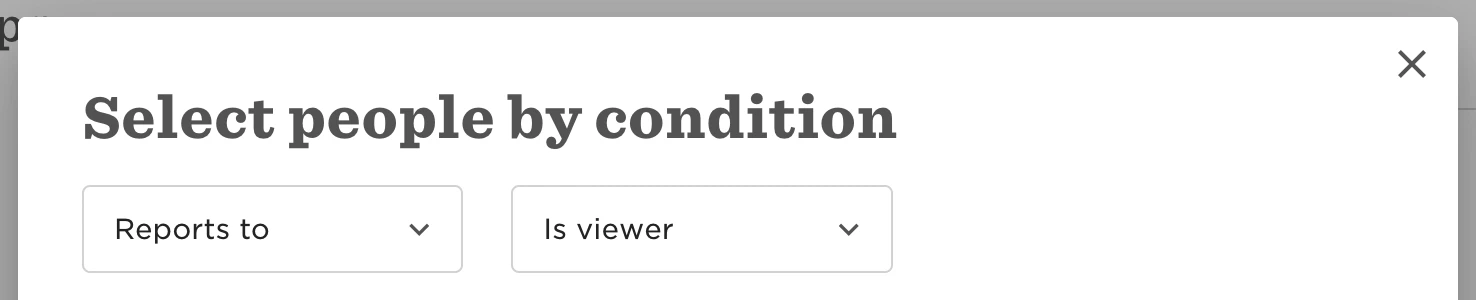
To allow a new manager to view the reviews from their direct report's previous manager, the following steps are necessary:
-
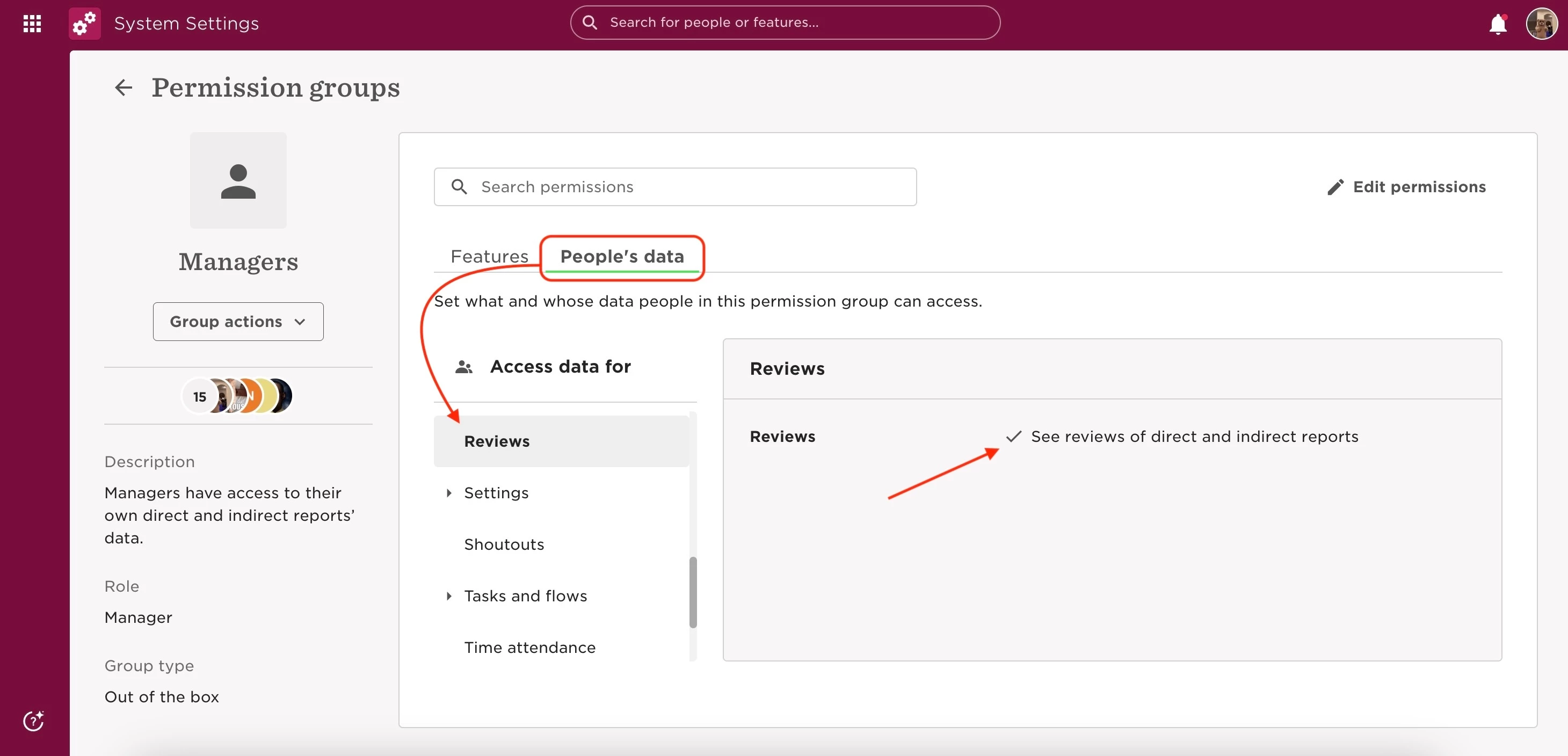
Ensure they have permission to "See reviews of direct and indirect reports" within the Managers permission group under People's data > Reviews.
-
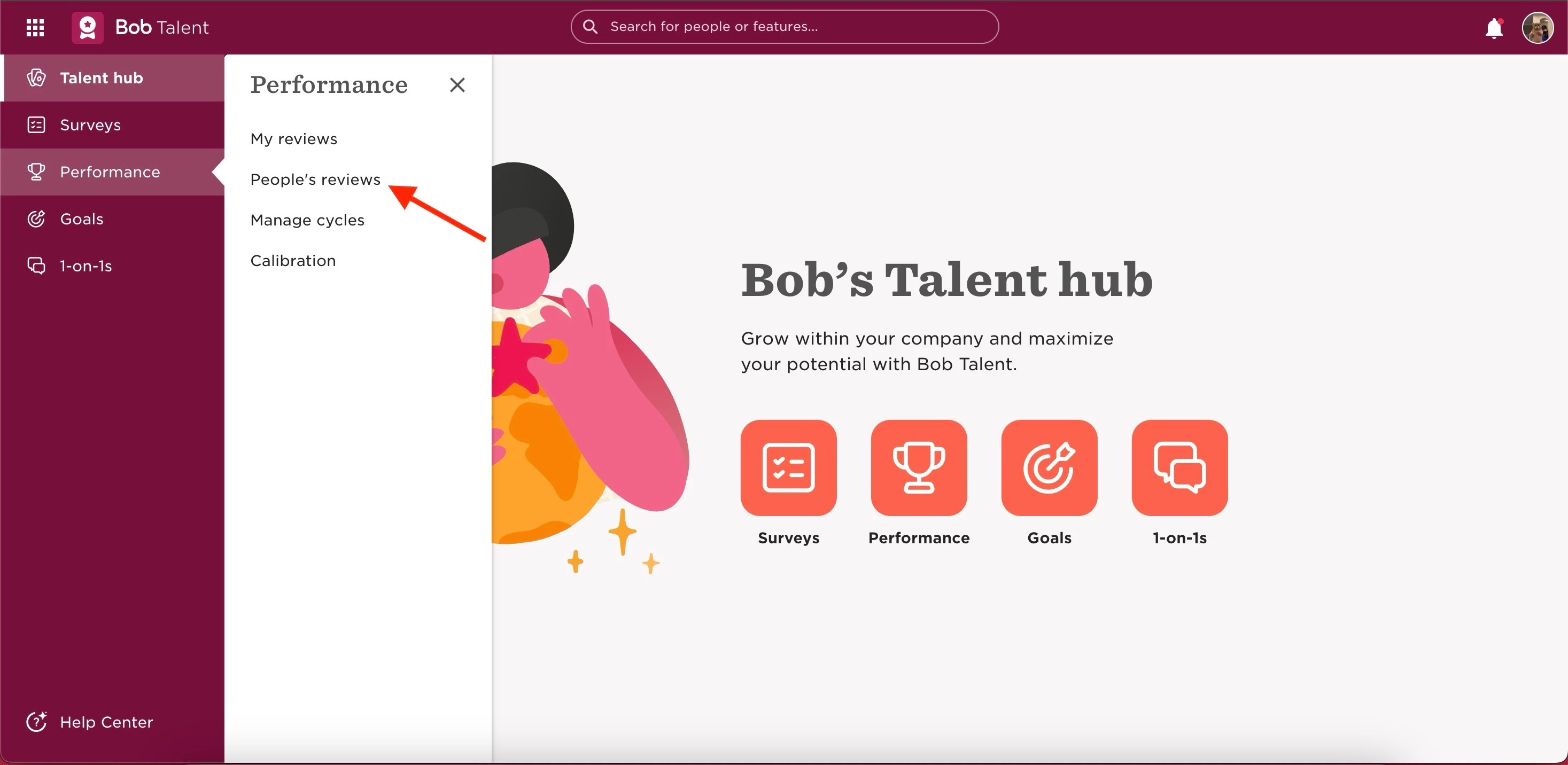
Access the reviews through Talent > Performance > People's reviews
-
instead of "My reviews," as this is only for those completed by the manager themselves.
-
Additional guidance is available in our Help Center article "View people’s timelines and reviews"
-
-
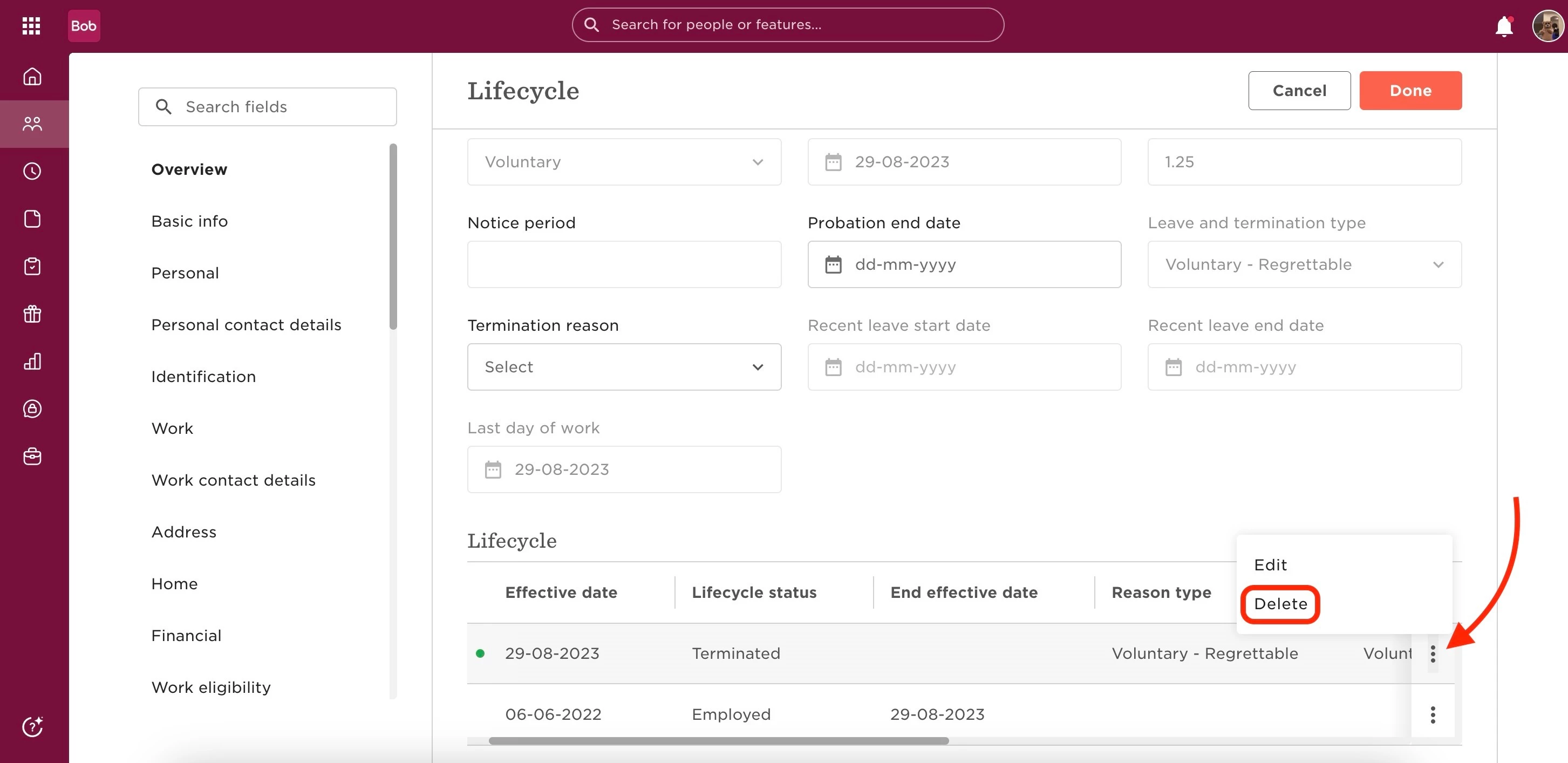
If the reviews remain unsubmitted and the previous manager is inactive, admins can attempt recovery by deleting the termination row from the manager's profile to temporarily reactivate them.
-
This allows admins to log in as the manager to either submit the reviews or save the responses as a PDF.
-
Afterward, the admin should re-terminate the previous manager through the termination flow.
For further instructions, refer to the "Update an employee profile" article in the Help Center