

You can prepare a Talent Review cycle ahead of time, but it’s important to understand when Bob evaluates the employee population and how to refresh it before launch.
When you initially set up a Talent Review cycle, Bob evaluates the conditions you’ve defined and determines which employees meet them at that point.
If employee data changes between setup and launch, the population in the pending cycle won’t automatically update to reflect those changes.
For example, this may be relevant if:
- Employees have moved in or out of the conditions you defined.
- Several manager changes have taken place.
- You prepared the cycle weeks before you plan to launch it.
Before launching, you can manually add or remove employees and make adjustments such as changing managers or assigning peers.
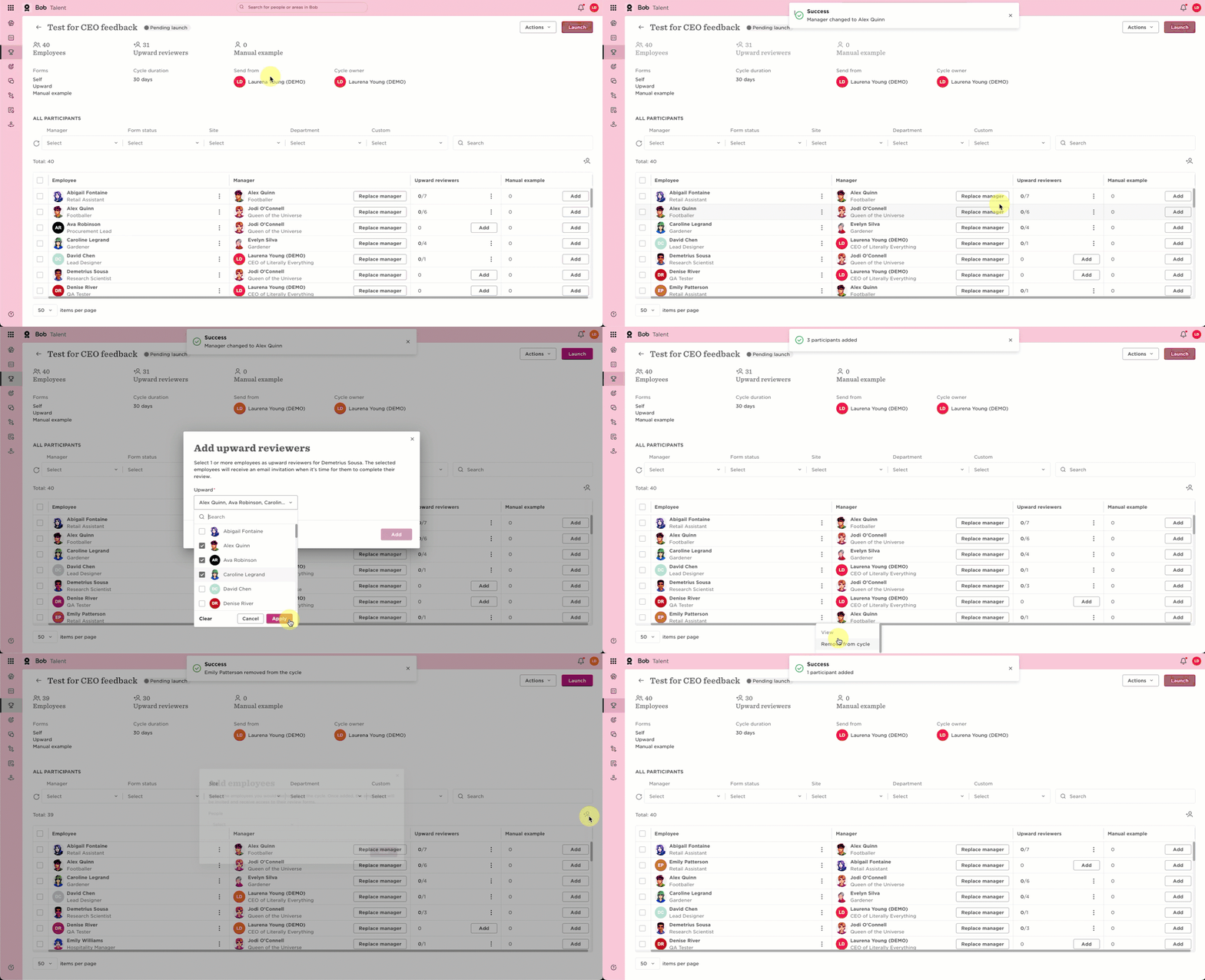
If there have been significant changes, you can instead duplicate the pending cycle shortly before launch. The duplicated cycle reassesses the conditions using the employee data available at the time of duplication, giving you a refreshed employee population as well as refreshed manager and upward review assignments.
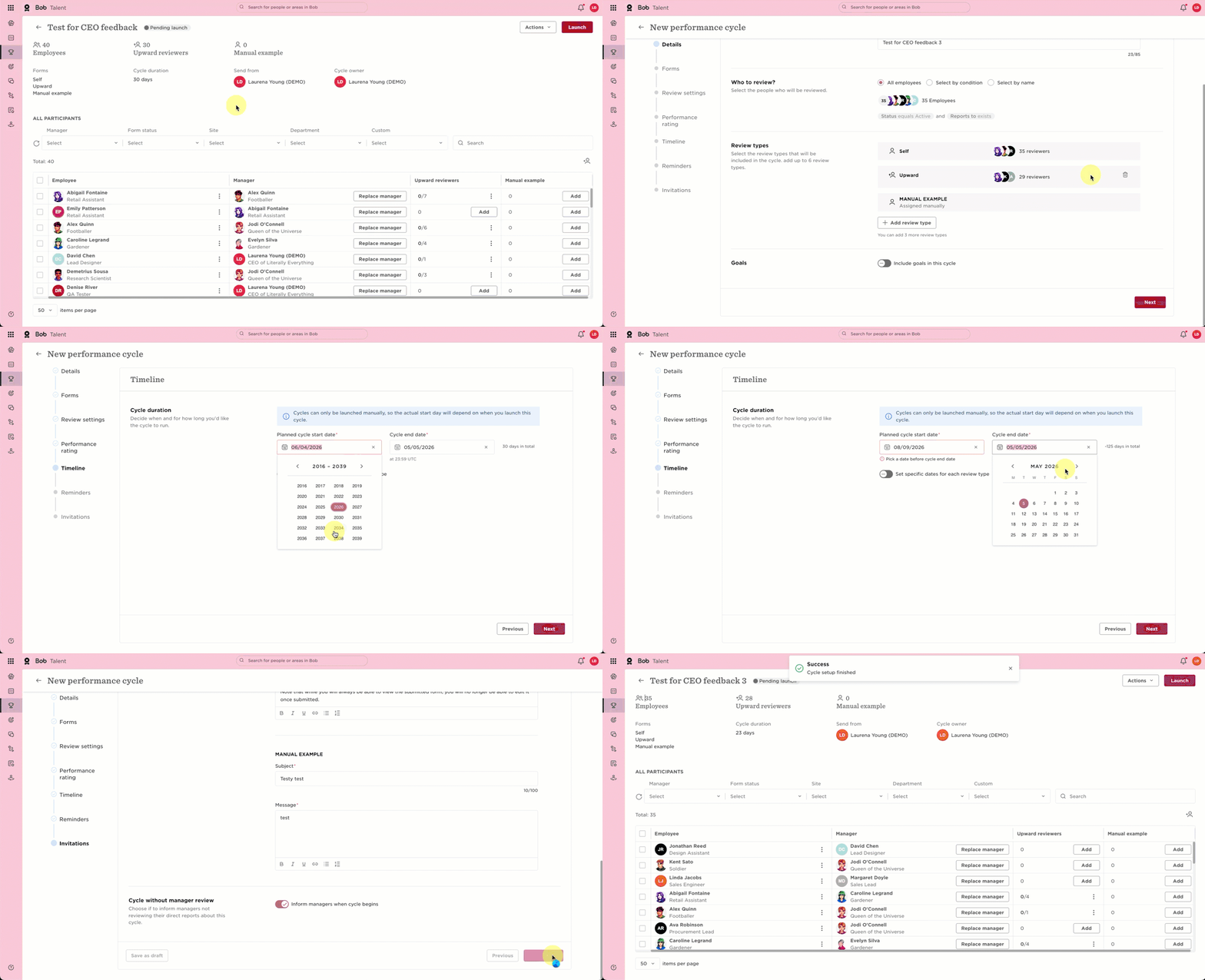
When you duplicate the cycle, the original configuration is carried over, including forms, review types, timelines, and other settings.
Keep in mind that changes made to review templates after the original cycle was created aren’t automatically reflected in the duplicated cycle. Before launching, check that the forms in the duplicated cycle contain the version you intend to use.
This approach allows you to prepare your Talent Review cycle in advance while refreshing the employee population closer to launch when needed.