

If you see the error message “Oops… something went wrong. Please try again” when trying to extend an existing performance cycle, it’s usually caused by outdated reminders that are still set on the cycle.

This can happen when reminders were scheduled in the past but never triggered. When you try to update the cycle dates, Bob blocks the save because those reminders are still active.
To resolve this, open the performance cycle you’re trying to extend and scroll to the reminders section. Look for any reminders with dates that are already in the past. For each of those reminders, click the trash icon on the right to delete them.
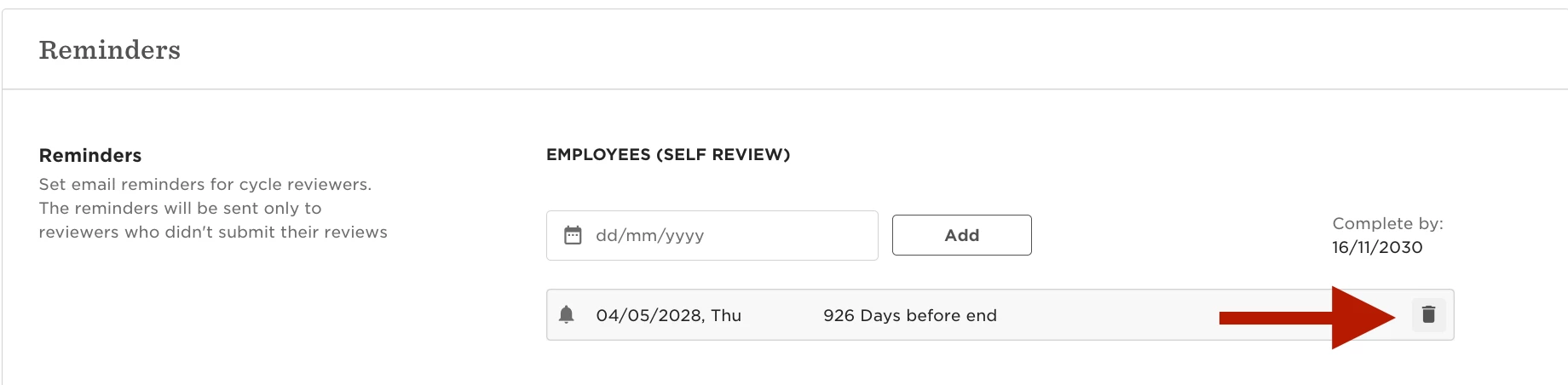
Once all past-due reminders are removed, you can save the performance cycle again with the new extended end date, and the error should no longer appear.