
Those with permissions to the Manage reviews tab can access the Peer or Upward reviewers by:
- From the top left, clicking on Bob products
- Then, select Talent
- You will find in the left menu the option Performance
- Select Manage cycles
- Click on the intended cycle
- Go to the section Performance rating
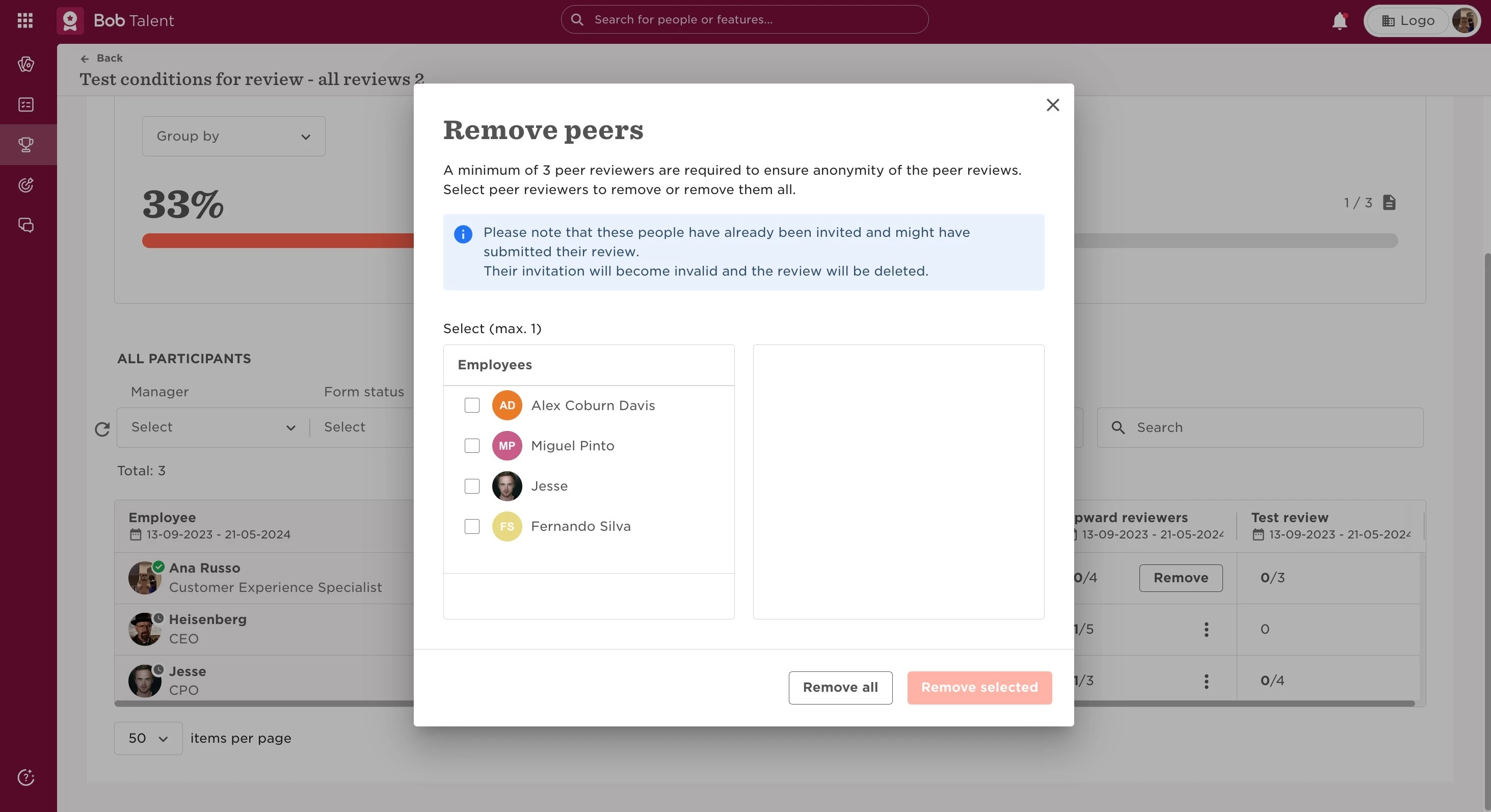
- On the 3 dots next to the review you want to see, select either Invite or Remove
- A pop-up window will show you who the currently selected peers are
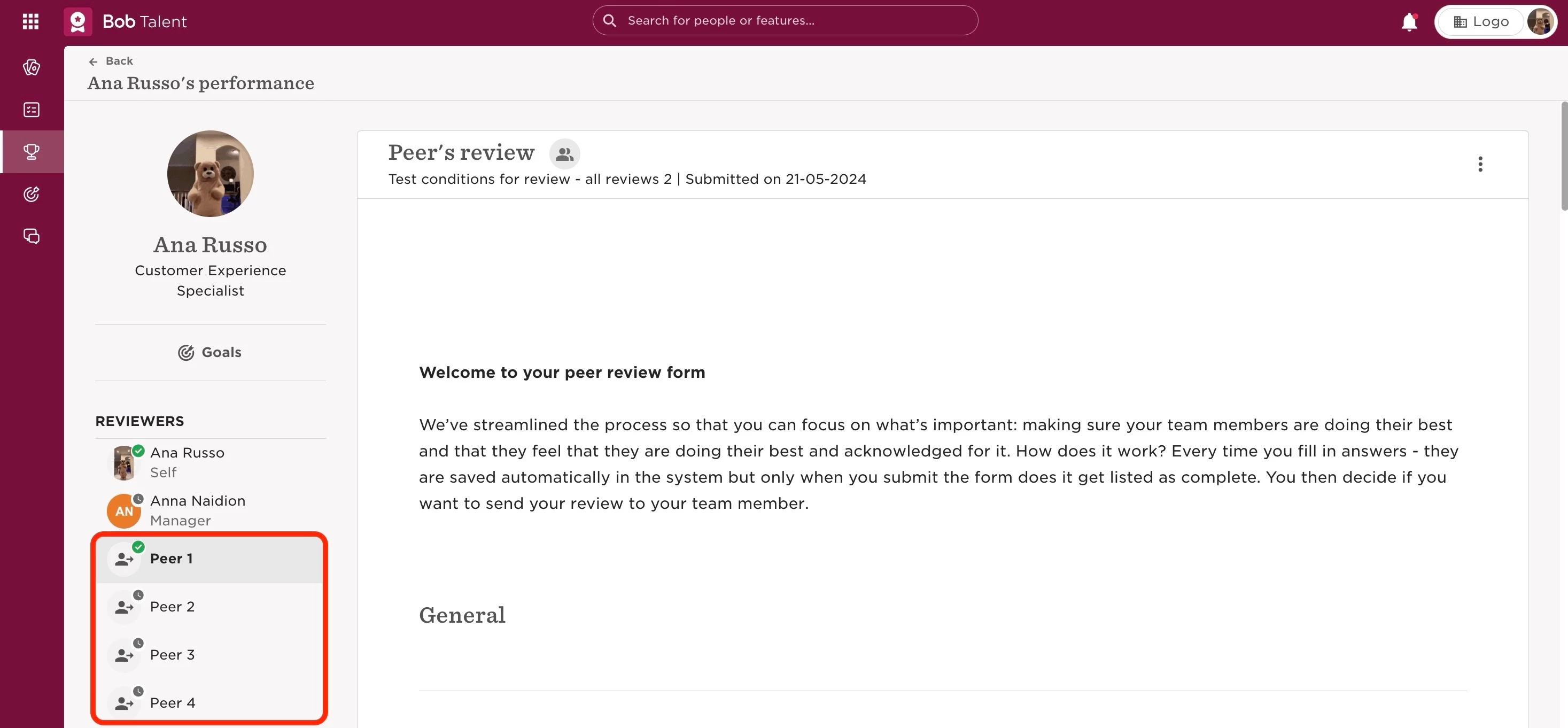
However, each review will not be identified, so they will not be able to know which review belongs to whom.
Last edited on June 25th, 2024