


If an employee who was syncing successfully suddenly stops syncing with the “Employee not found” error, it usually means something no longer matches between Bob and your payroll system.
Note: the screenshot below is a specific example from Paylocity but this error can be found on all other Payroll system we support such as ADP, Xero, Trinet, etc. Payroll Connect is the only integration were this error does not apply.
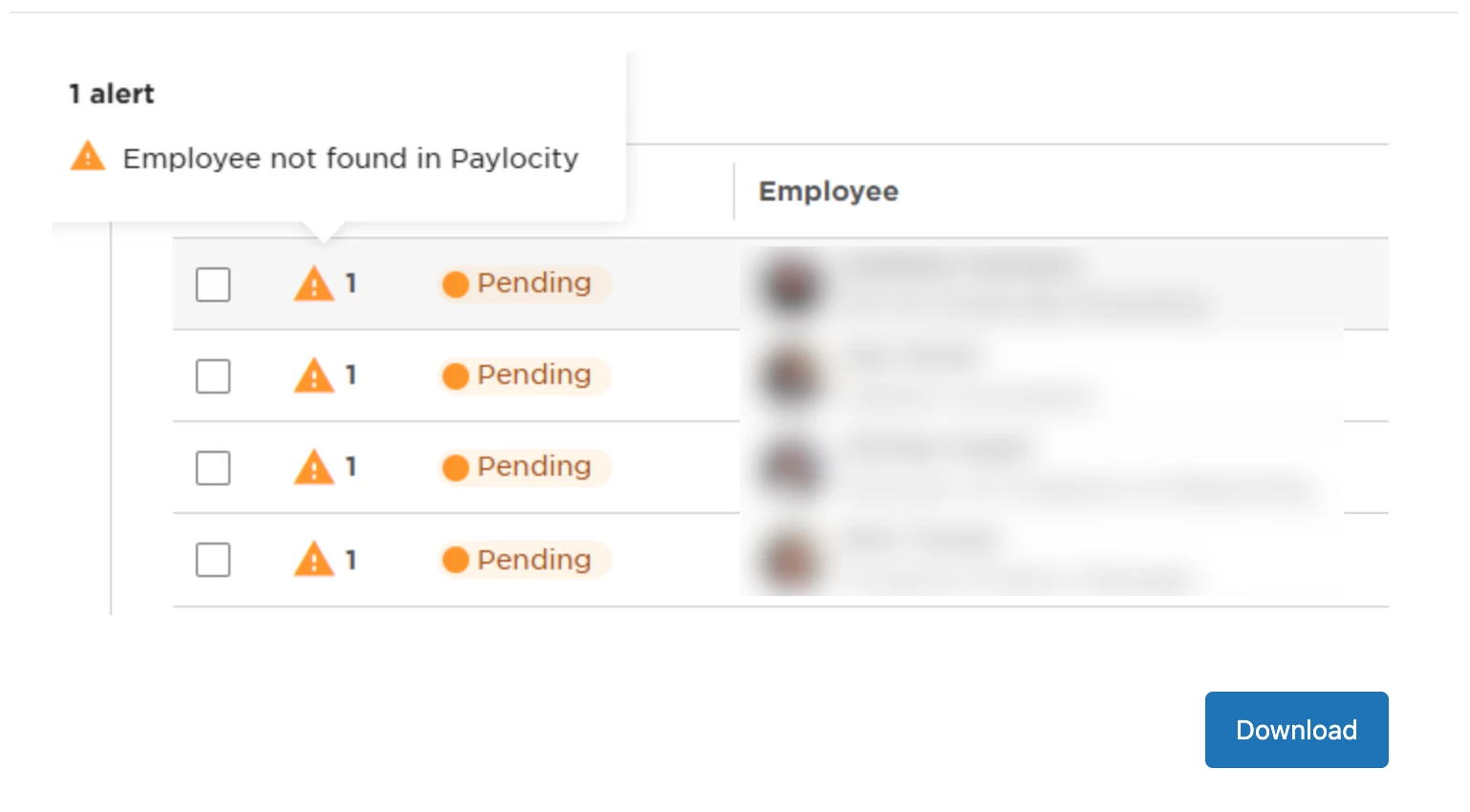
Here's what you need to check:
1. Start by checking the employee’s work email address. The email must be an exact match in both systems—even a small difference, like an extra space or a different domain, can prevent the sync from working.
2. Next, confirm the employee’s status in your payroll system. If the employee was moved to an onboarding, inactive, or non-active status, Payroll Hub may no longer recognize them as eligible for syncing.
3. It’s also worth verifying the employee ID. Make sure the ID in Bob matches what’s configured in your payroll system. Even if syncing worked in the past, a mismatch here can block future syncs.
Once these details are aligned across both systems, the employee should sync again as expected.