If course contributors can add content to a course but can’t access or edit the Learner experience section, this is expected behavior based on permissions.
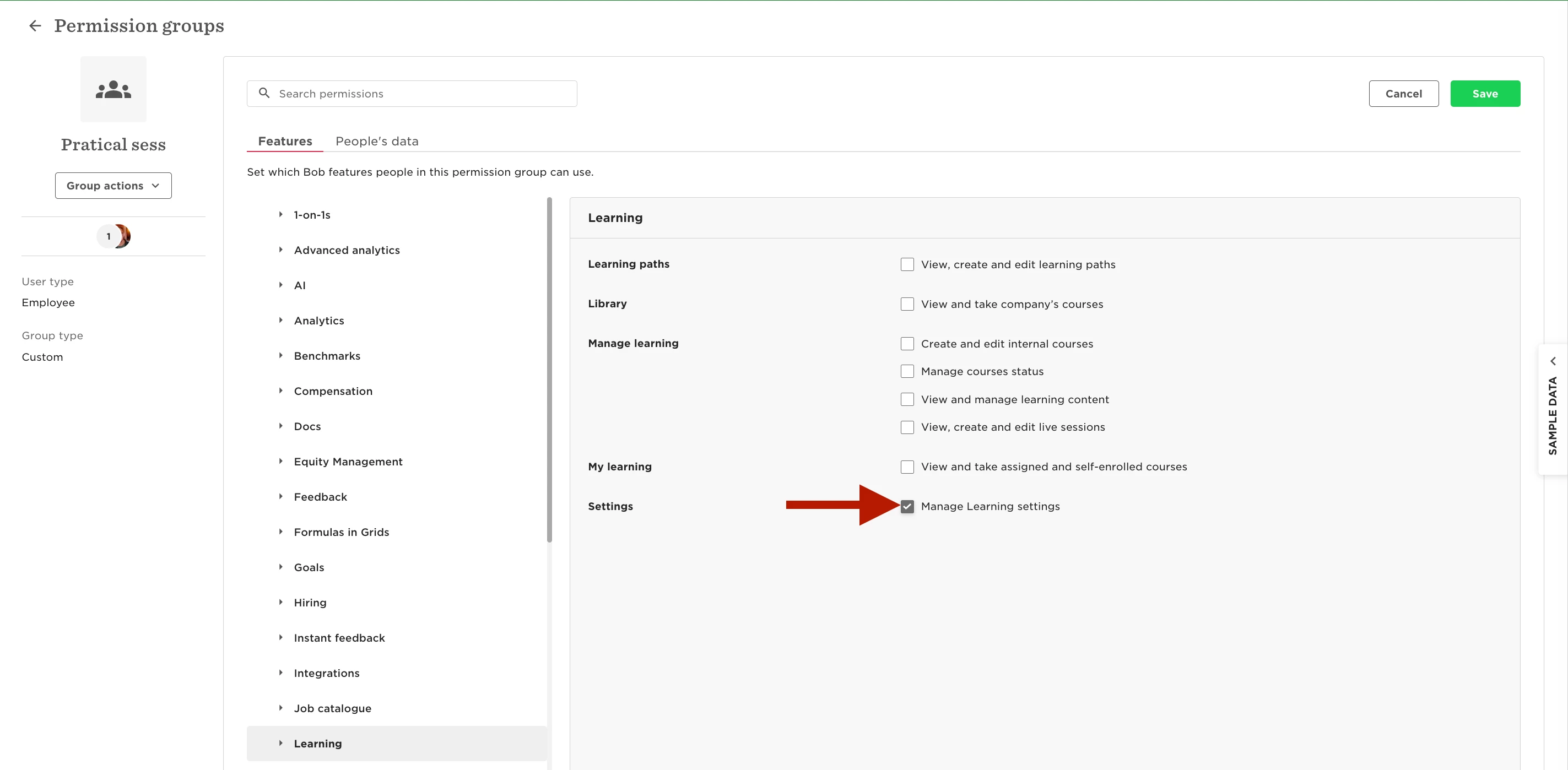
To edit the Learner experience, the employee also needs the Manage learning settings permission. This is required because the Learner experience section is tied to learning settings such as certificate templates. If a certificate is active for the course, Bob needs to ensure the contributor has permission to access and manage those settings.
Without this permission, contributors can still work on course content, but the Learner experience section will remain unavailable to them.
It’s important to note that Manage learning settings is a broader permission. In addition to enabling access to the Learner experience section, it also grants access to other learning-related settings, such as content collections management. Make sure this aligns with what you want course contributors to manage before assigning it.
If you decide to grant this permission, you can do so by adding contributors to an access group that includes Manage learning settings.