

If you need to check when a recurring Learning course will be assigned again, you can create a custom formula in the Courses report.
There isn’t currently a column available from the column picker that shows the next recurrence date. As a workaround, add a custom formula to calculate the next assignment date.
- Open the Courses report.
- Add a custom formula.
- Configure the formula to calculate the next assignment date based on the course recurrence.
- Add this using the column picker.
For example, the formula for yearly recurrence looks like this:
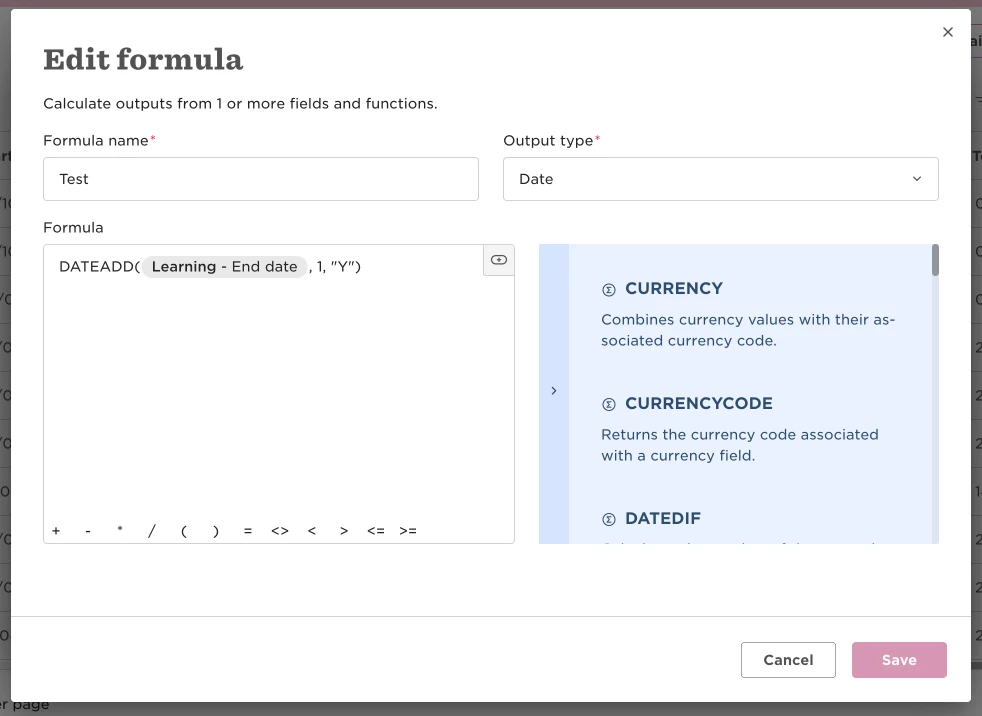
For other recurrence frequencies, adjust the end of the formula while keeping the reference field (end date) the same.