

If you need to deactivate a course or learning path without notifying enrolled employees, you can avoid the notification by unassigning them first.
Currently, there isn’t a setting in HiBob Learning that lets you turn off employee notifications specifically when deactivating a course or learning path. If employees are still enrolled when you deactivate the content, they’ll automatically receive a notification.
To avoid this:
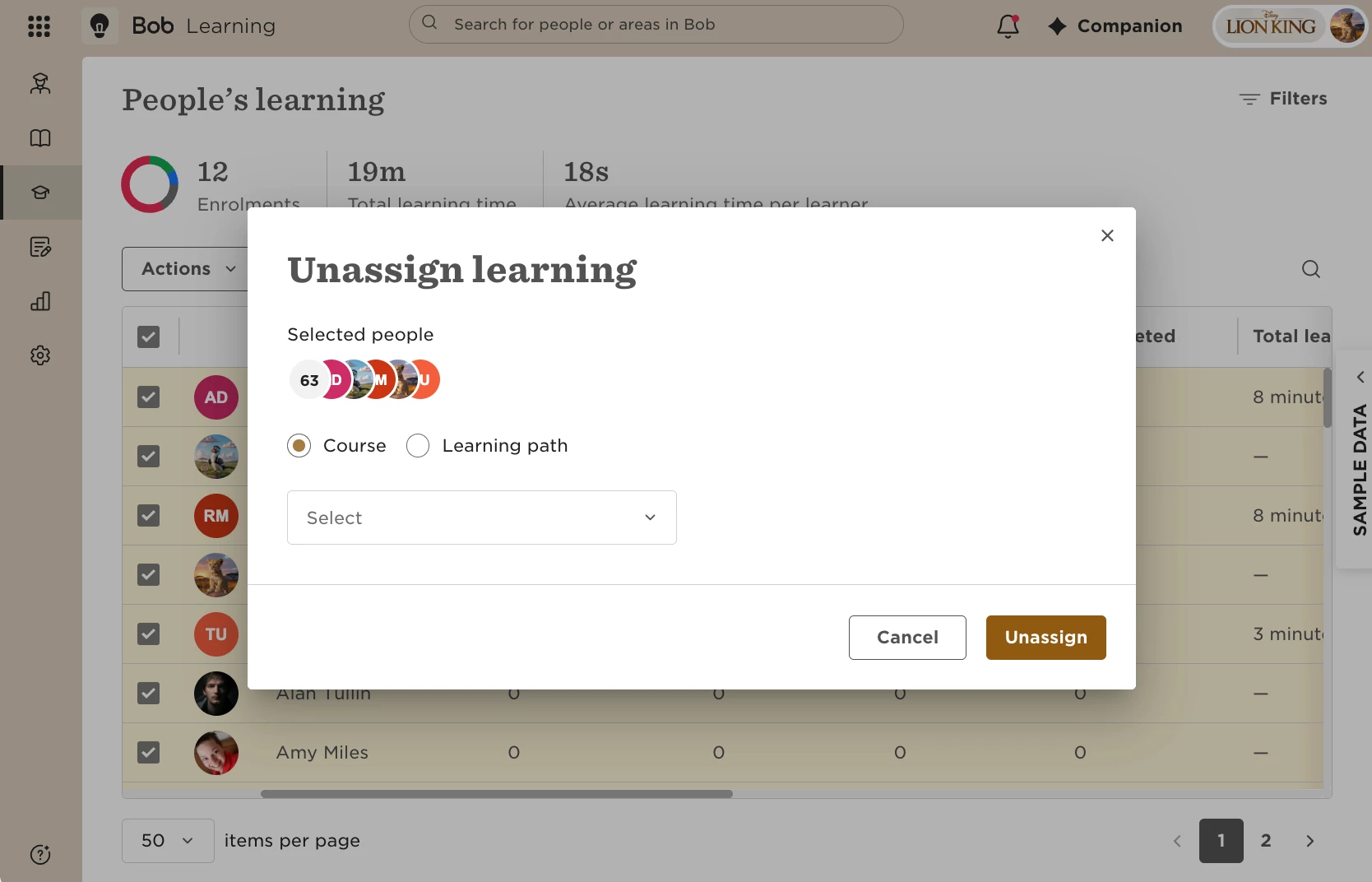
- Go to People's learning.
- Use Actions to unassign the employees from the course or learning path.
- Once the employees are unassigned, deactivate the course or learning path.
This allows you to deactivate the learning content without sending a deactivation notification to those employees.