

Addressing Connection Problems with ADP:
If you encounter a connection issue with ADP, indicated by a red error message stating "Not Connected" during the integration setup:
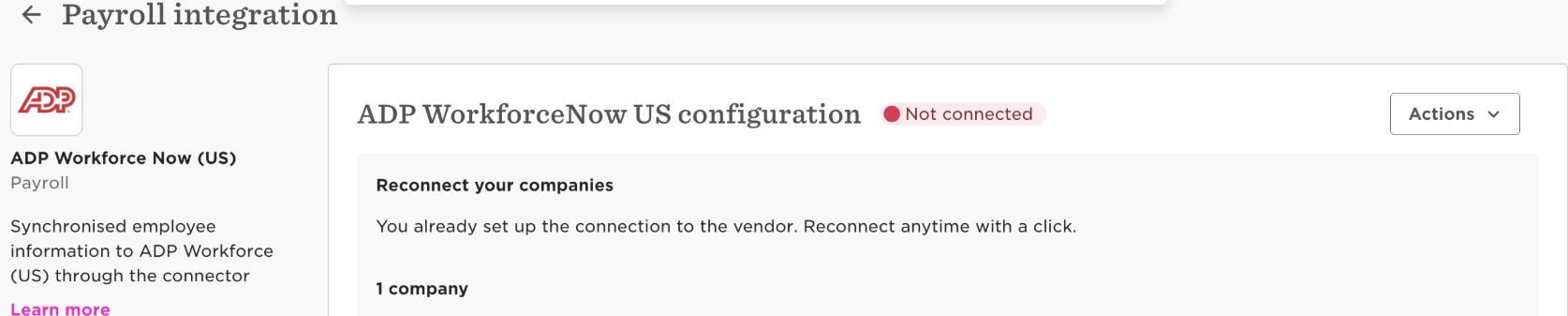
follow these steps to resolve it:
-
Log in to the ADP marketplace.
-
Select the purchased Hibob app.
-
You will be redirected to two consent pages that require approval.
-
Once consent is given, you will be redirected to Bob, and the ADP status will change to "Connected."