


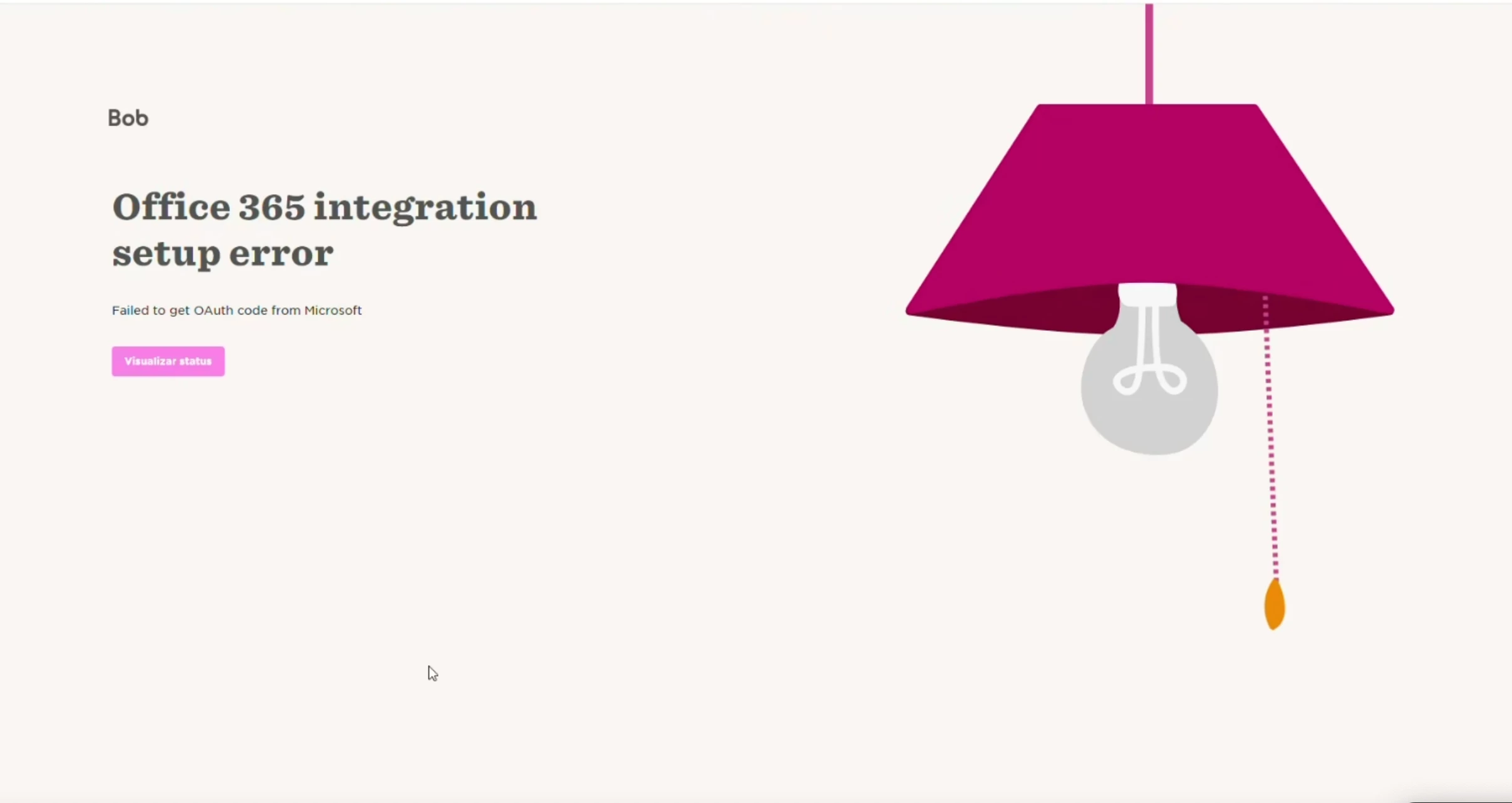
This error usually happens when the Microsoft admin account used during setup doesn’t match the email address of the Bob user connecting the integration:
To fix this, you need to make sure that:
- The email address in the user’s Microsoft Entra ID account matches the email address in their Bob profile.
- When clicking Go to Microsoft, the user logs in with a Microsoft admin account.
- The Microsoft admin account email is the same as the Bob user’s email.
The Bob user connecting the Outlook integration in Bob must match the email of the Entra ID super admin.
If needed, create a temporary user in Bob using the same email address as the Entra ID admin. Use this user to connect the Outlook integration.
During the Microsoft permissions step, ensure that you accept the following permissions:
- Read and write calendars in all mailboxes
- Read all users’ full profiles
- Sign in and read user profile