


If employees see a "User not found" error when logging into the Bob mobile app with SAML 2.0 SSO, it usually means the IdP isn’t using the correct redirect flow for mobile:
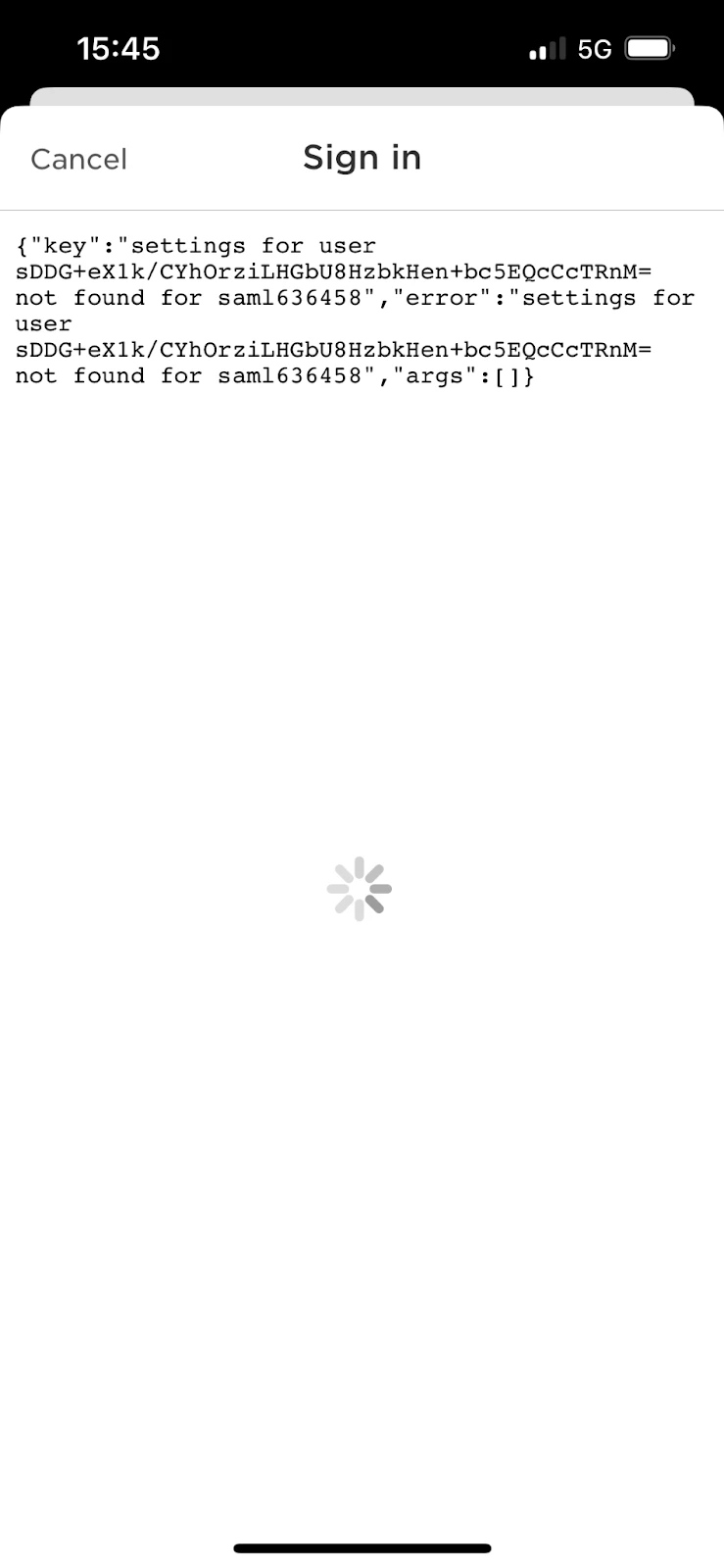
The browser login works because the custom integration uses SAML’s HTTP-POST flow. But mobile logins require HTTP-Redirect, which provides a "callbackUri" so the login returns to the mobile app. Without this redirect:
- The login gets sent back to app.hibob.com instead of the mobile app.
- The IdP generates an ID instead of passing the user’s email.
- Bob receives that generated ID and triggers the "User not found" error.
To fix this:
- Review your IdP configuration
- In Azure / Entra ID, confirm that HTTP-Redirect is enabled for mobile logins.
(Because we have limited visibility into Azure’s UI and configuration options, we recommend checking with your internal Azure team to confirm the setup).
If you’re using a custom SAML 2.0 SSO integration with Active Directory (AD) as the IdP:
- There’s a setting we need to enable on our side for mobile logins. Contact our support team, and we’ll take care of it for you.