

Possible synchronizations between Bob and NetSuite
-
Activate NetSuite employee records when they are activated in Bob.
-
Sync employee information upon changes in Bob.
-
Deactivate employees when they are deactivated in Bob.
-
Delete employee records from NetSuite when they are deleted from Bob.
Prerequisites
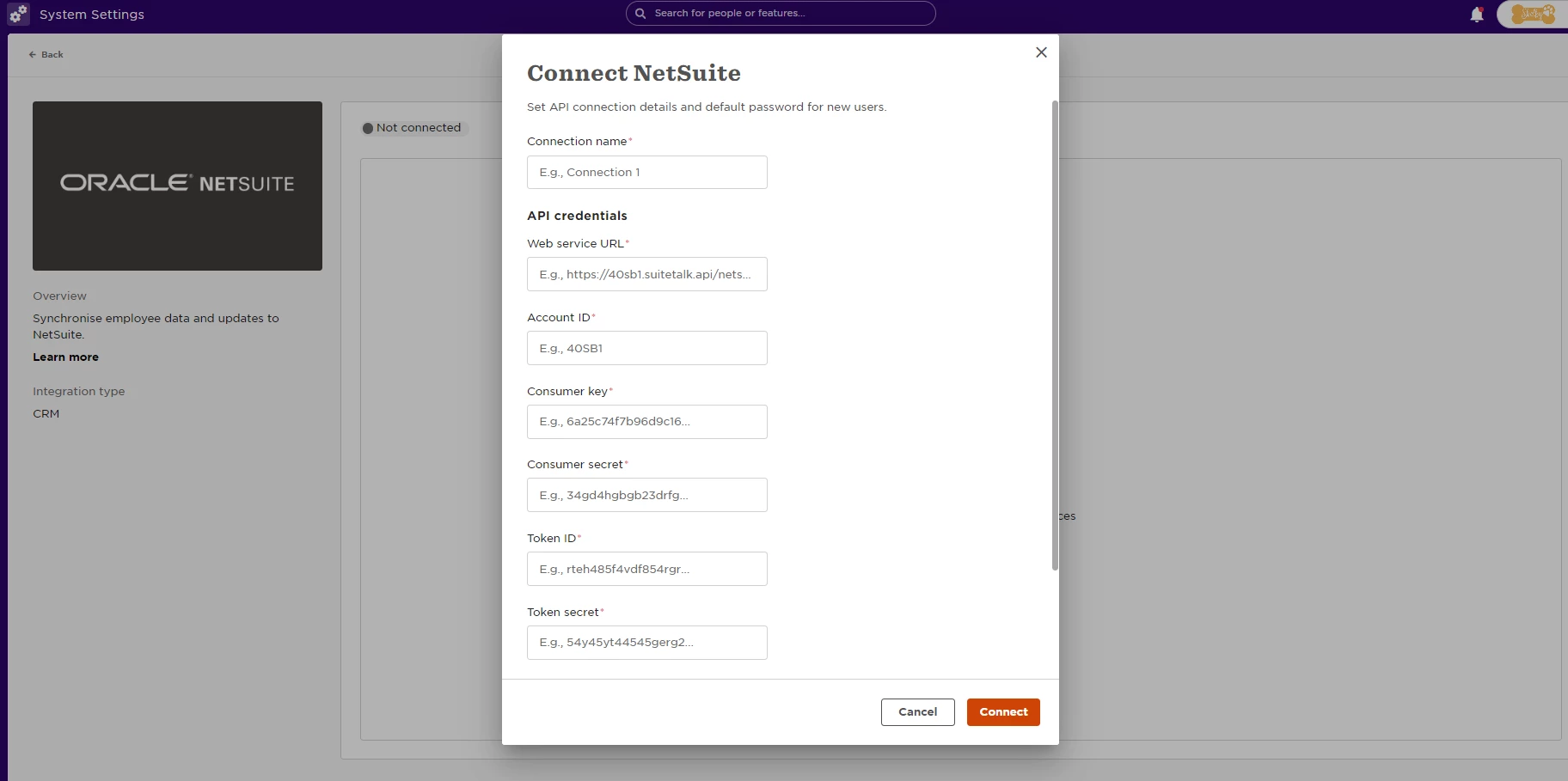
-
The SOAP Web Services feature is enabled.
-
The Token-based Authentication feature is enabled.
-
Optional - The Locations feature is enabled.
-
Optional - The Auto-Generated Numbers feature is disabled for employees.
-
A NetSuite integration record with Token-based Authentication.
-
A NetSuite user role for Web Services access.
-
A NetSuite user with the assigned role for Web Services access.
-
A NetSuite access token.
Important Notes:
-
The NetSuite Locations feature is required to synchronize the Bob employee work site to the NetSuite employee location. This step is optional as the Bob NetSuite integration can be configured to work without this field.
-
The NetSuite consumer key and secret values are displayed in the NetSuite UI only once when the NetSuite integration record is created.
-
An existing role can also be used if it has the needed permissions.
-
The role must have access to all subsidiaries.
-
It may take a few hours for the NetSuite permissions to take effect.
-
The NetSuite token ID and secret values are displayed in the NetSuite UI only once when the NetSuite access token is created.
Supported options for activating and suspending employees:
-
Use Bob employee status: If the Bob employee is active, the newly created NetSuite user will also be active. If the Bob employee is inactive, the newly created NetSuite user will be deactivated.
-
Always Activate: All created NetSuite users will be active.
-
Always Suspend: All created NetSuite users will be deactivated.
NetSuite employee termination
The way this integration works is, we send the termination date to a field in NetSuite called Release Date and then NetSuite is terminating according to the given date.
We did send the release date at 12.7 when the employee was terminated with date "26.7.21".
You should see that field populated in NetSuite.
Data mapping table
NetSuite custom fields mapping
Fields are not mapped to NetSuite and don’t appear in the dropdown list in NetSuite column in the integration’s data mapping table
You will need to add a special permission to map custom fields and not only system fields.