

If you’re not seeing the onboarding flow in ADP Paycycle settings, it probably means the right consent hasn’t been granted yet.
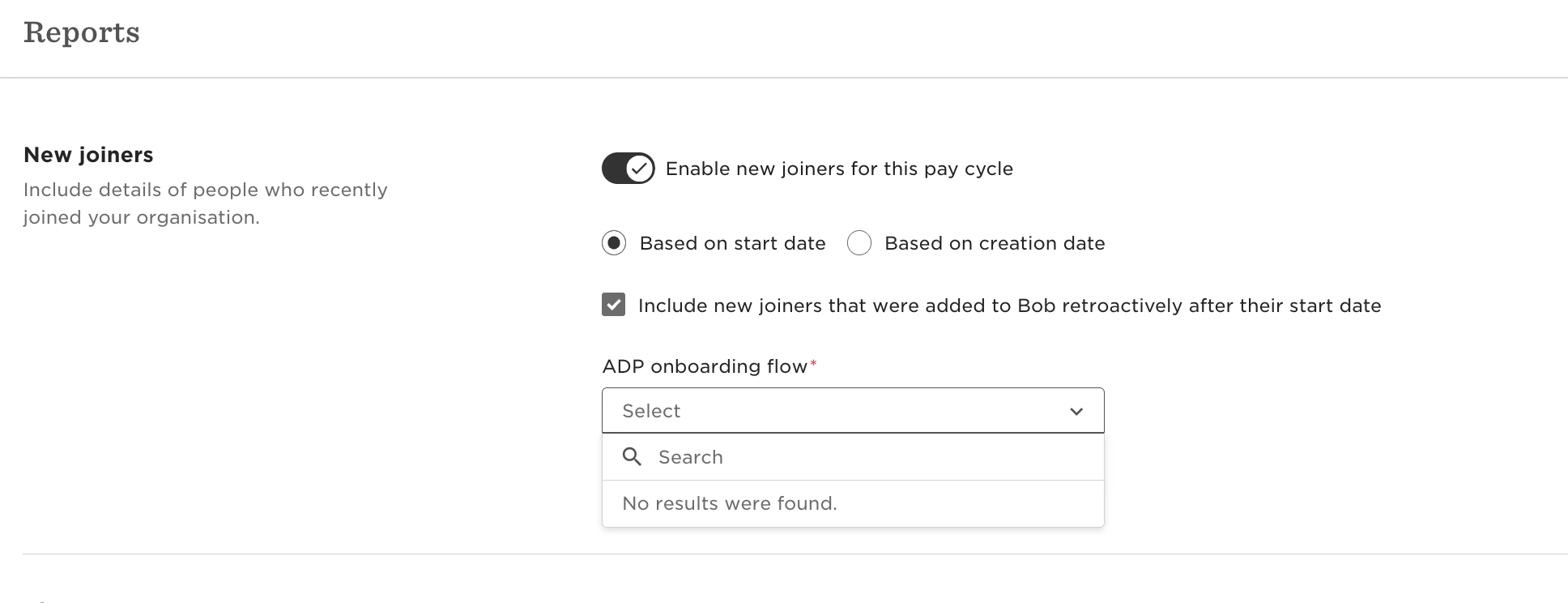
Let’s make sure ADP has the permissions it needs to show Bob’s onboarding templates:
-
In a browser, go to https://adpapps.adp.com/consent-manager
-
If prompted, log in with your ADP credentials. The Consent Manager opens, showing pending, allowed, and rejected consents for apps you have purchased.
-
In the Pending Consents list, find the HiBob app and click the Manage button for that app. A Consent Request screen appears, showing the app name and all of the permissions requested.
-
Click the 'Allow' button, and then click 'Continue' to confirm your decision.
Once that’s done, you should see the onboarding flow appear in your paycycle settings.
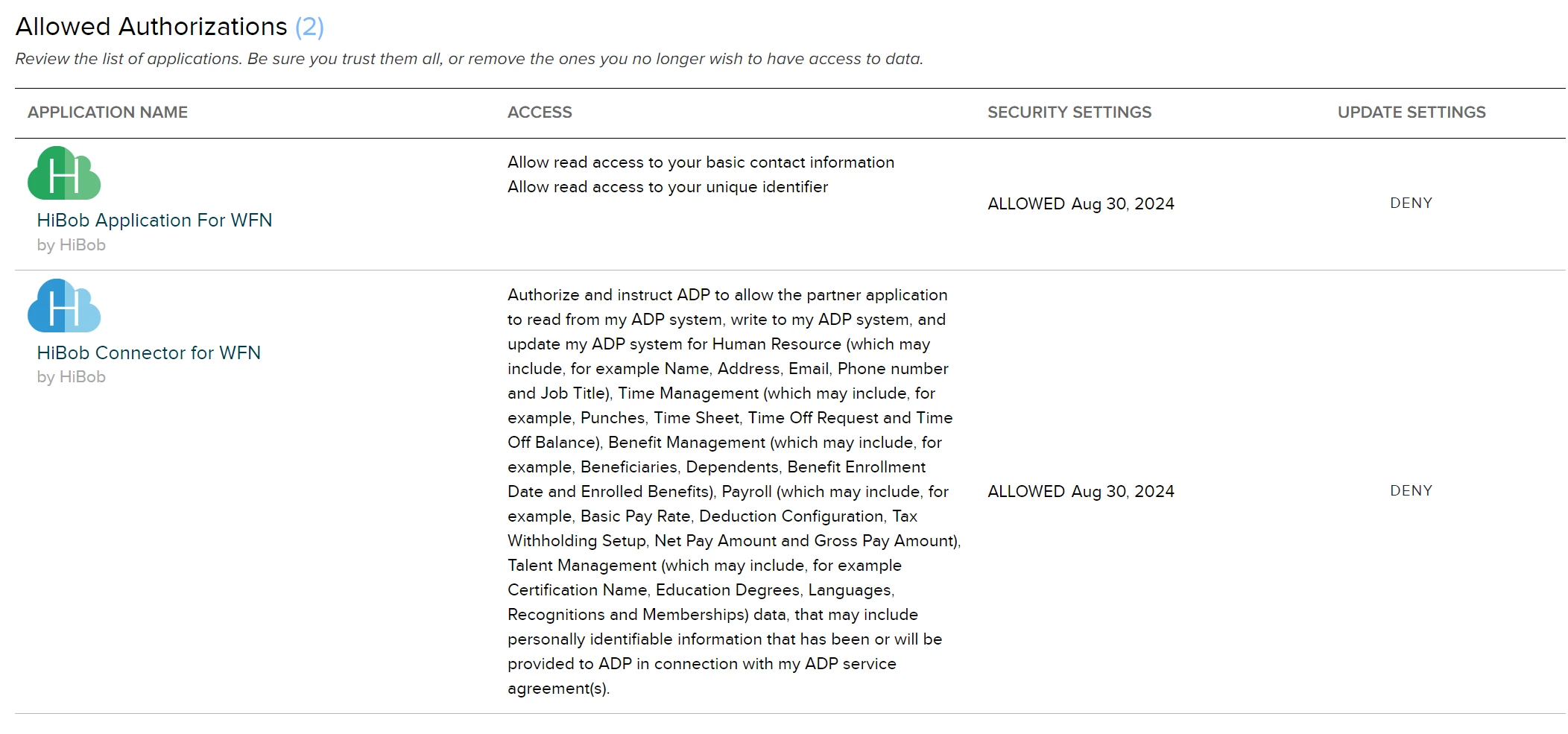
Heads up: Any ADP screenshots or UI elements in this article are maintained by ADP. HiBob doesn’t control how they appear or update.