


This article explains why you might see the “Error while trying to import user profile for {email} – No schema's defined in scim user” message when using the Okta SCIM integration with Bob, and how to resolve it.
Common causes of this error include:
- Users were manually added to the Bob application in Okta instead of being synced through the import process.
- Group assignment was used while SCIM provisioning was enabled.
When Bob is connected to Okta via SCIM, group-based assignment isn’t supported. Otherwise, if the Bob app is associated with Okta groups, Okta attempts to provision users through group assignment instead of the standard import flow. This causes the “No schema defined” error and is expected behavior with this integration setup.
To resolve the issue, remove Bob from any groups it’s currently assigned to in Okta. Once Bob is no longer linked to groups, users will continue to be assigned to the Bob app through the standard import process, and provisioning will resume as expected:
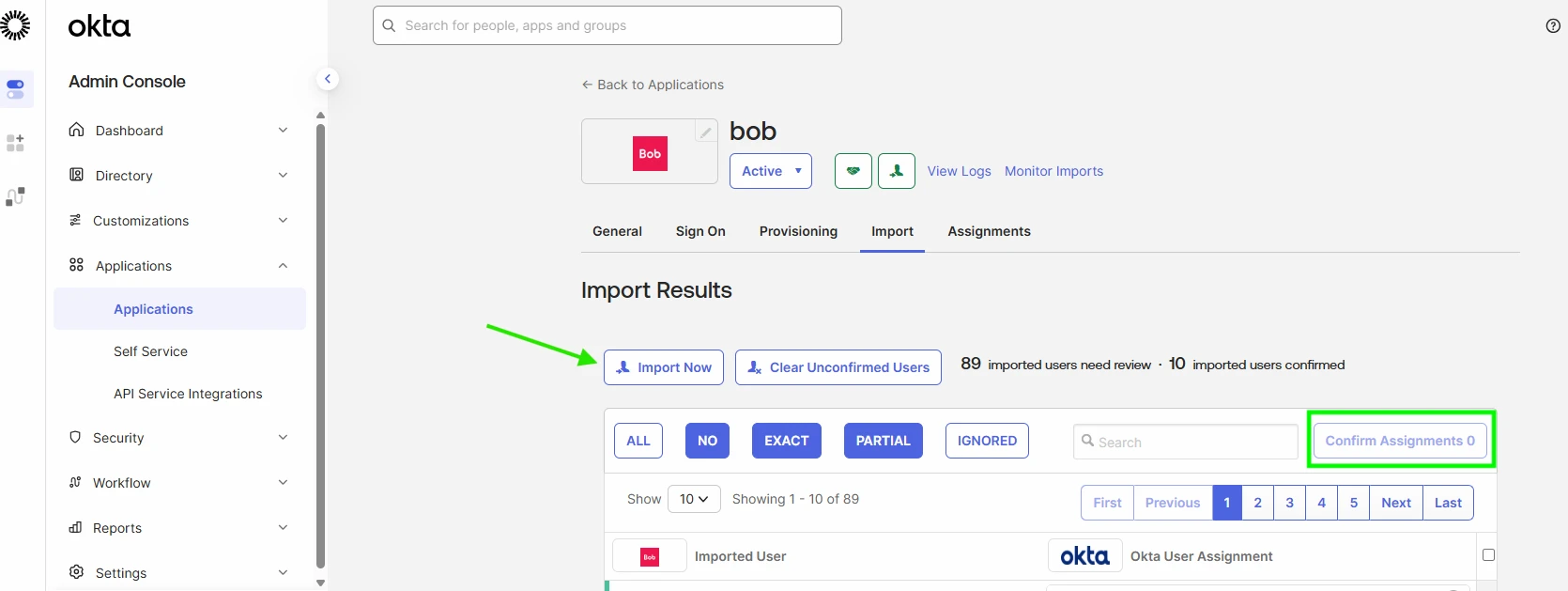
After making this change, syncing should continue normally without further errors.
Why this limitation on Okta SCIM but not on Okta via API?
This behavior is tied to how Okta workflows operate. Group assignment is supported only through the Okta API but not through SCIM imports. When groups are used with SCIM, Okta treats this as bypassing the import and provisioning flow. Since the Okta API doesn’t support imports and relies solely on group logic (contrary to the Okta SCIM), Bob can’t sync users or groups correctly in this scenario. As a result, if a user is added to a group in Okta while SCIM is enabled, this error message is expected.
You can check this article to understand more about the difference between Okta API and Okta SCIM: Difference between the Okta provisioning API and Okta SCIM