
How to delete data in regular fields (not in columns in a table) in bulk?

  • Aug 1, 2023 11:09 AM UTC
  • Sep 22, 2024 7:48 AM UTC
  • 2 replies
  • 232 views
  • Translate All

If you want to delete data in a regular field in bulk, just follow the next steps:


1. Create an Excel sheet with 2 columns:

- Employee email

- The field you want to delete data from


2. Under the second column, insert: <DELETE>


3. Save the file and upload it through Settings > Data Management > Import > Go To People Import:
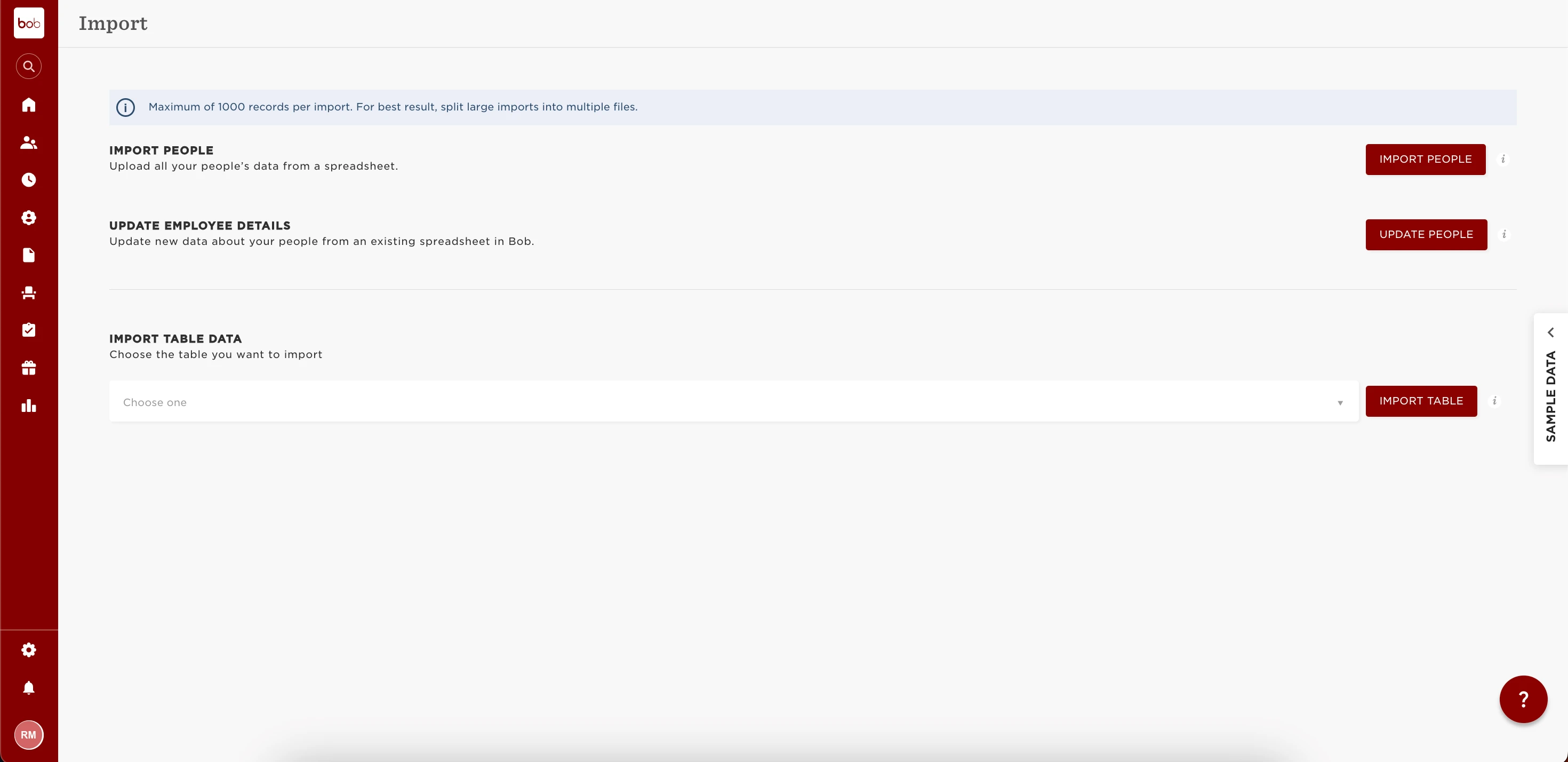

This can work for multiple fields as well, as long as you have in the first column the employee email.


 

2 replies

Hendra Danu Saputra Chauwito

tried to use this for a column in Work Record table, but does not seem to work. is there a way around it?

Translate

Lindsay Sinenberg
Bobber

Hi @Hendra Danu Saputra Chauwito! I do suggest reaching out to our Support Team they will be able to view sensitive data, login to your account and confirm what specifically needs to be changed. Each import could have multiple errors listed so they’ll be able to confirm this.

In addition, were you able to check the Help Center article that also have more in depth steps?

Translate
