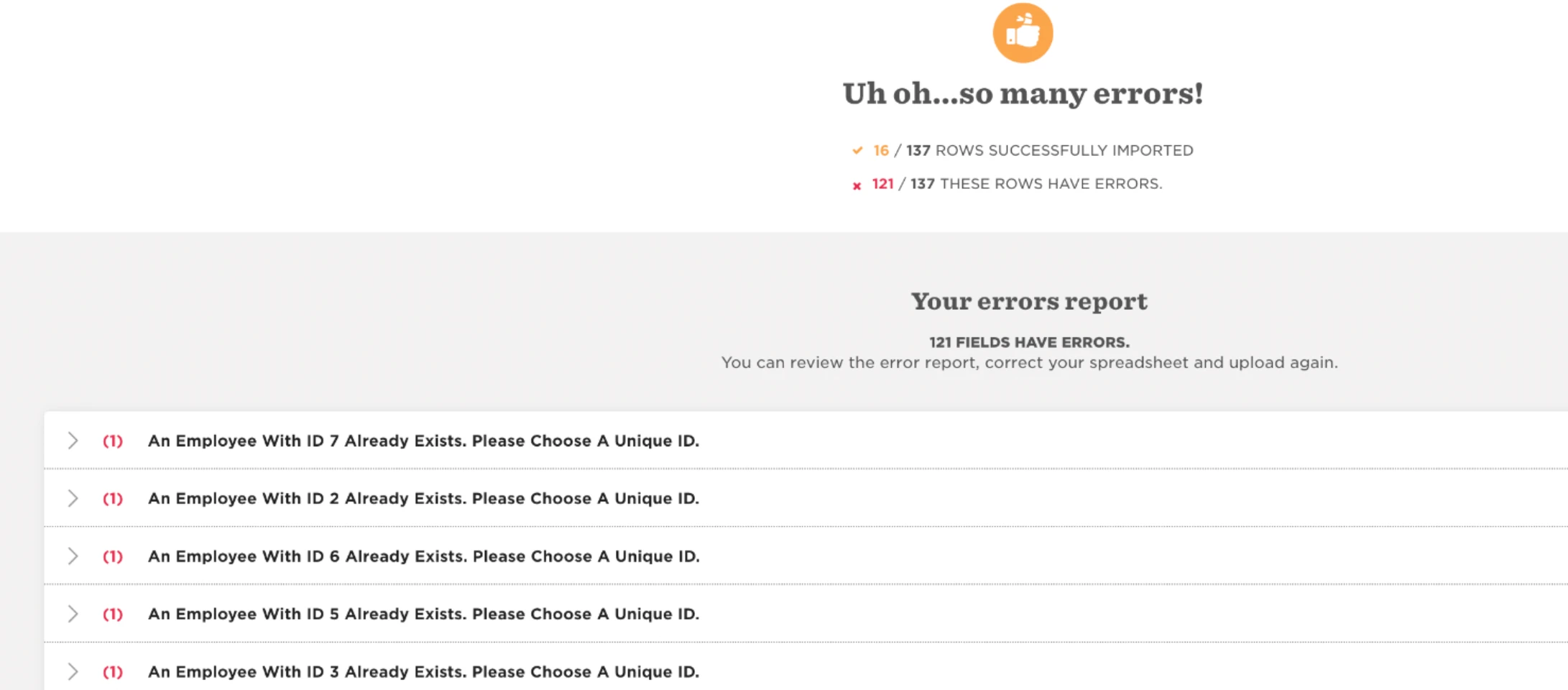
A workaround for this is to import all employee IDs to a new random number to free up the existing IDs in Bob. Then, the employee IDs will be available to import to the correct employees.
Example: if the employee ID numbers 1, 2, 3, 4, 5 are attached to the incorrect employees and we need to import these to a different employee but we can't because they already existing Bob. We would first need to replace employee IDs 1, 2, 3, 4, 5 with some random numbers e.g. 1001, 1002, 1003, 1004, 1005 via an import.
Then, employee IDs 1, 2, 3, 4, 5 will be available to import to the correct employees.