To bulk update all profile background photos of your employees you will need to follow the steps below:
- Go to System Settings > Data management > Import
- Update employees' profile cover image:
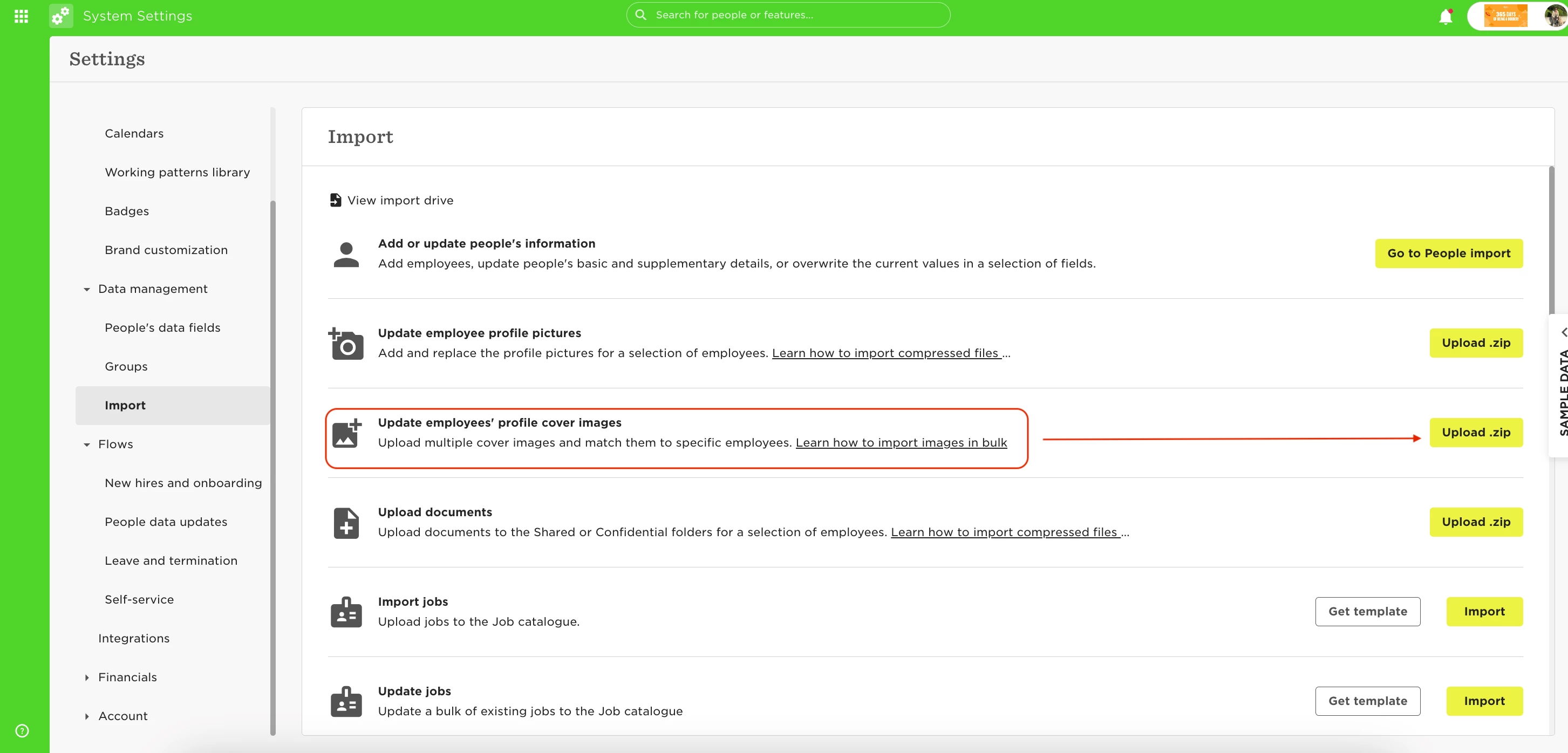
- Upload a ZIP file or drag/upload the document from your computer into the upload window
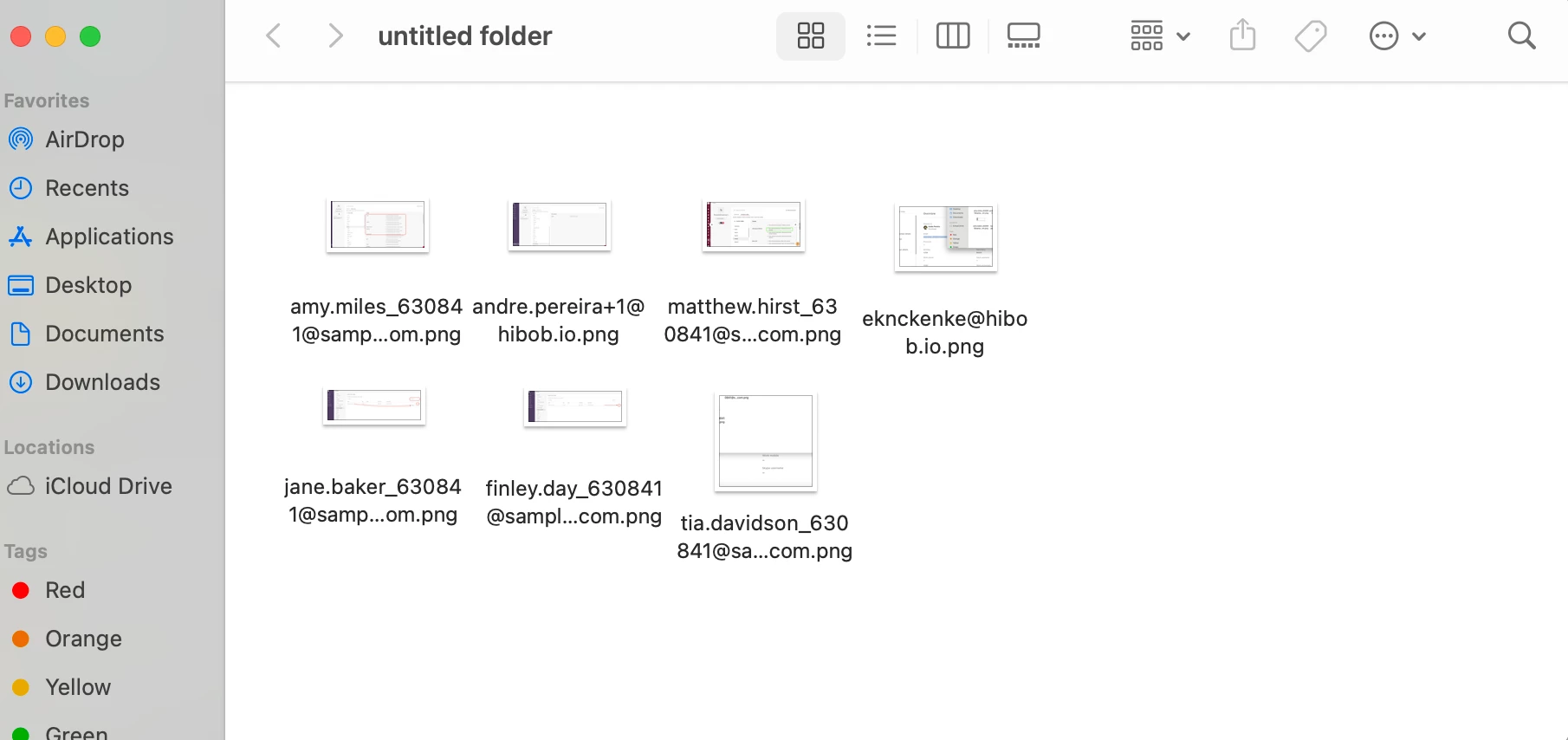
Note: When utilizing this bulk import feature, it will be necessary to match each image with the corresponding employee's email address which will require some manual work. The image will have to meet the size to make sure it can correctly fit. The recommended image size is 1610x245px.
More on this process in our Help Center here.