

If an employee's work anniversary is configured correctly but they don't appear in the Anniversaries widget, the widget may have reached the number of employees it can display at one time.
When several employees have upcoming work anniversaries, the Anniversaries widget may not display everyone at once. This can make it look like an employee's anniversary information is missing or incorrectly configured even when their profile data is correct.
To check whether this is the case:
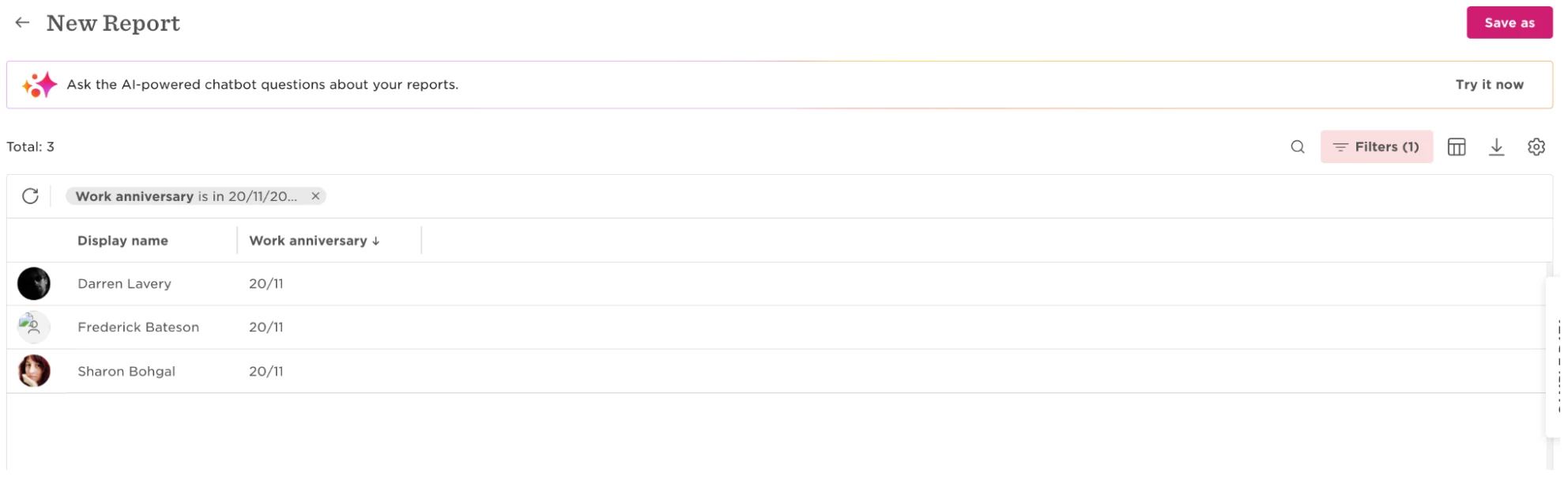
- Create a General report that includes employees with the relevant work anniversary date.
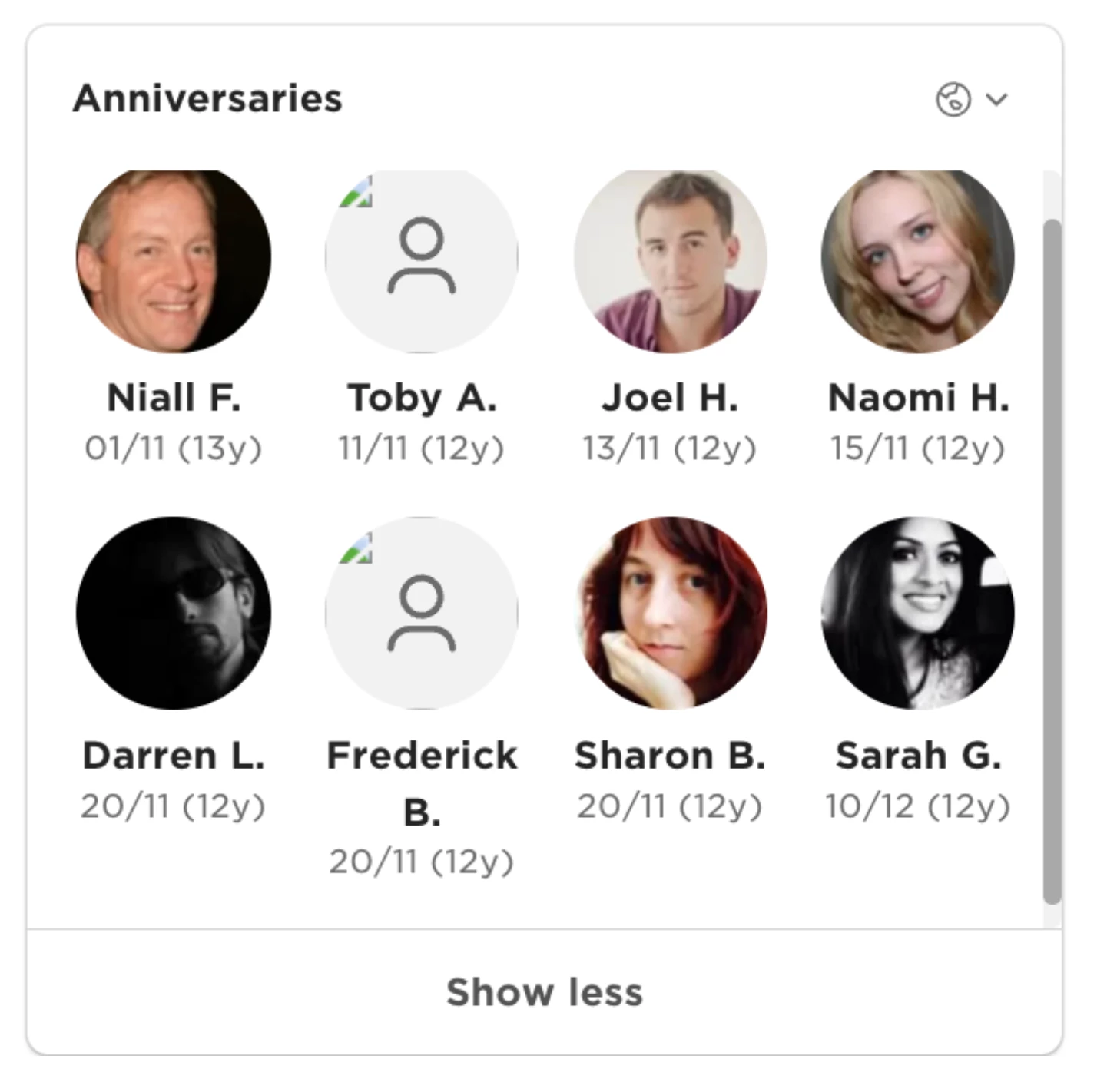
- Compare the employees returned in the report with those displayed in the Anniversaries widget.
- If the employee appears in the report but not in the widget, apply a filter to the widget, such as Site, to reduce the number of employees being displayed.
Check the widget again. The previously missing employee may now appear.
You can also wait for the nearest anniversaries to pass. As those employees are no longer displayed, additional upcoming anniversaries can appear in the widget.
In the investigated example, 16 employees shared the same work anniversary date, while 12 appeared in the widget. After the widget was filtered to reduce the number of applicable employees, one of the previously missing employees appeared.
This behavior was not caused by permission restrictions in the investigated case.