

If someone sees only a search bar while other users see filters, such as Lifecycle or Employment, review their permission configuration.
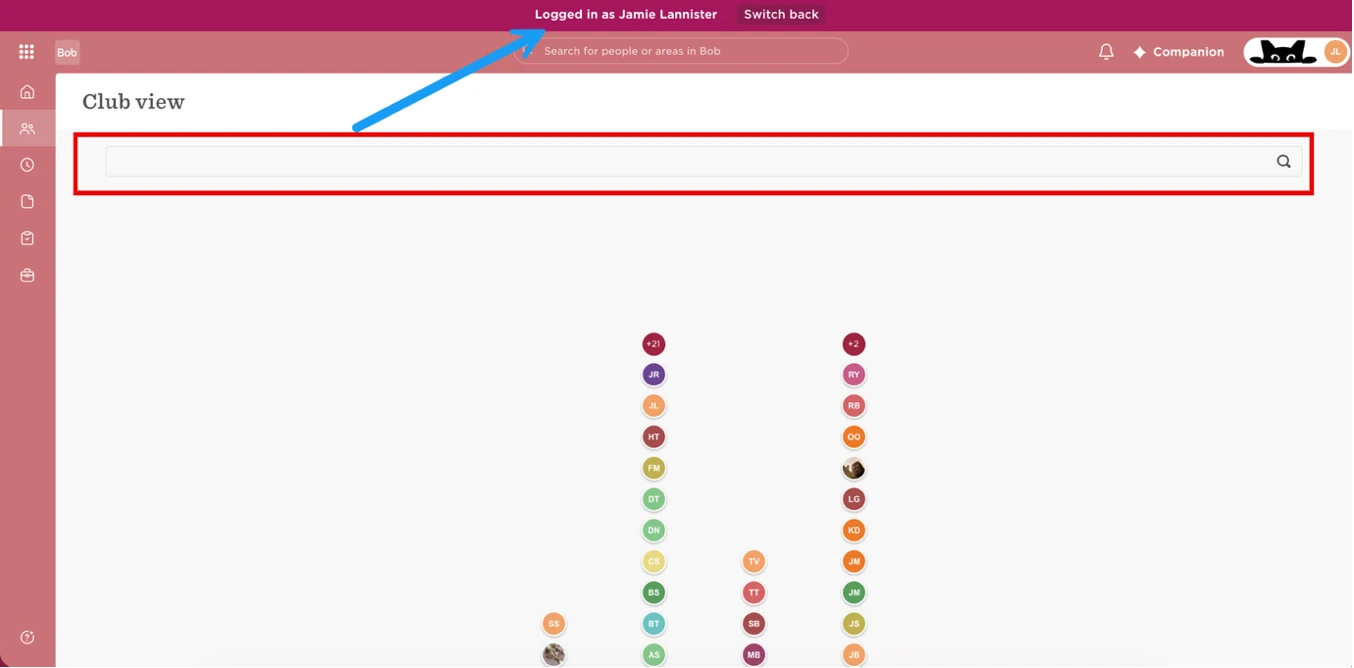
A user needs View permission for all fields within the relevant category for its filter to appear. Access to selected fields within that category is not enough. In testing, removing access to individual fields caused the corresponding filter to disappear.
To review and adjust access:
- Open the relevant permission group.
- Review its People’s Data permissions and the employees included in its access scope.
- Check whether the user has View permission for all fields within the category corresponding to the missing filter.
- If that level of visibility is appropriate, grant the required permissions and save.
- Check Club View as the affected user to confirm the filter appears.
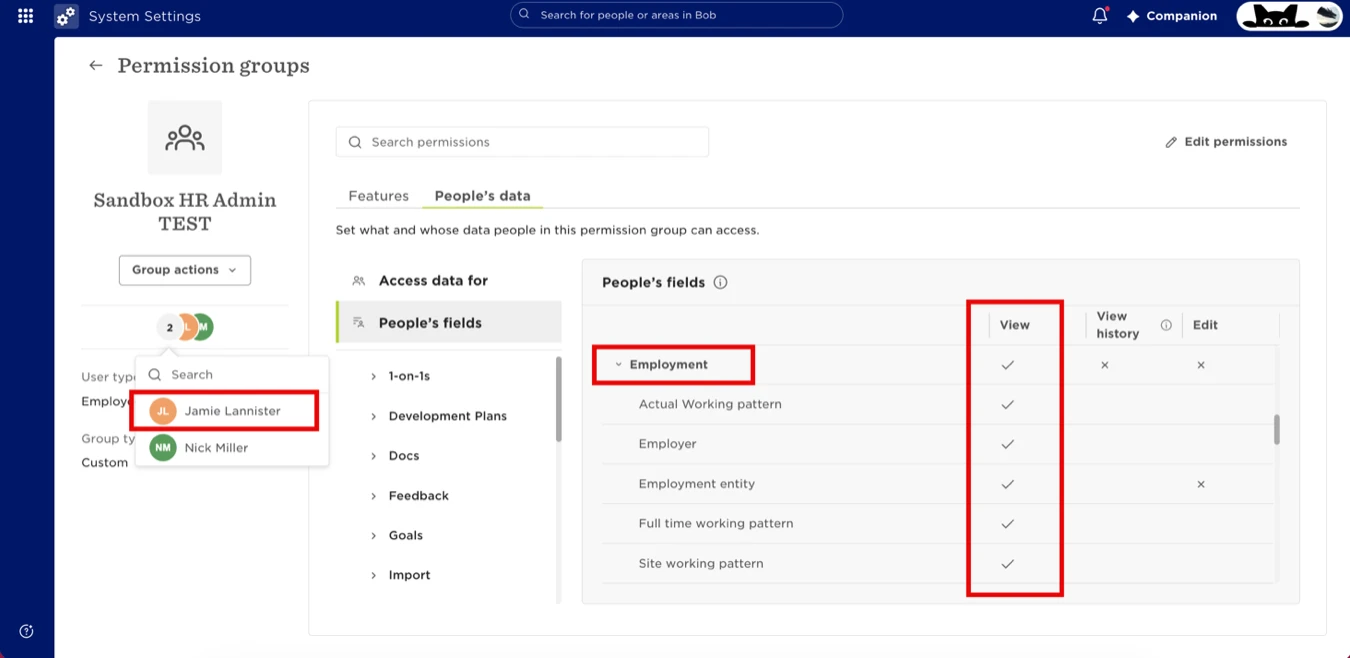
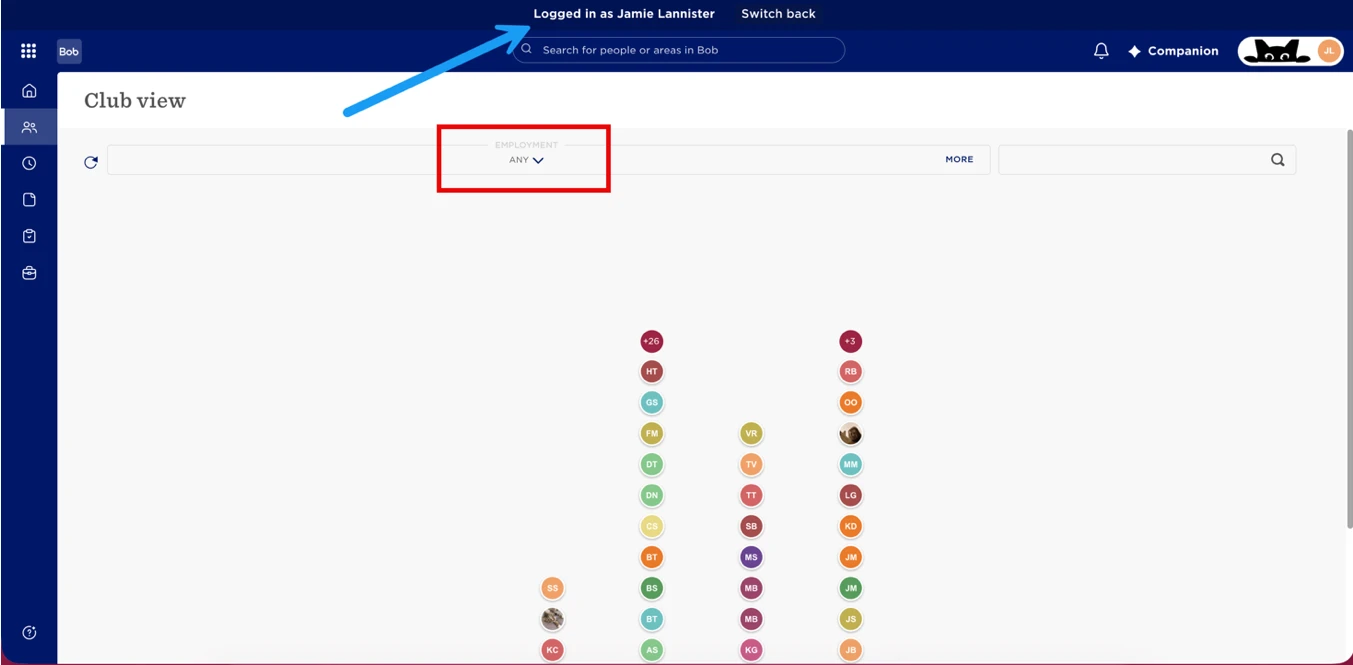
For example, if a workplace manager needs the Lifecycle filter to exclude leavers, granting access to only selected Lifecycle fields will not make the filter available. They need View permission for the full Lifecycle category.
Consider the information this access makes visible. Employment and Lifecycle categories may contain sensitive information. Granting access also allows the user to view that information on employee profiles, within their permission group’s access scope.
If full-category access is unsuitable, keep the existing restrictions. Where appropriate, grant access through a permission group limited to selected users who need that information, such as managers or Payroll.