

If you’ve created a new employee field but can’t select it in the org chart view, it’s usually related to the field type or where the field is stored.
Not all field types can be displayed in the org chart. Currently, the supported field types are:
- Text
- Number
- Currency
- List
- Employee Reference
- Date
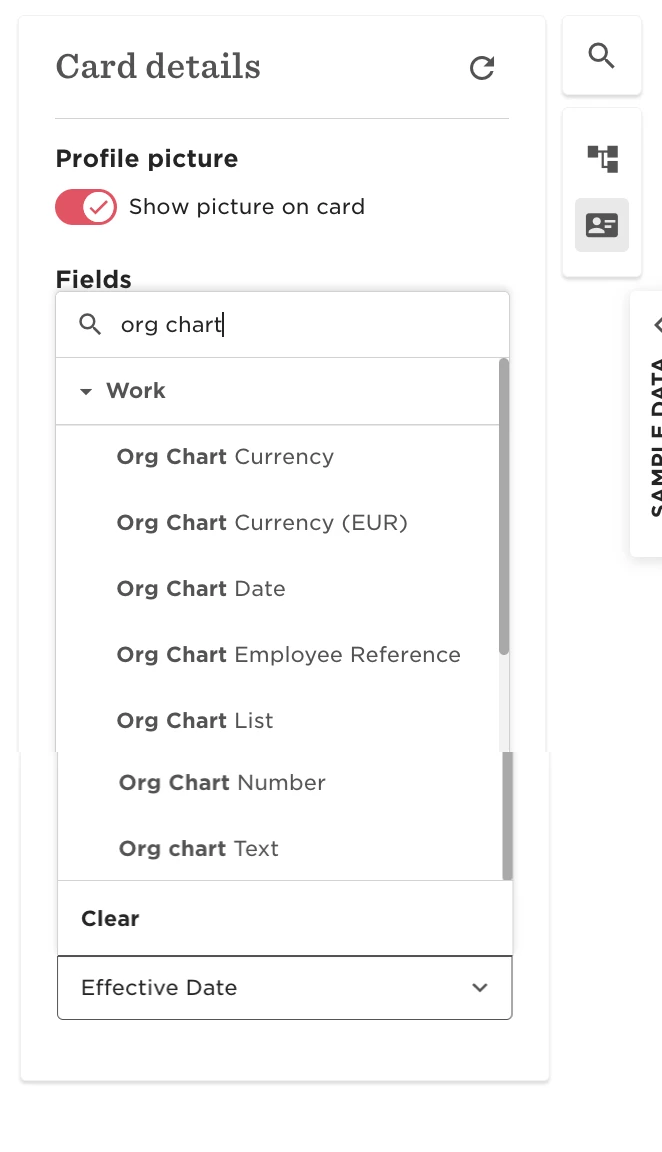
Multi-list (multi-select), Document-type fields, and Text Areas aren't supported in the Org Chart view.
Additionally, fields that belong to a custom table can’t be displayed in the org chart, even if they’re set up as a supported type.