


Need to allow all employees to download the list of People Directory?
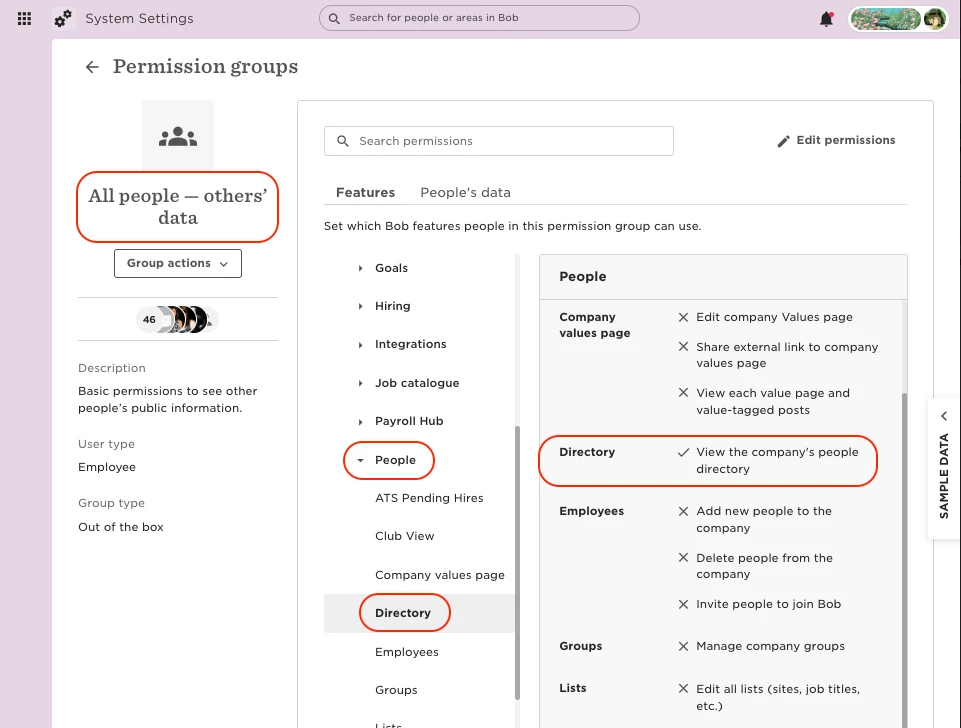
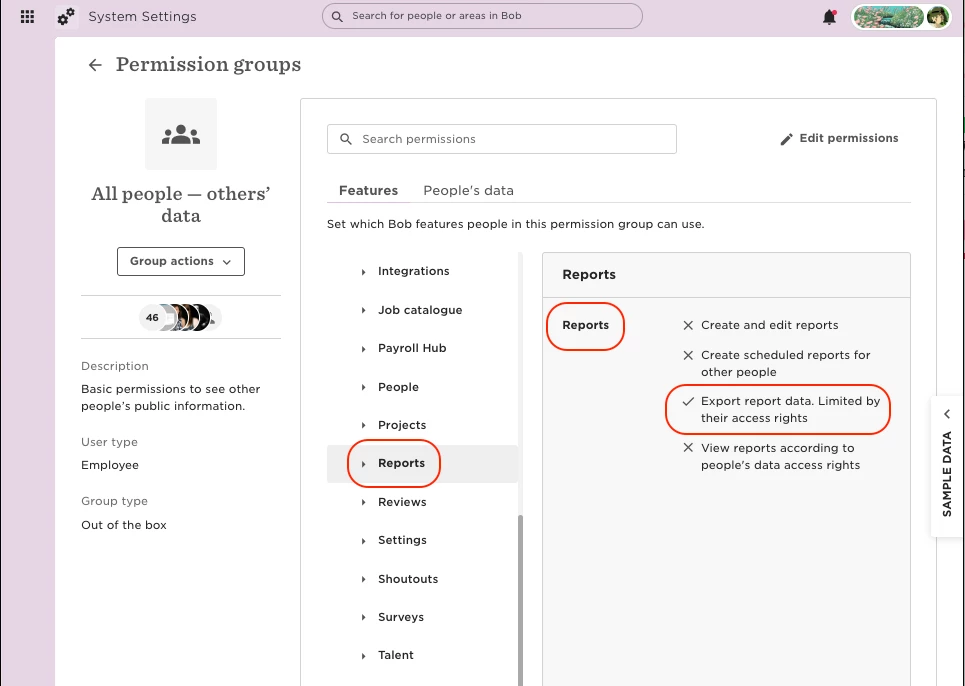
You'll need to grant two permissions in the All People - Other's Data permission group:
- Go to Features > People > Directory
- Enable permission: "View the company's people directory"
Then, go to Reports and allow the permission: "Export report data. Limited by their access rights"
Finally, save the changes you have made.
The employees with these permissions will only export people they have permission to view.