
If one employee has access to a company portal link and another does not, you can adjust the settings by clicking the avatar of the link. This allows you to either limit access to essential personnel or change it so the entire company can view it.
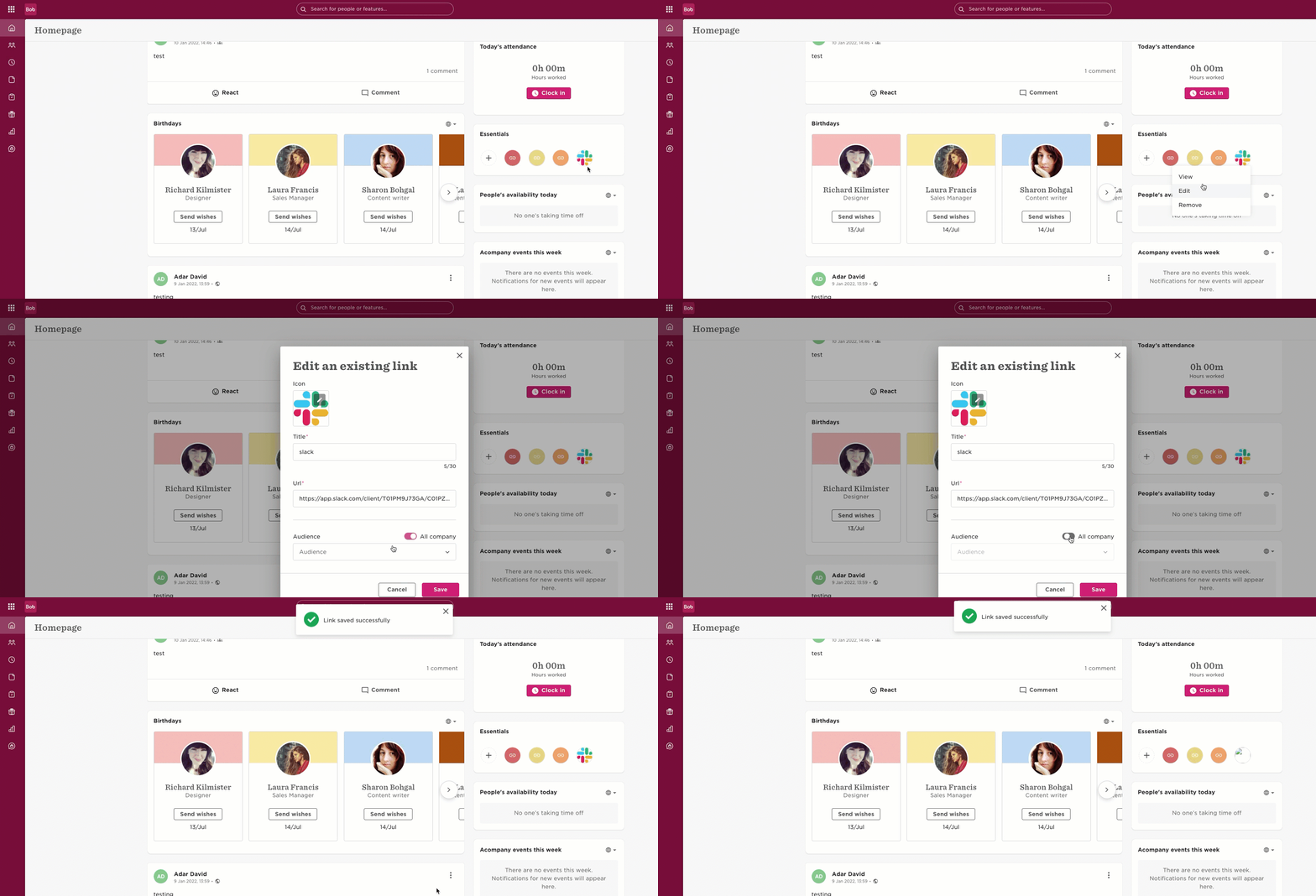

If one employee has access to a company portal link and another does not, you can adjust the settings by clicking the avatar of the link. This allows you to either limit access to essential personnel or change it so the entire company can view it.
Already have an account? Login
Not a customer yet? Enquire today. Create an account
Enter your E-mail address. We'll send you an e-mail with instructions to reset your password.