
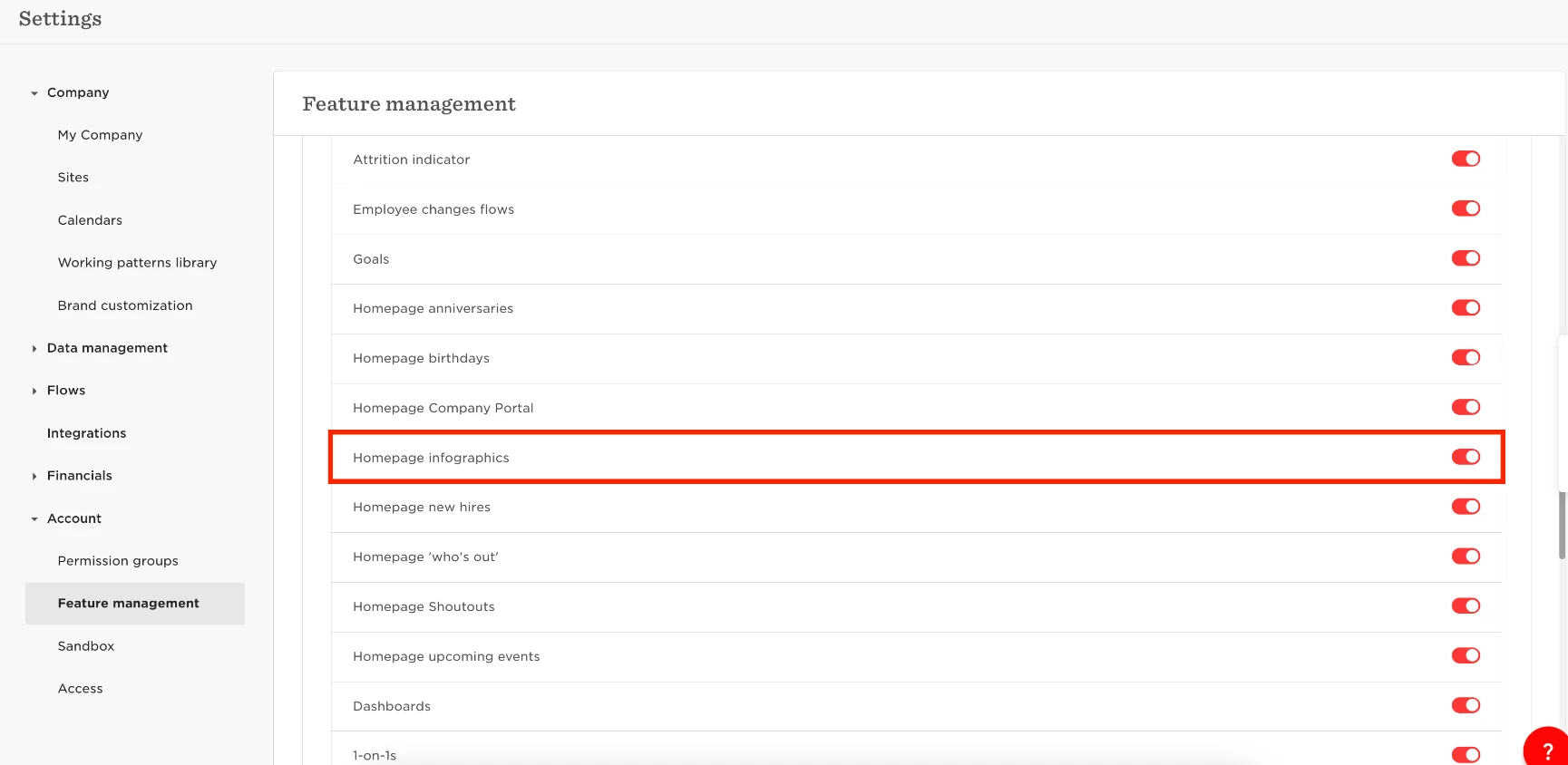
You can disable the "Our people" Section from the Homepage by going to
- Settings
- Account
- Feature Management
- Disable Homepage Infographics.

You can disable the "Our people" Section from the Homepage by going to
Already have an account? Login
Not a customer yet? Enquire today. Create an account
Enter your E-mail address. We'll send you an e-mail with instructions to reset your password.