


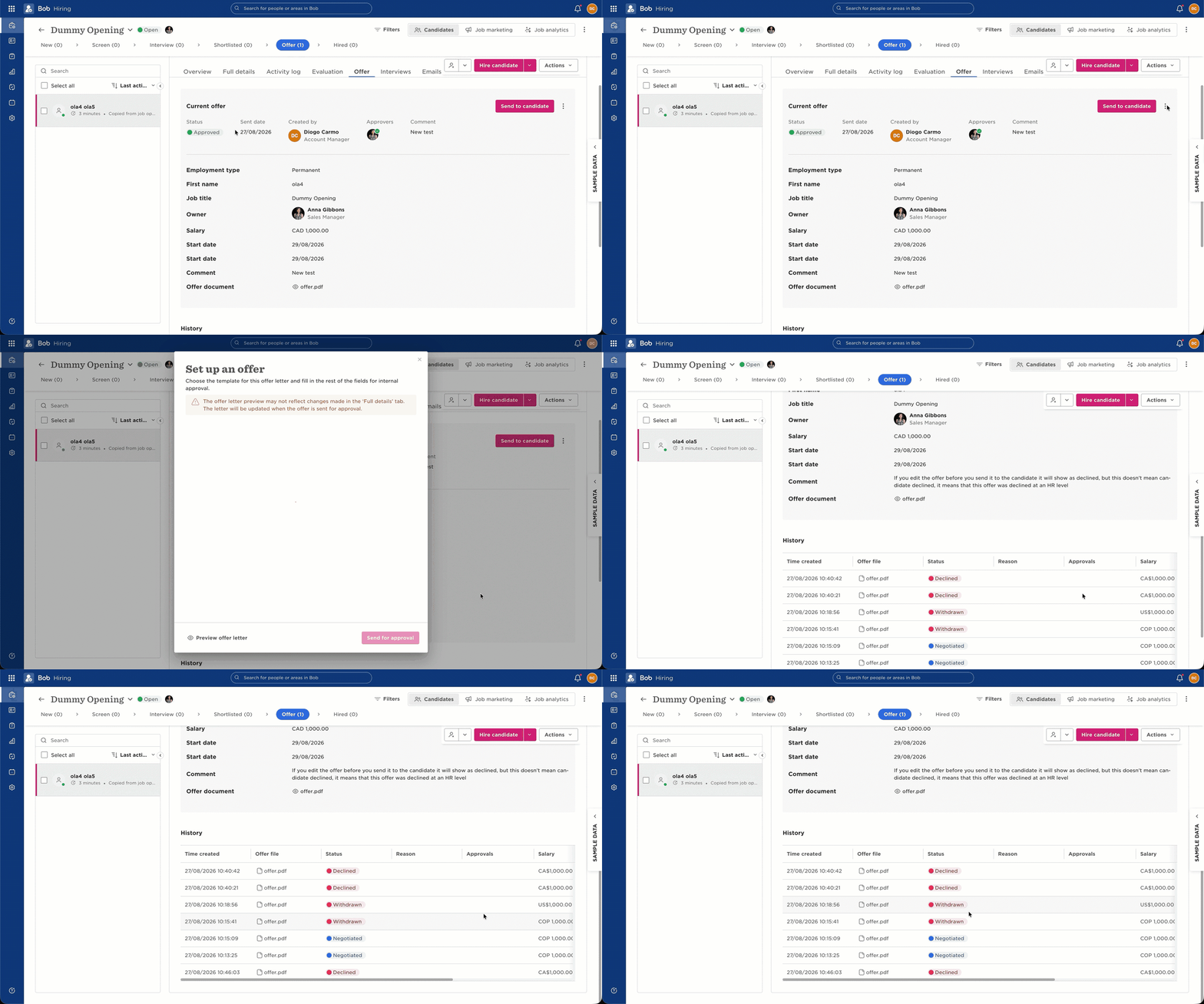
When an offer is approved but hasn’t yet been sent to the candidate, editing the offer replaces the previously approved version. The previous version is then marked as Declined.
In this situation, Declined does not mean the candidate declined the offer. Since the candidate hasn’t received the offer, they couldn’t have declined it. The status refers to the previously approved version being replaced by the edited version.
For example, the sequence may be:
Offer approved → Offer not yet sent → Offer edited → Previous version marked as Declined
You can check the information and comments shown at the bottom of the offer to confirm that the offer was edited.
The behaviour is different when the candidate has already signed the offer. If the sequence is:
Offer sent → Candidate signs → Offer edited → Sent for approval again
the offer moves into Negotiation instead.
The candidate can still sign the offer. When they do, the offer status will show it as Signed.