When creating email templates in the Hiring module in Bob, each template must be assigned an email category. These categories define where the templates can be used, which is why you might not find a specific template in your desired scenario.
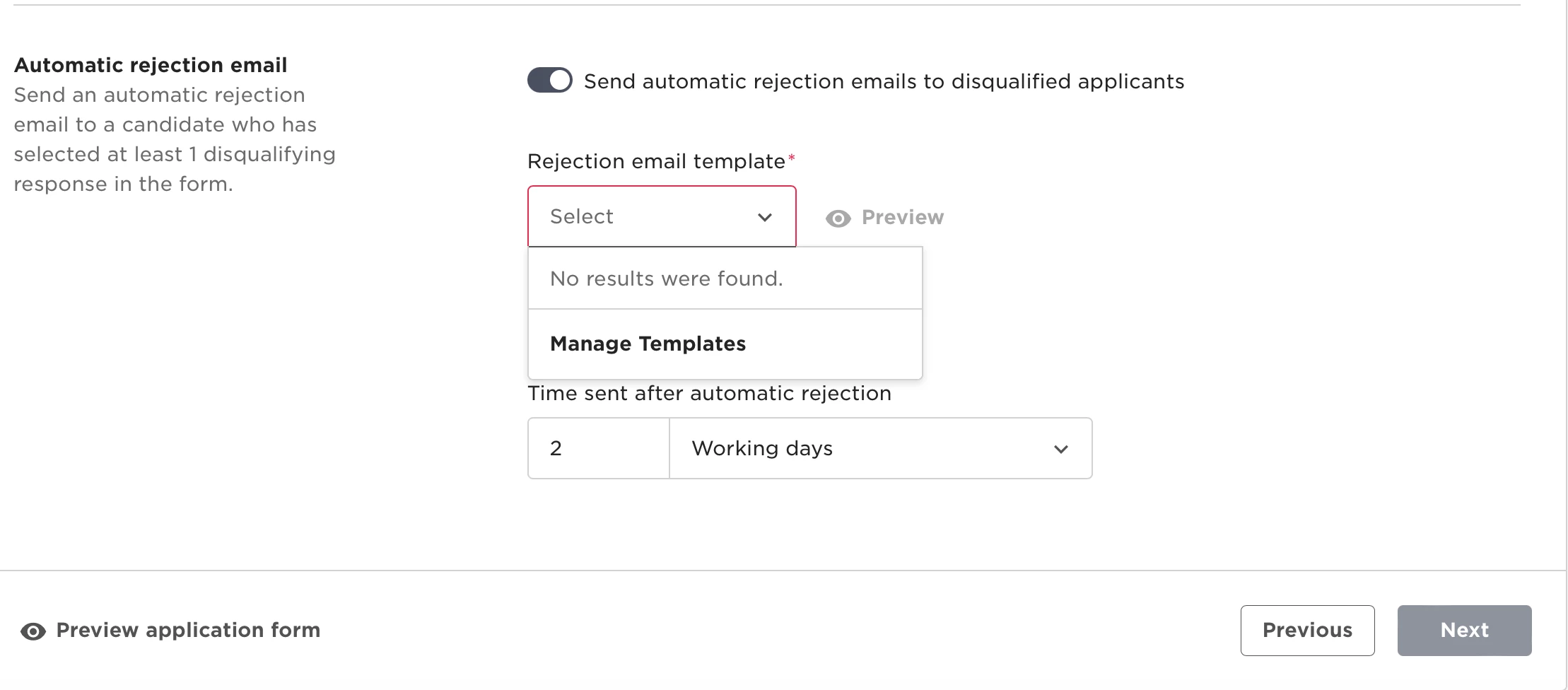
In the screenshot below, you’ll notice only Rejection Automatic templates if available because they are tied to automated rejection scenarios.
Email Categories and Their Use Cases:
-
Rejection
- Available throughout the hiring pipeline.
-
General
- Available throughout the hiring pipeline.
-
Hired
- Available throughout the hiring pipeline.
-
Interview
- Available only when scheduling an interview with a candidate.
-
Offer
- Available only during the offer process.
-
Referral
- Available when sending referral links from Job Marketing. Templates in this category may include annotations about the employee receiving the referral link.
-
Rejection Automatic
- Available when setting up the application form for a job opening. These templates can be configured as automated rejection messages if disqualifying answers are chosen in screening questions.
*Ensure that the template you’re looking for is aligned with the correct category and scenario within the Hiring module.