

If you’re trying to assign a position in Hiring but the dropdown doesn’t show any options, this issue is usually related to how positions are connected to the job opening. Follow the steps below to resolve it.
Check connected positions
First, make sure the job opening has positions connected to it.
-
Open the relevant job opening.
-
Go to Details.
-
Check that at least one position is selected under Connected positions.
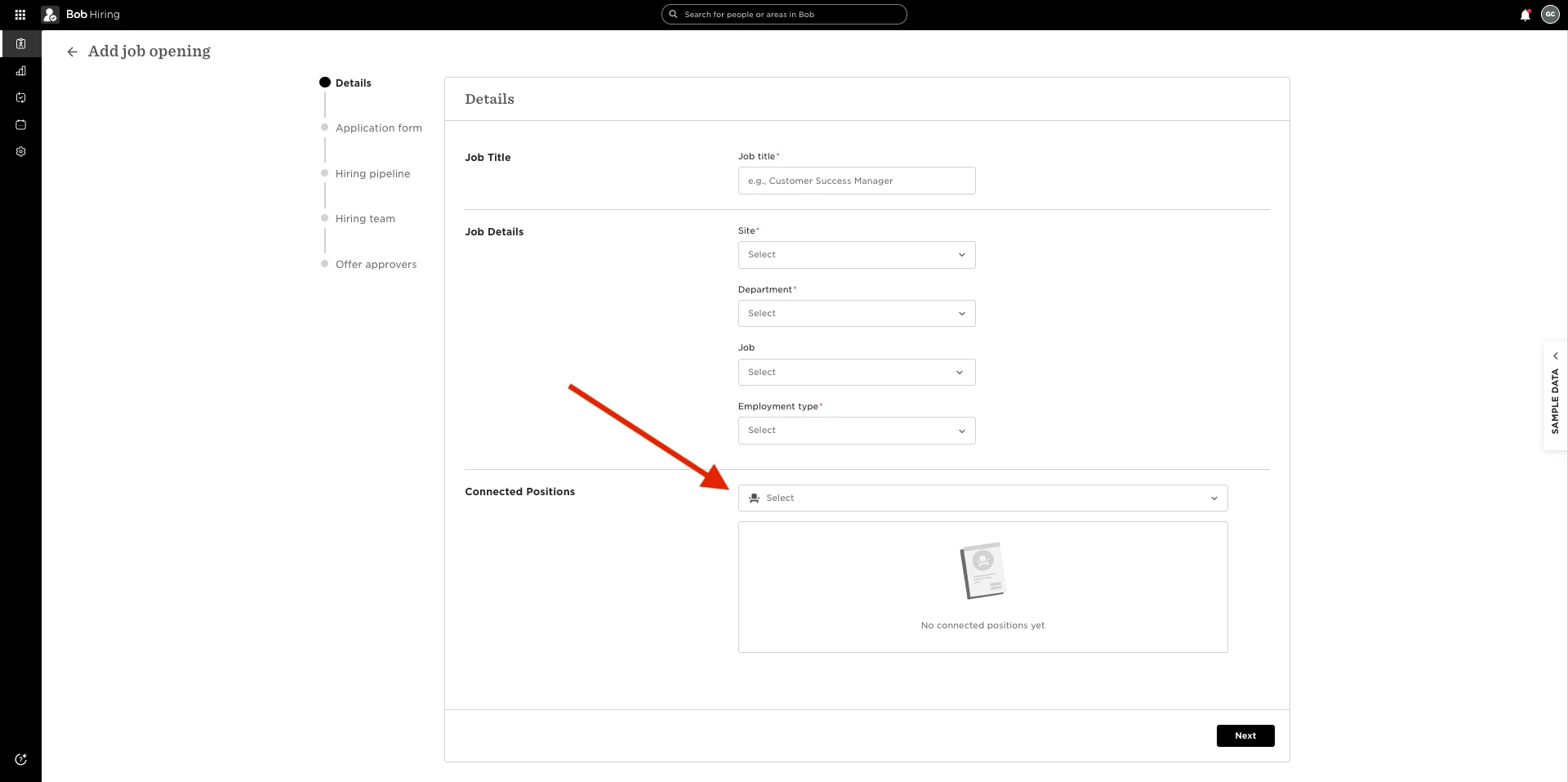
If no positions are connected, add them and try assigning the position again.
Fix validation errors when connecting positions
If you see the error message “An error occurred while validating entities” while adding connected positions, this usually happens when a job that was previously linked to the job opening was deleted. Even though it was removed in the UI, the connection may still exist in the background.
To clear this validation error:
-
In the job opening, go to Details.
-
Select a different job from the list and click Save.
-
Edit the job opening again.
-
Remove the job you just selected so no job is selected.
-
Click Save again.
This resets the job connection.
Once completed, go back to Connected positions, add the correct positions, and check the dropdown again. The available positions should now display correctly.