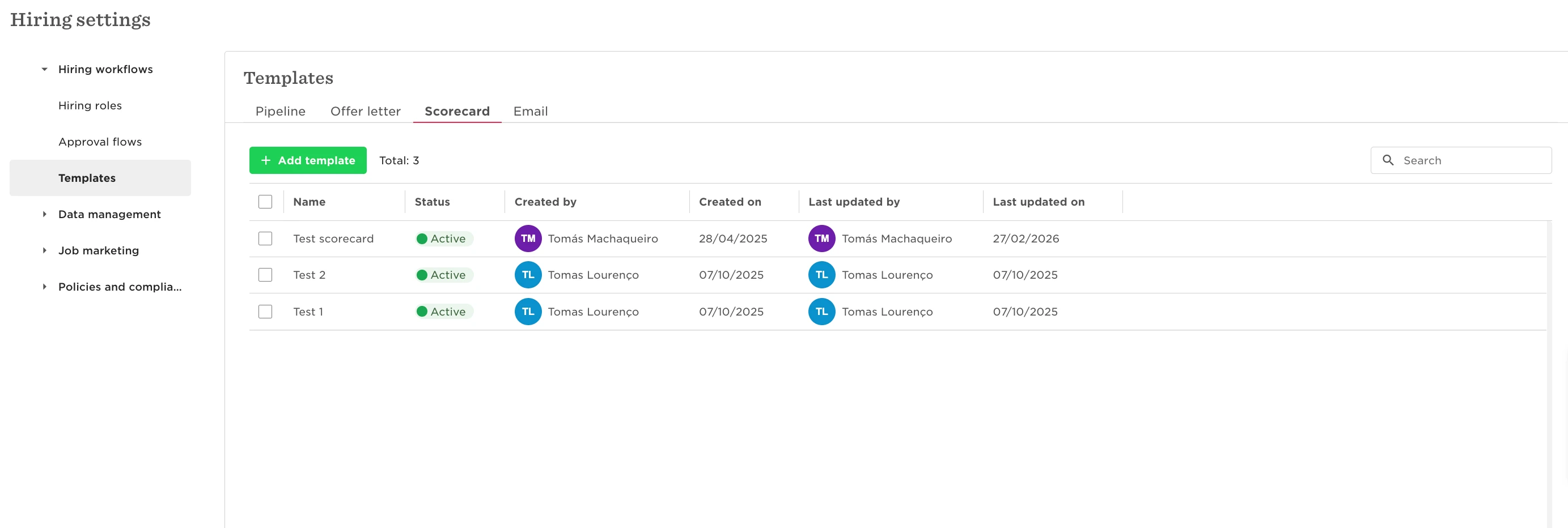
To allow a user to create and edit scorecards, you’ll need to grant them access to hiring settings as there isn’t a dedicated permission just for scorecards.
Go to System Settings > Account > Permission Groups
Select the relevant permission group
Enable 'Manage hiring settings'
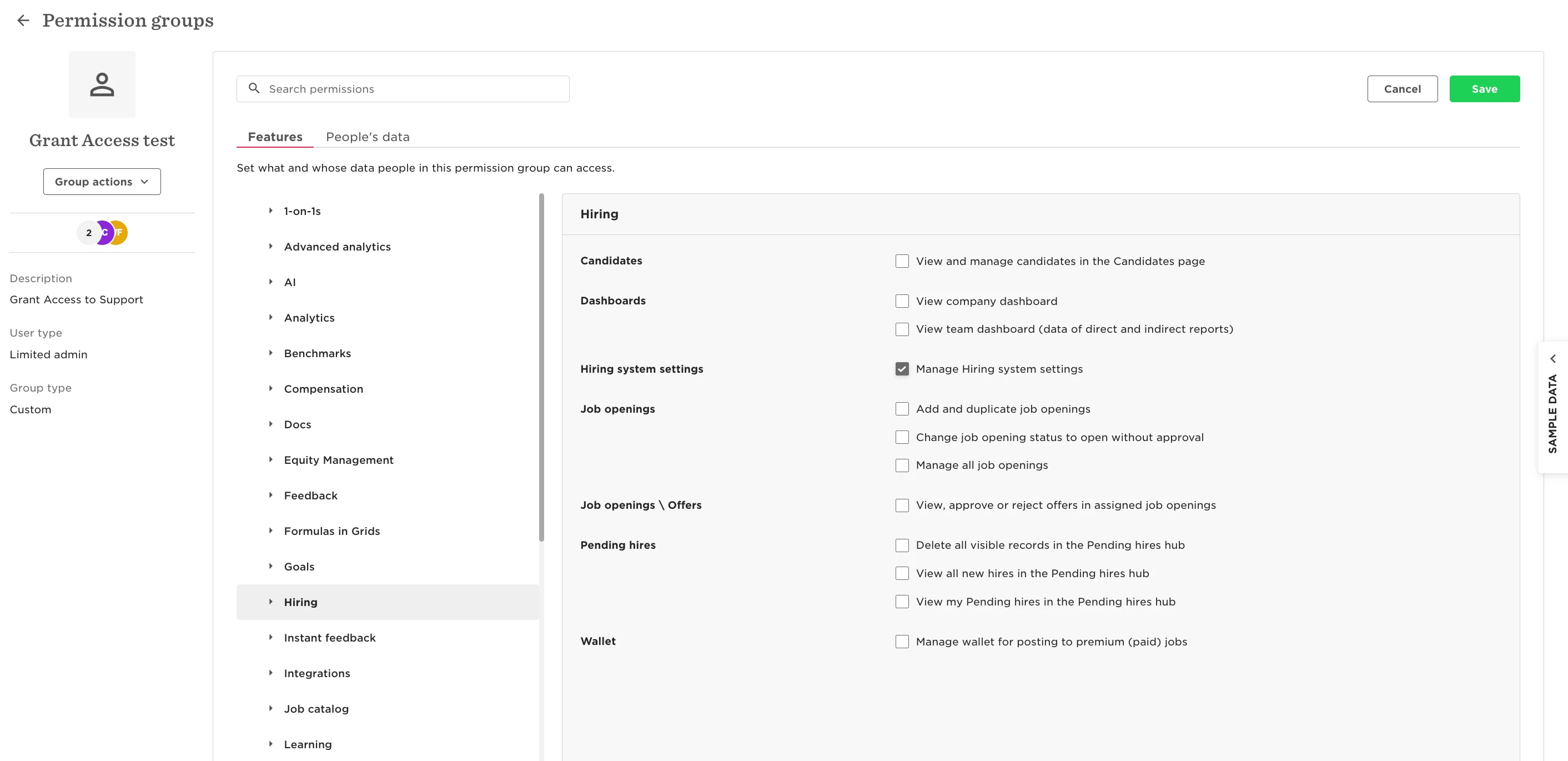
Once this permission is enabled, users will be able to create and edit scorecards as part of the Hiring setup.
Keep in mind that Manage hiring settings is a broad permission. It gives access to all settings within the Hiring module,not just scorecards.