

If you're stuck on a loading screen while promoting a Job Opening—via the Careers page, job boards, agencies, or anywhere in the Hiring module - it likely means the Job Description is missing.
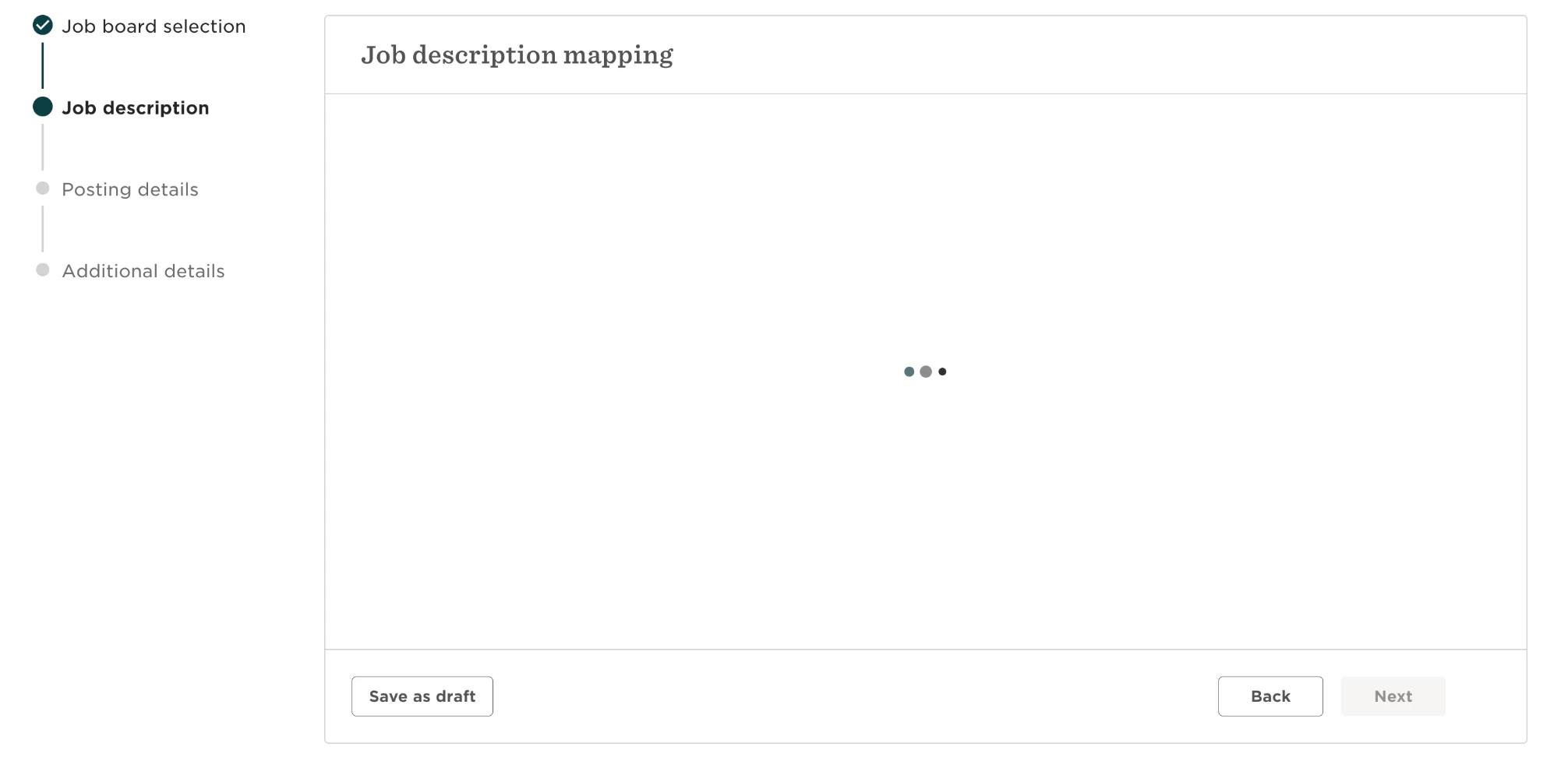
This happens because there is no Job Description available or created and this is a mandatory step to ensure that you are able to promote any Job Opening.
To fix this:
- Go to Hiring > Job openings
- Click the relevant Job Opening
- Select the Job Marketing tab
- Select 'Add Description'
- Add or paste the description content
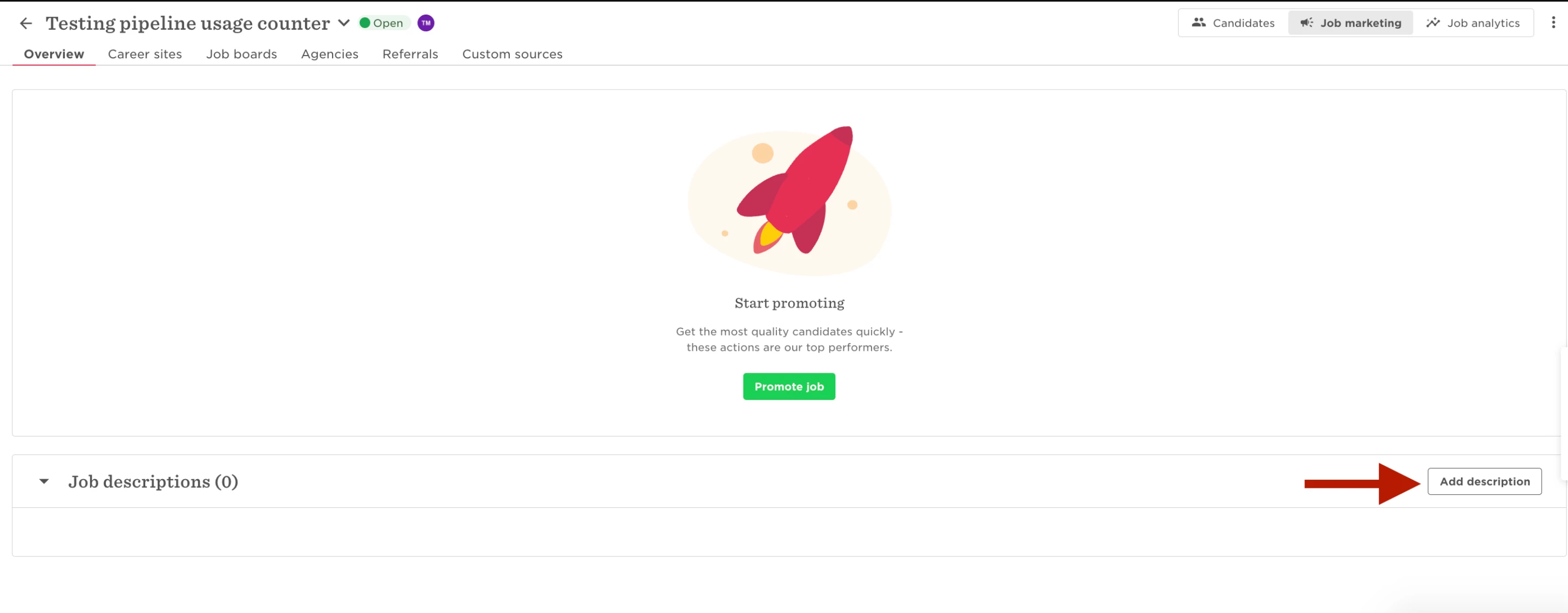
- Click Save
Once a Job Description is added, you'll be able to proceed with the Job Promotion as expected.