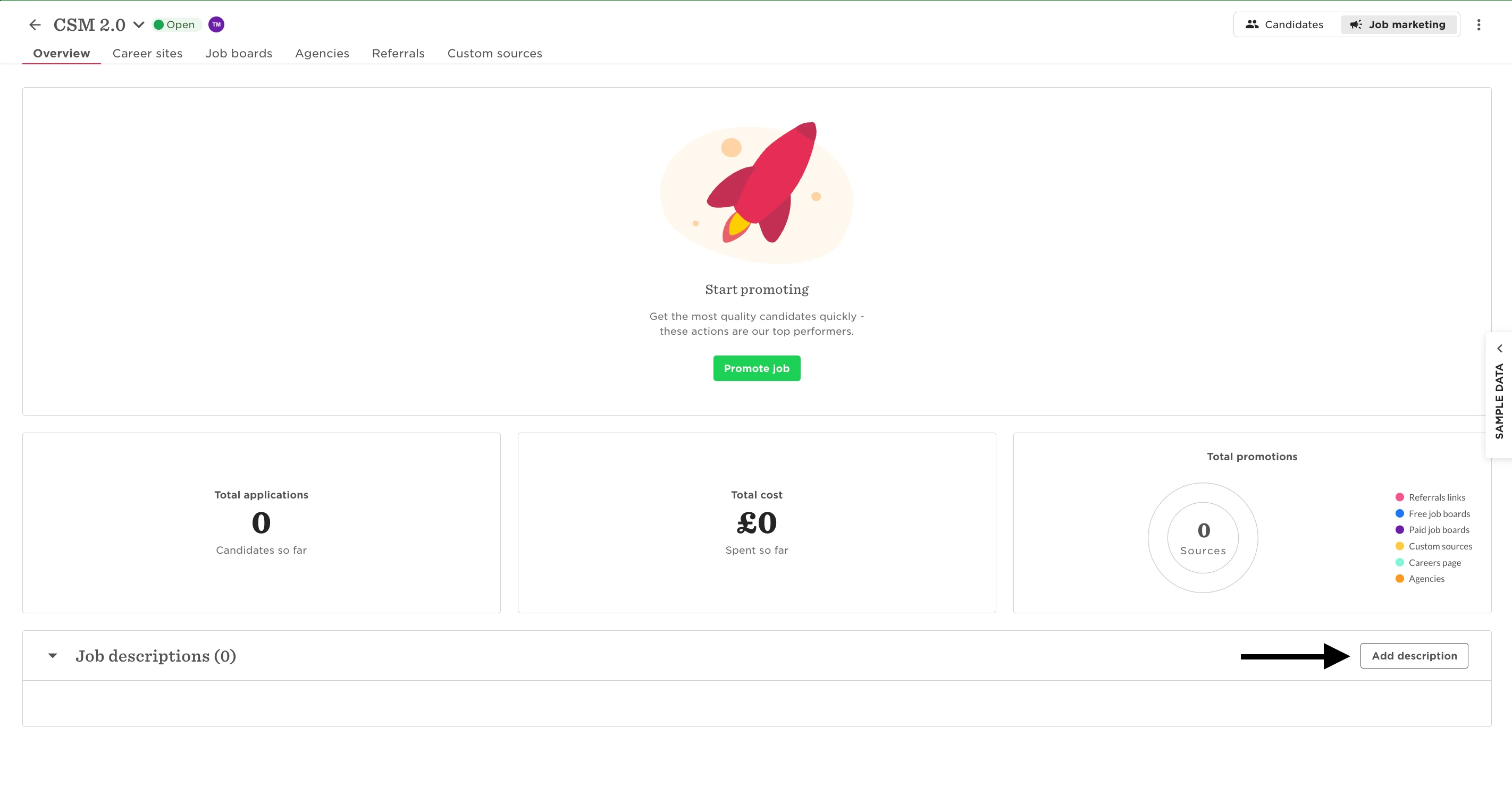
If you're trying to create a custom source in Job marketing and the page gets stuck or fails to load, it’s likely because the Job Opening doesn’t have a Job description yet.
A description is required before you can generate a custom source link.
To fix it:
-
Go to Hiring > Job openings
-
Select the relevant job
-
Open the Job marketing > Overview tab
-
Under Job descriptions, click Add description
-
Save the details, then try creating your custom source again