

Need to download your candidate data into a spreadsheet? You can easily export it using the applications report in Analytics.
To export your candidate list:
Go to Analytics > Reports.
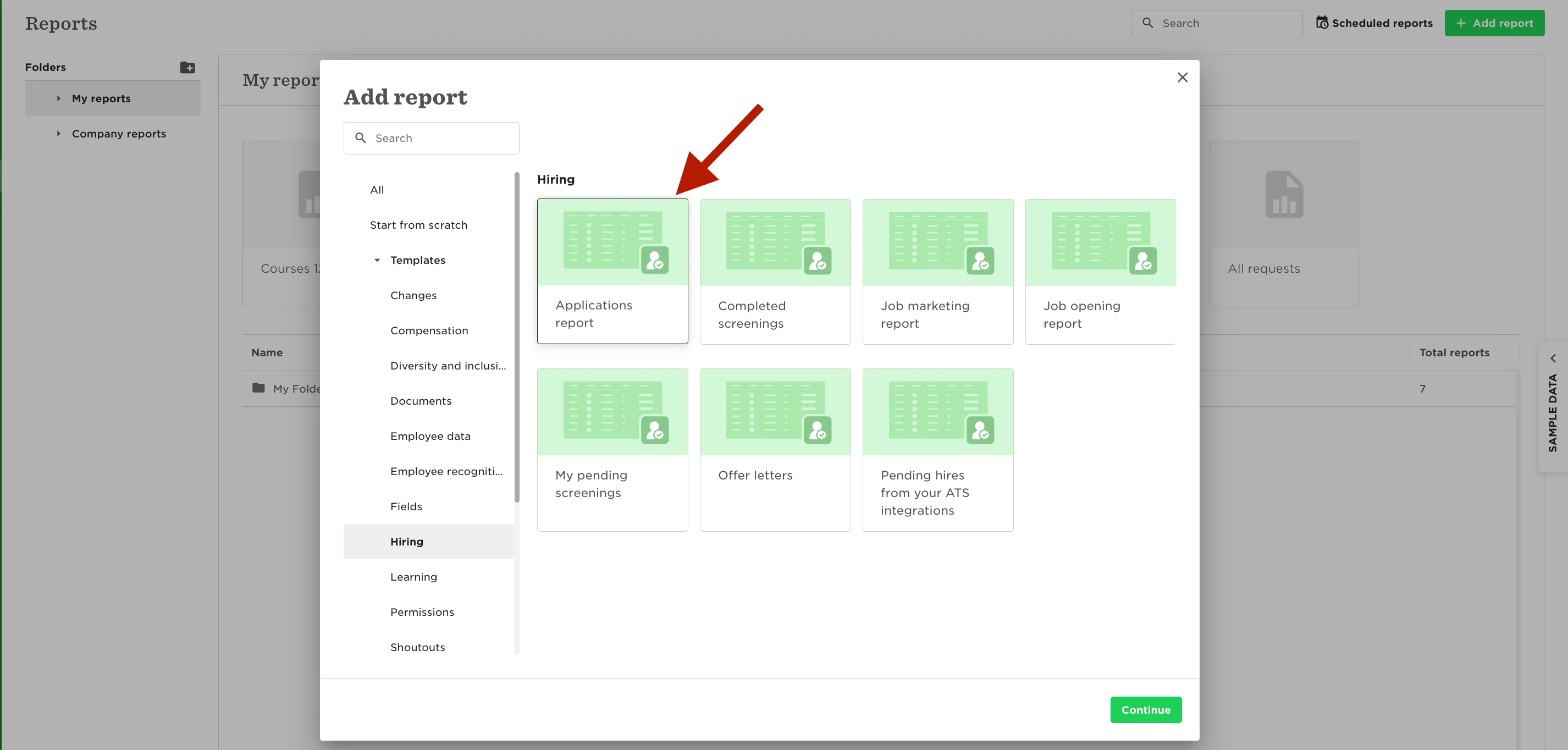
Click Add new report.
Under Hiring, select Applications report.
Choose the fields you’d like to include (for example, candidate name, email address, stage, job opening, and any other relevant data).
Click Generate.
Once the report is ready, download it in XLSX or CSV format.
The export will include all the fields you selected, so you can tailor the report to match exactly what you need. This is helpful if you’re sharing candidate data externally, analyzing pipeline activity, or keeping an offline record.