


If a candidate was hired using Link Profile by mistake, you can recreate the candidate, preserve the relevant recruitment history, and hire them using New Hire Flow.
When hiring a candidate, you can choose between:
- New Hire Flow — Creates a new employee profile for the candidate.
- Link Profile — Links the candidate to an existing employee profile in Bob.
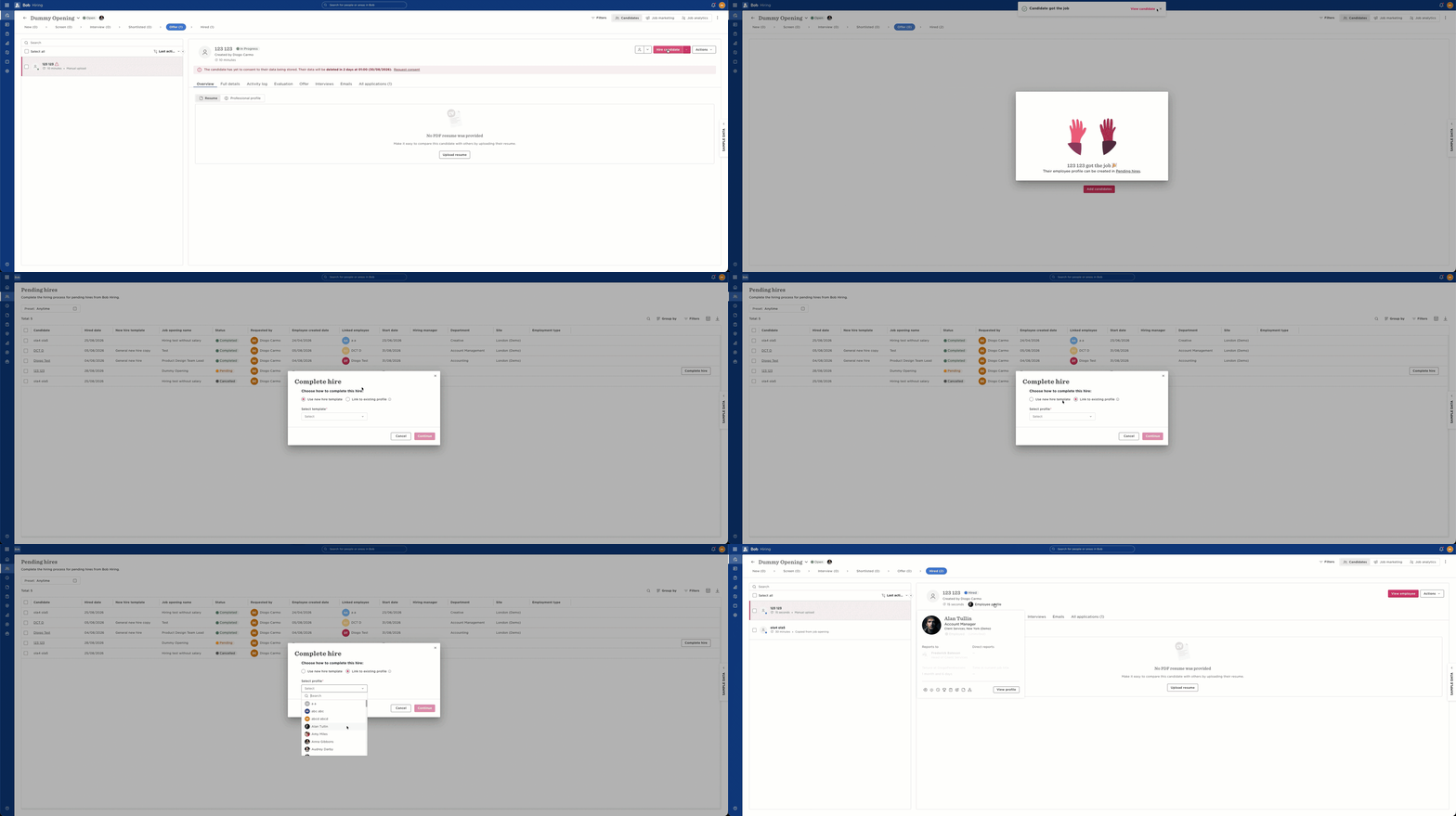
Currently, there isn't an option to simply unlink a candidate from an employee profile once Link Profile has been selected.
To correct the association:
- Create a new candidate manually within the relevant Job Opening. You can also upload their resume at this stage.
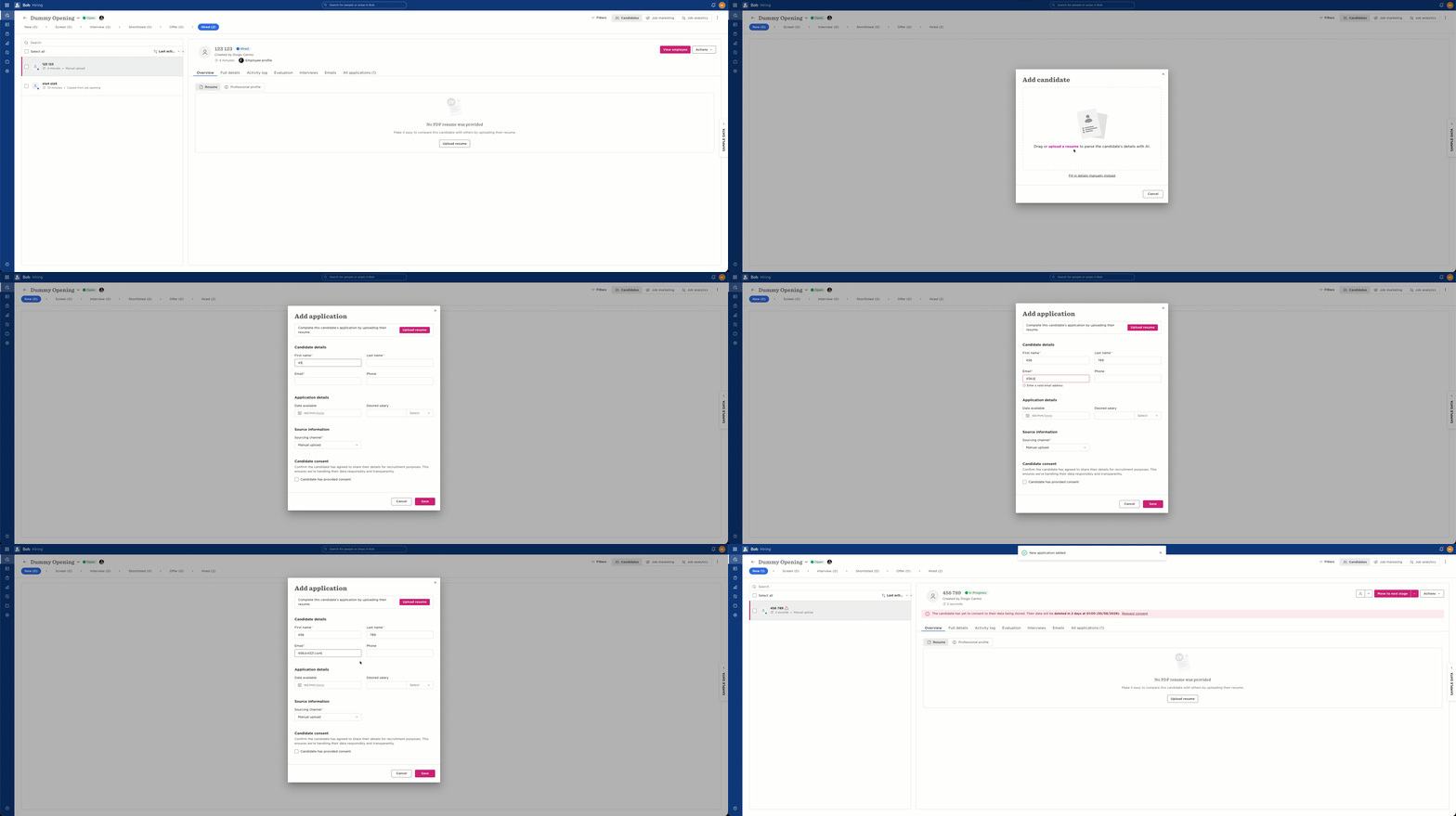
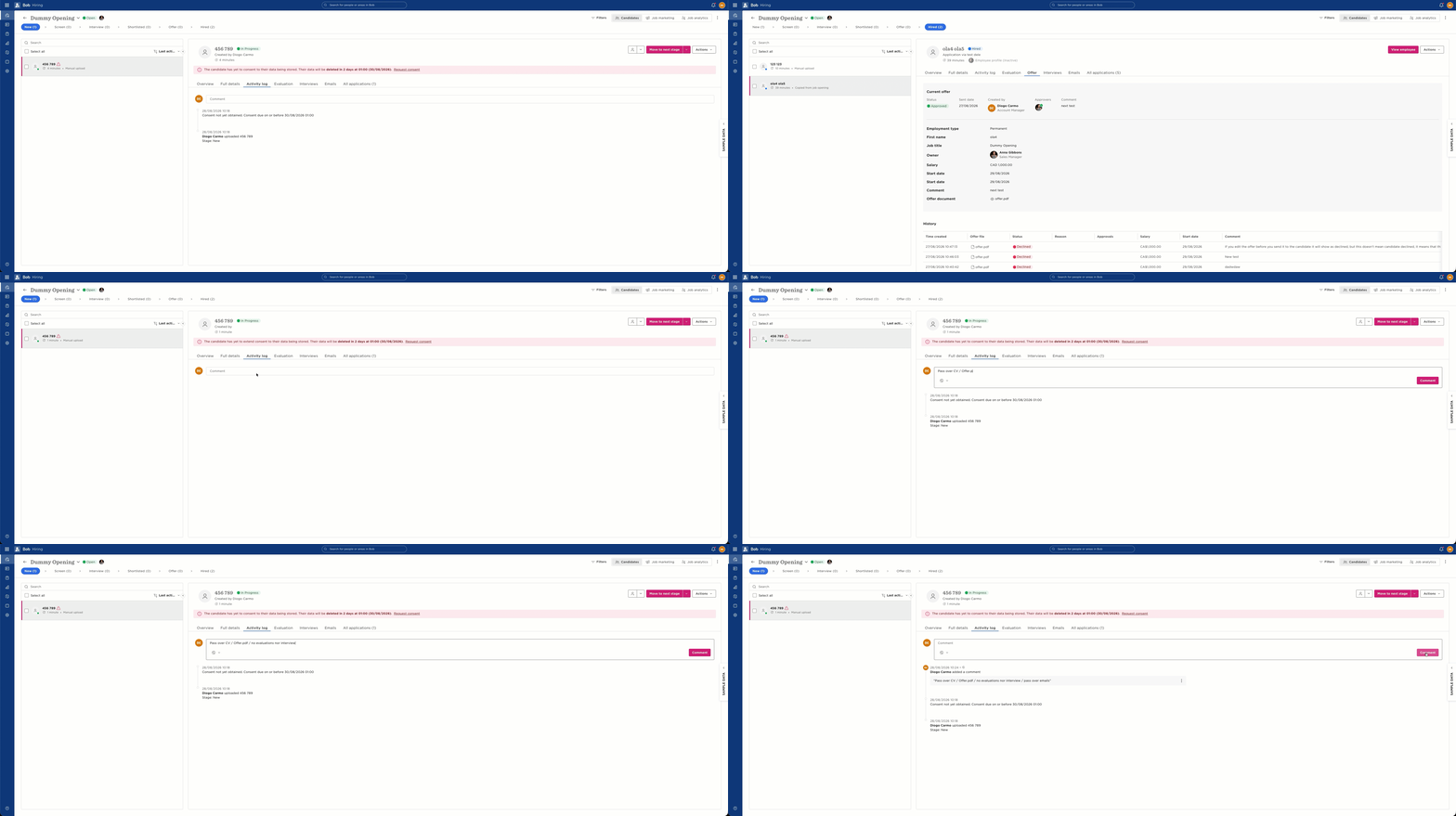
- Review the original candidate and copy any information you need to retain into the new candidate's Activity Log. This helps preserve the relevant recruitment history.
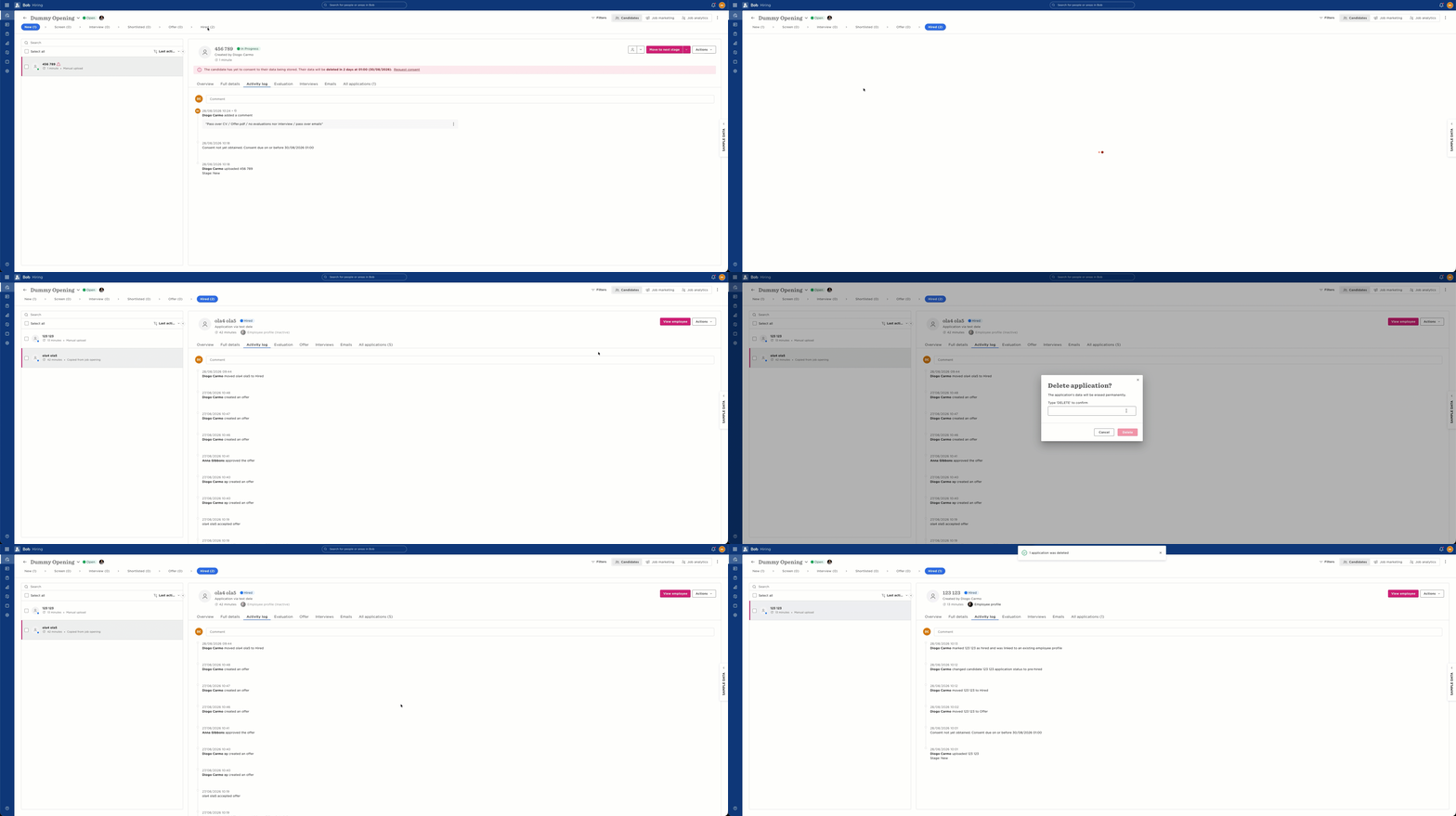
- Once you've retained the required information, delete the original candidate's application from the Job Opening.
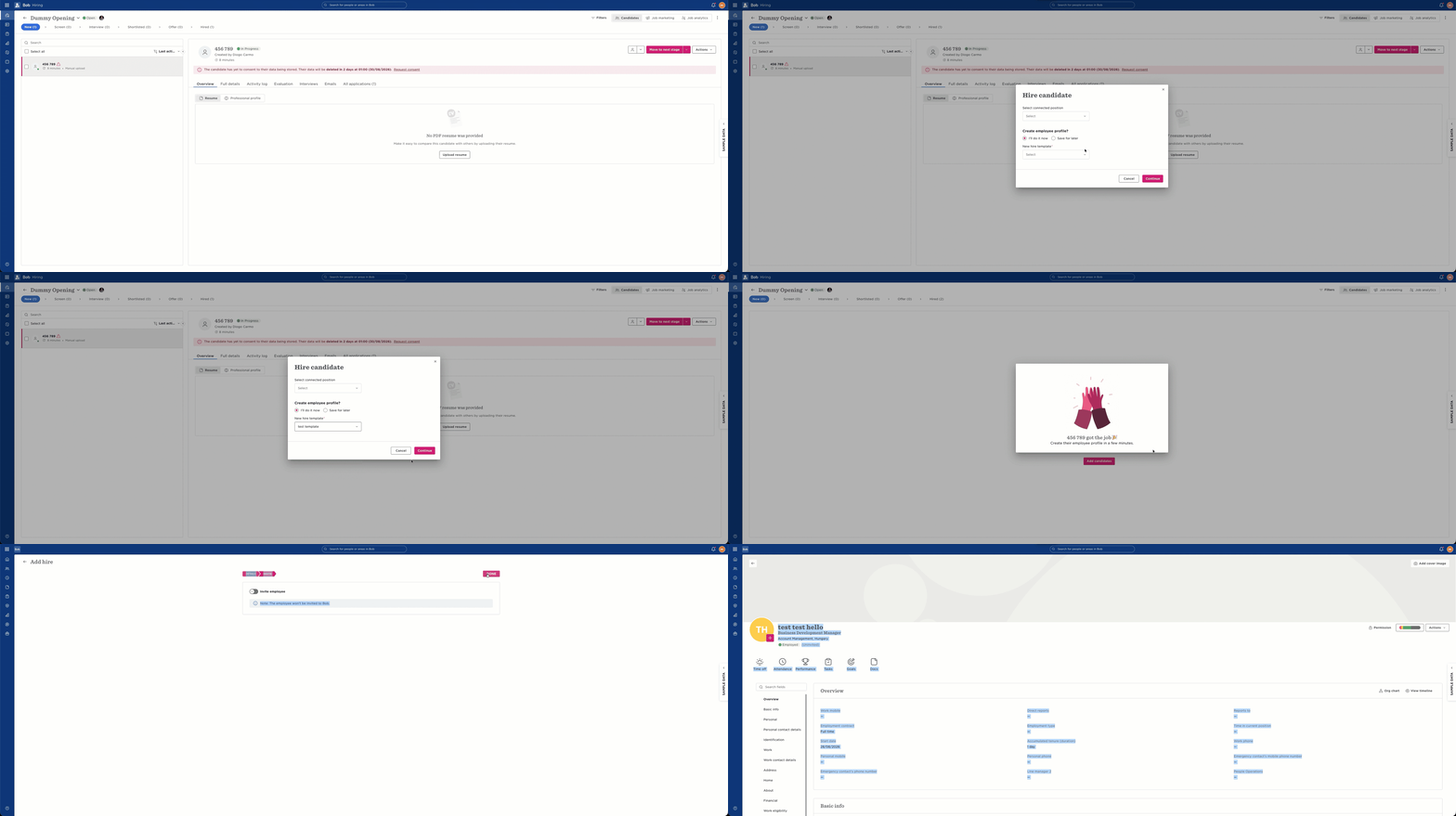
- Move the new candidate through the appropriate hiring stages. When you're ready to hire them, select New Hire Flow instead of Link Profile. This creates a new employee profile for the candidate.
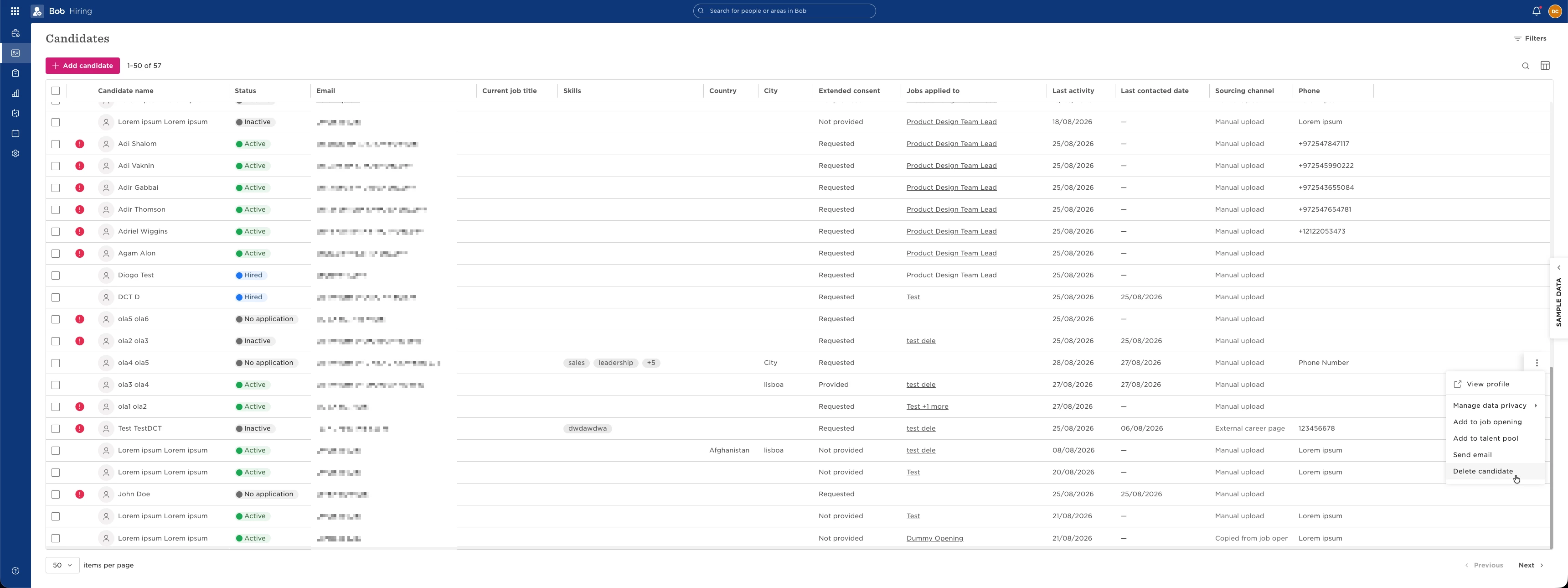
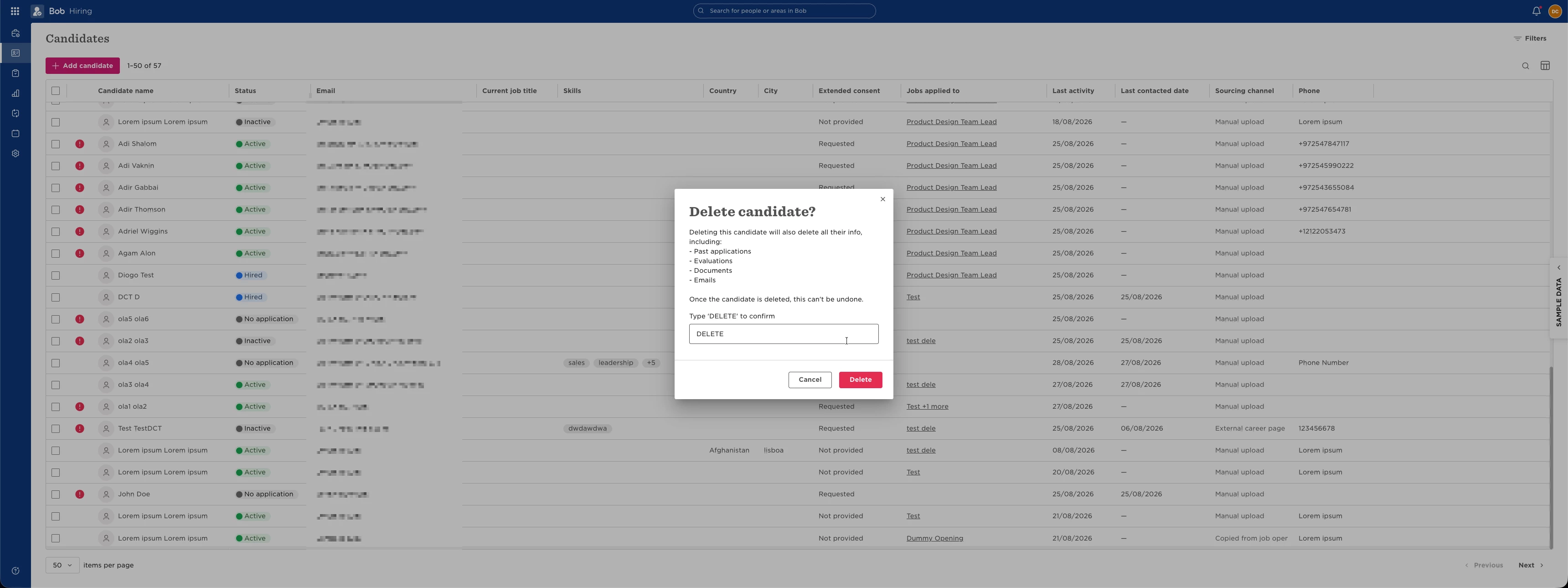
- If the original candidate is no longer associated with any other applications, delete the original candidate record to keep your Hiring data clean.
This workaround lets you correct the candidate-to-employee association while retaining important information from the original application.