If you need to confirm the activity on each goal that has been created for you, you can simply go:
- From the top left Menu
- Select Talent
- You will find in the left menu the option Goals
- Select My goals
The platform will then open a new window where you can see all the shared and personal Individual, Departmental and Company goals that have been assigned to you.
Then, you can click on the actual goal to expand the Activity history:
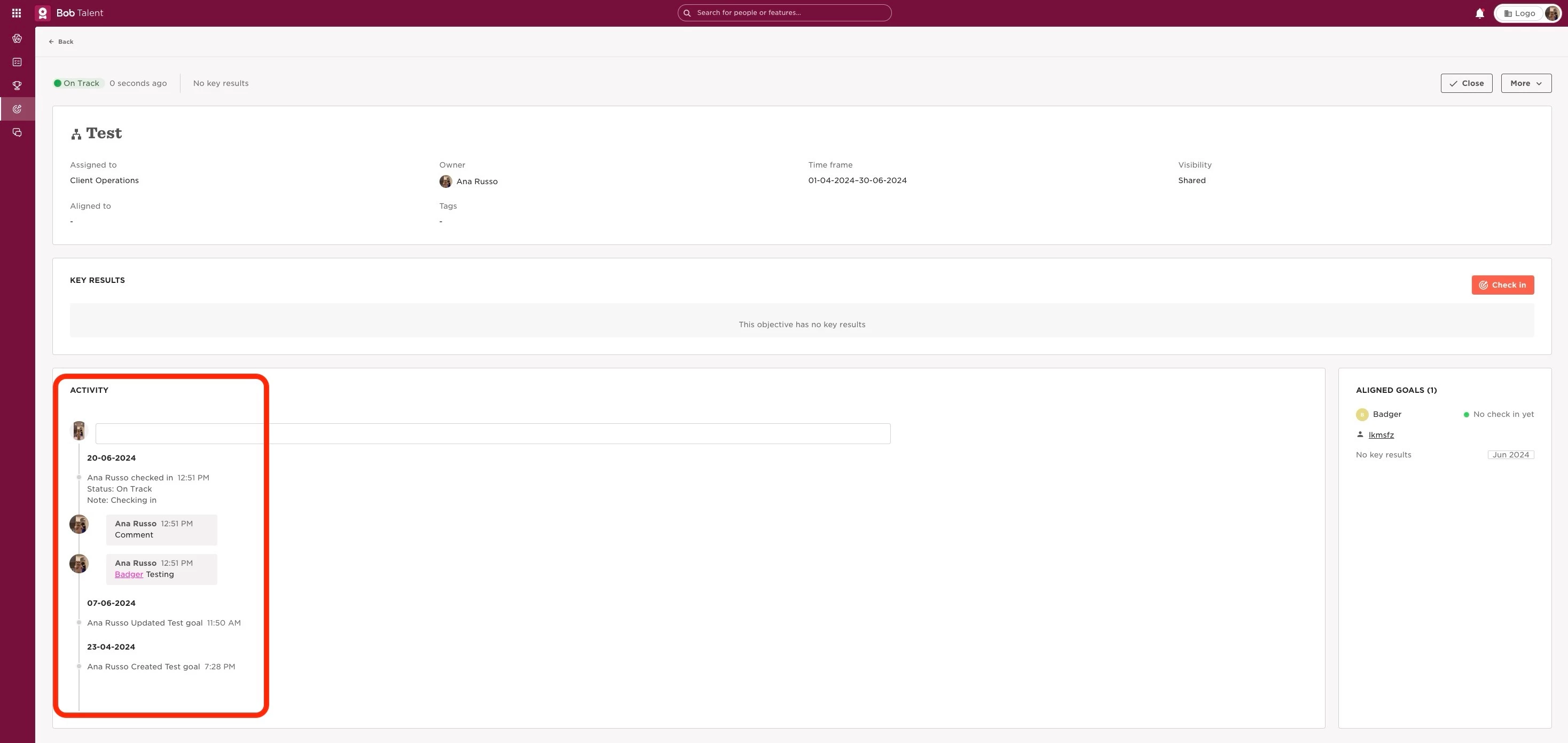
This will show the goal's history details such as the last time you checked in, goal status, and any check-in notes that were added.
It’s also important to note that it’s not currently possible to delete or edit check-ins.