


Quickly identify employees with specific reference roles like Buddy, using the "Is assigned as" filter in your reports.
Set "Buddy > Is assigned as" to include only those currently assigned as a Buddy in your company.
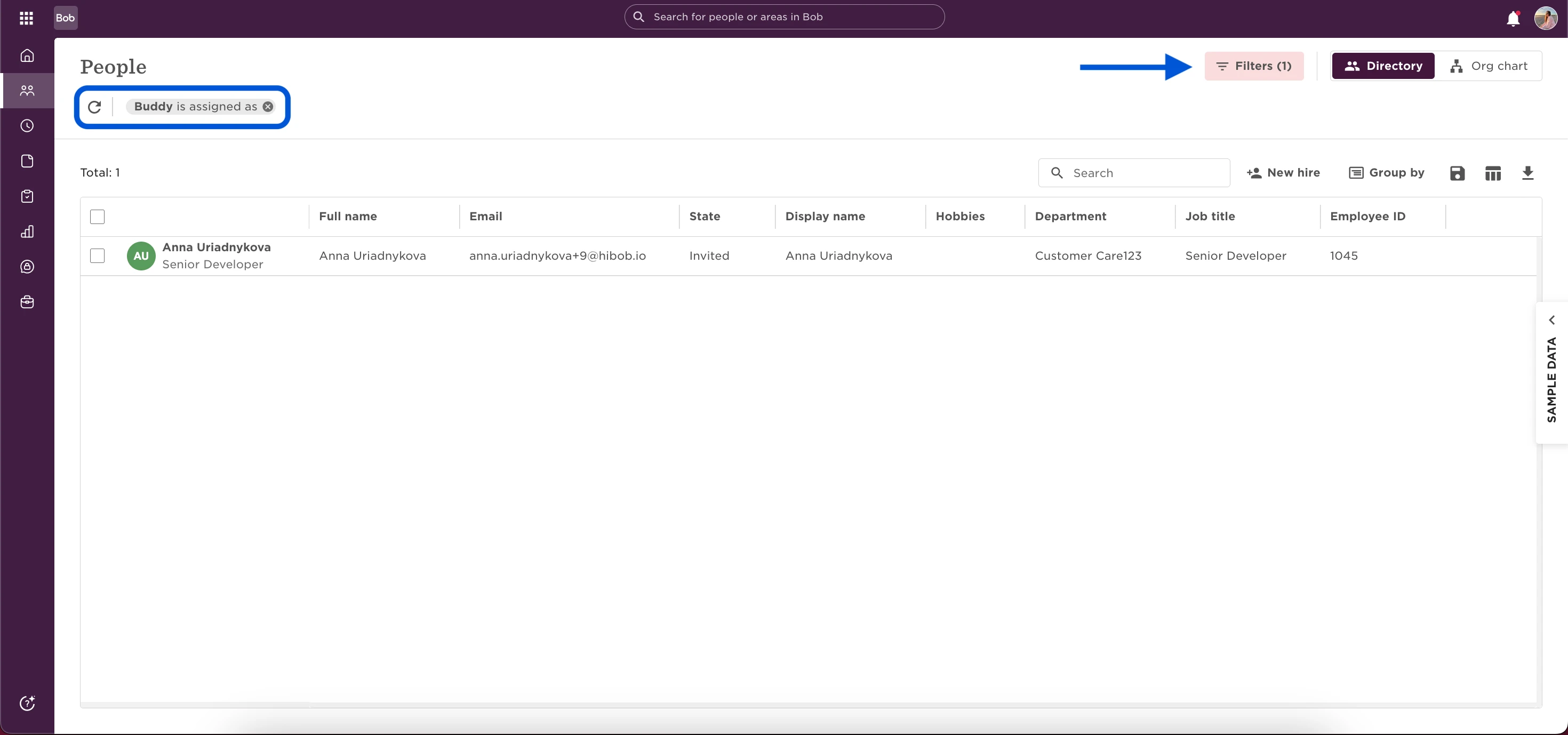
This is a simple way to surface reference-based roles without needing custom fields or extra setup.
Alternative approach: Create a custom field
If you need more flexibility, you can create a custom field like "Is Buddy":
1) Set the value to Yes each time you assign someone a Buddy role.
2) Use this field in your reports to easily surface all active Buddies by using "Is Buddy equals Yes".