

Why Level Fields from Hierarchical Lists May Appear Without Context
When working with hierarchical lists, it’s important to understand how level fields behave - especially if you plan to reorganize or reassign lists between categories.
⚠️ Two Key System Behaviors
-
Level fields stay with the original category
When you move a hierarchical list from one category to another, the list moves, but the level fields do not.
They remain tied to the original category, and still function (e.g., the selected level shows on employee profiles), but you won’t see them listed in the new category. -
Levels are not shown in the new category
Even if the hierarchy list appears under the new category, its level fields won't follow. If you select new levels, those values will still appear under the original category, not the one you moved the list to.
What this means
As a result:
-
Level fields may show on profiles, even though they:
-
Are not visible in the People’s data fields page
-
May also be missing from reports
-
This can make it unclear where a field comes from or how it's being used, especially if the list was moved between categories.
Example: What This Looks Like
-
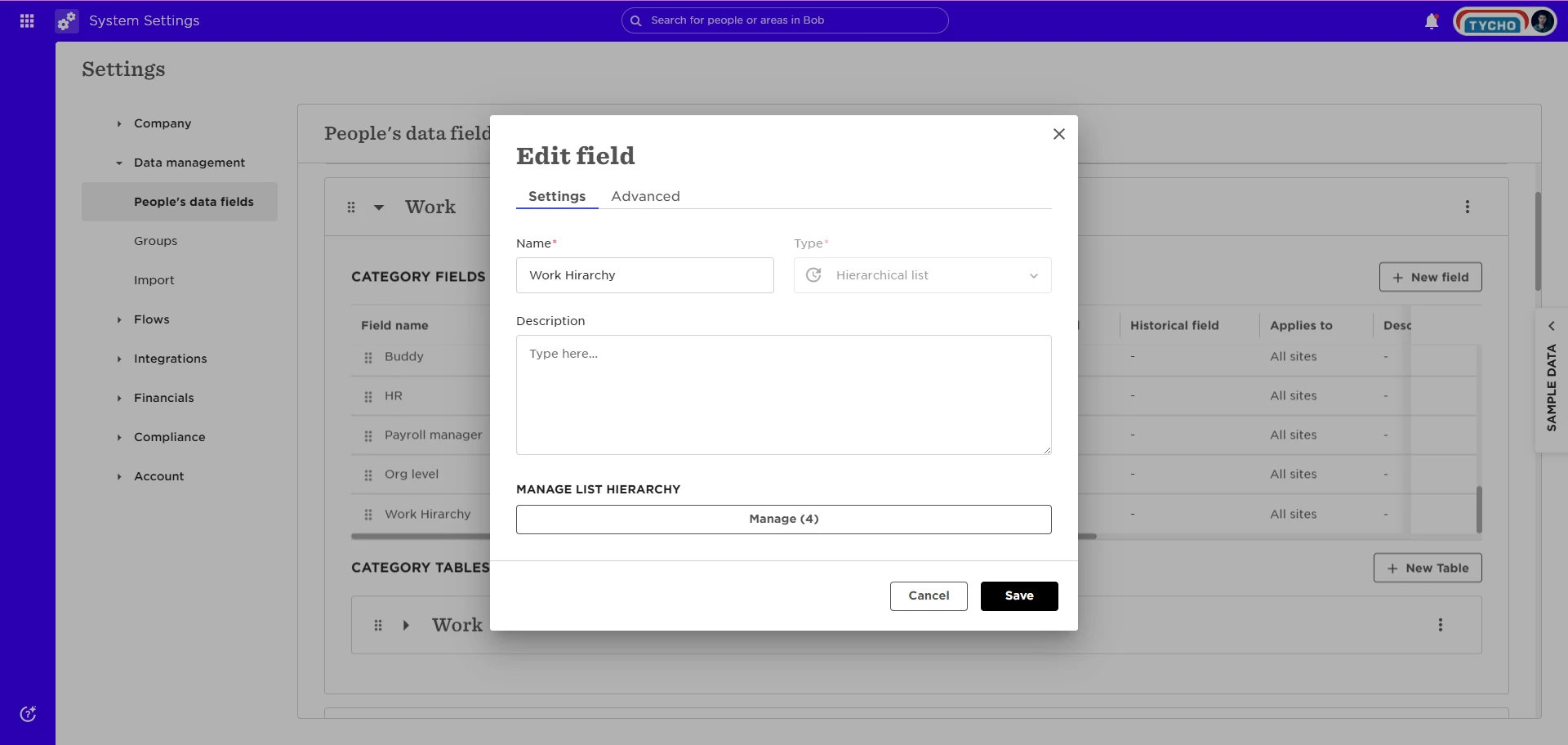
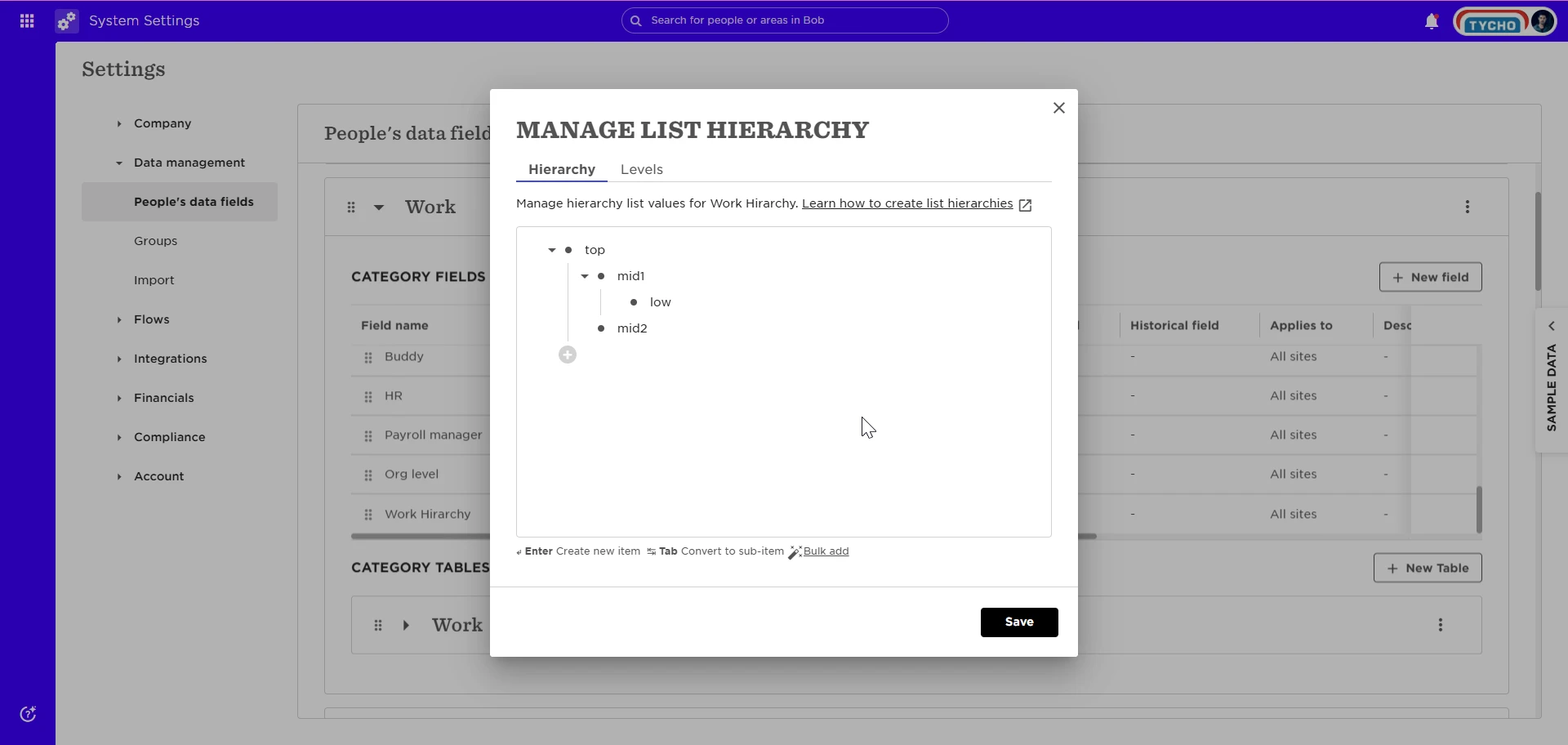
A hierarchical list called Work Hierarchy is created in the Work category
-
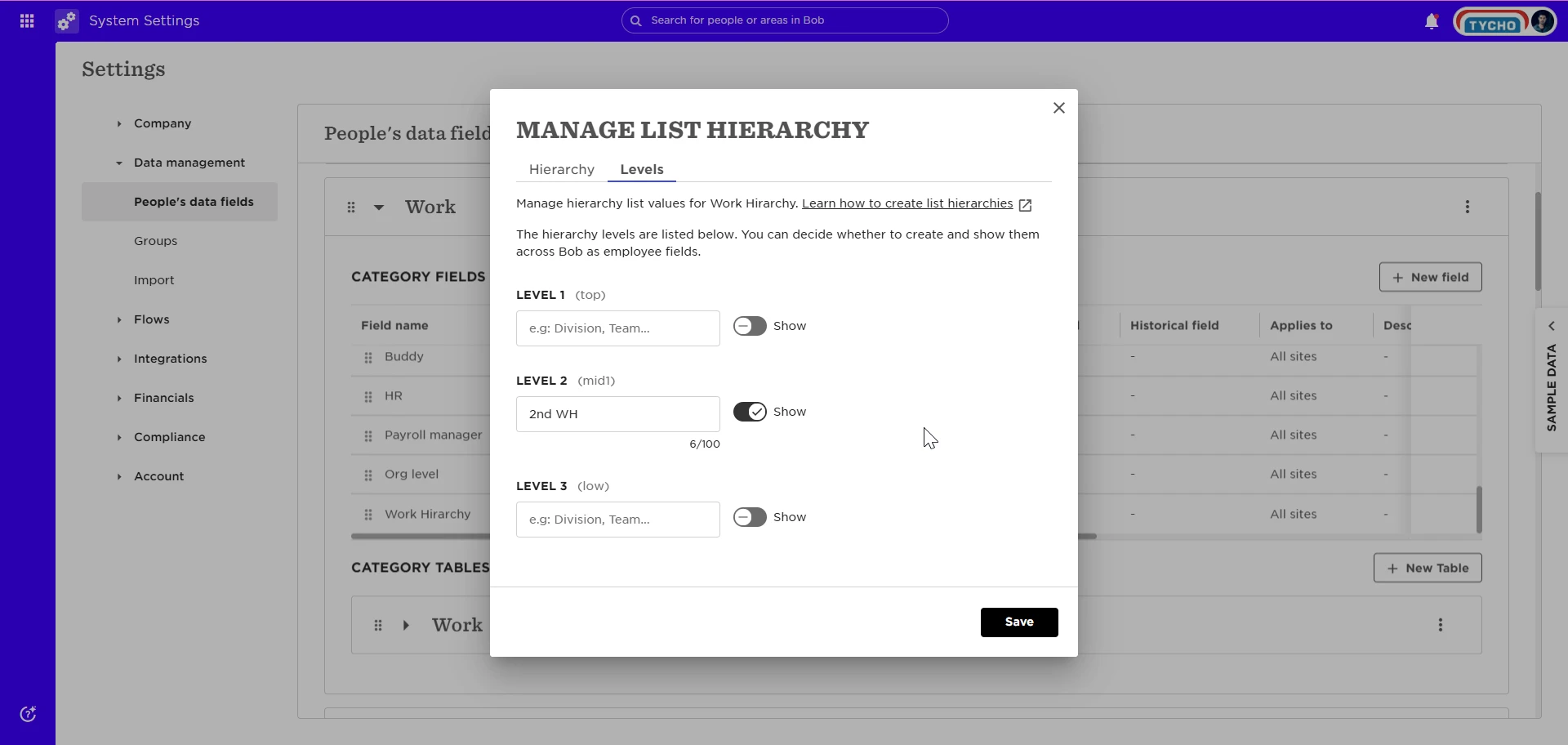
A level field is added for the second level, called 2nd WH
-
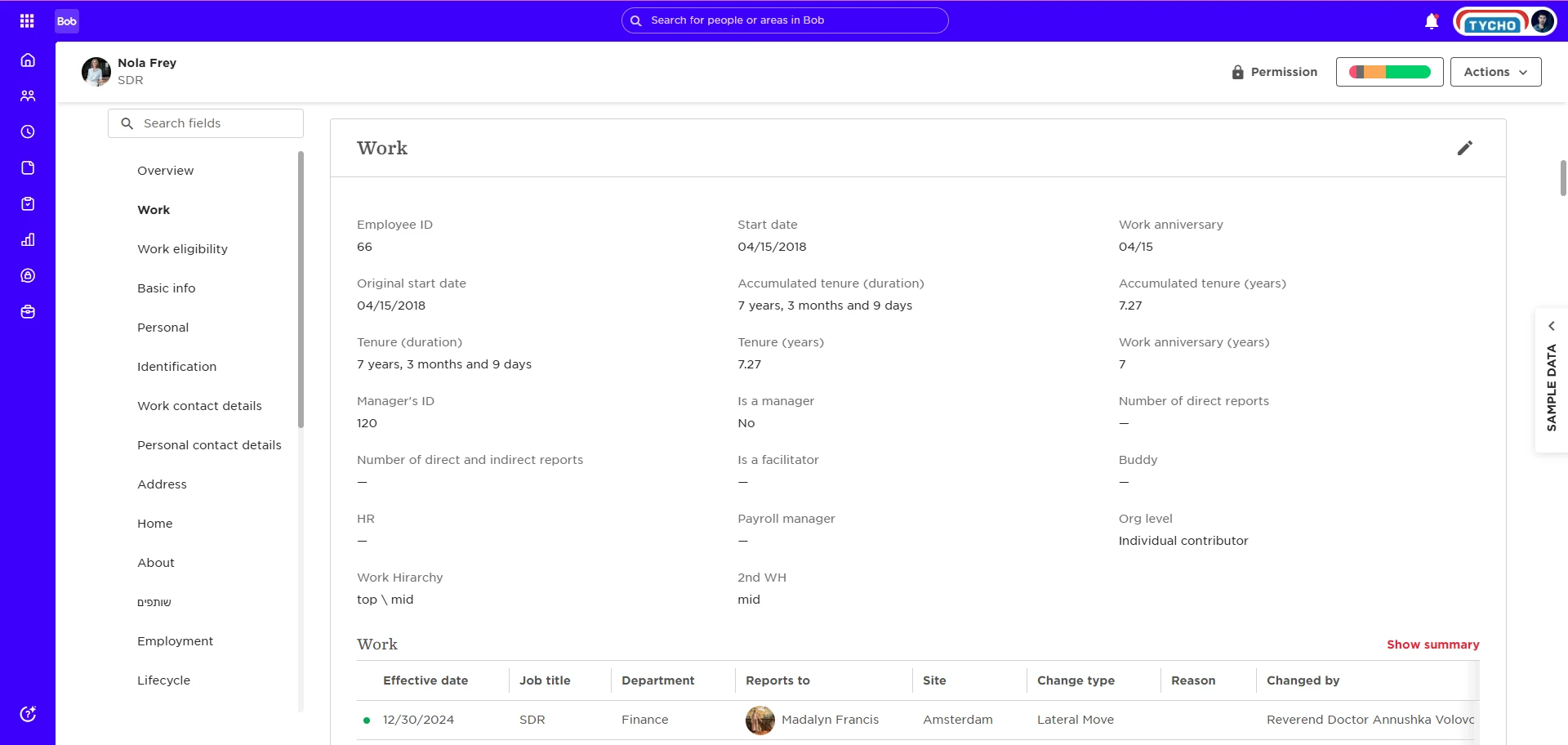
In the employee profile:
-
Work Hierarchy shows the full path (e.g., Division > Department > Team)
-
2nd WH shows only the specific level (e.g., Team)
-
-
The Work Hierarchy list is then moved to the Work eligibility category
-
The list now appears in the new category
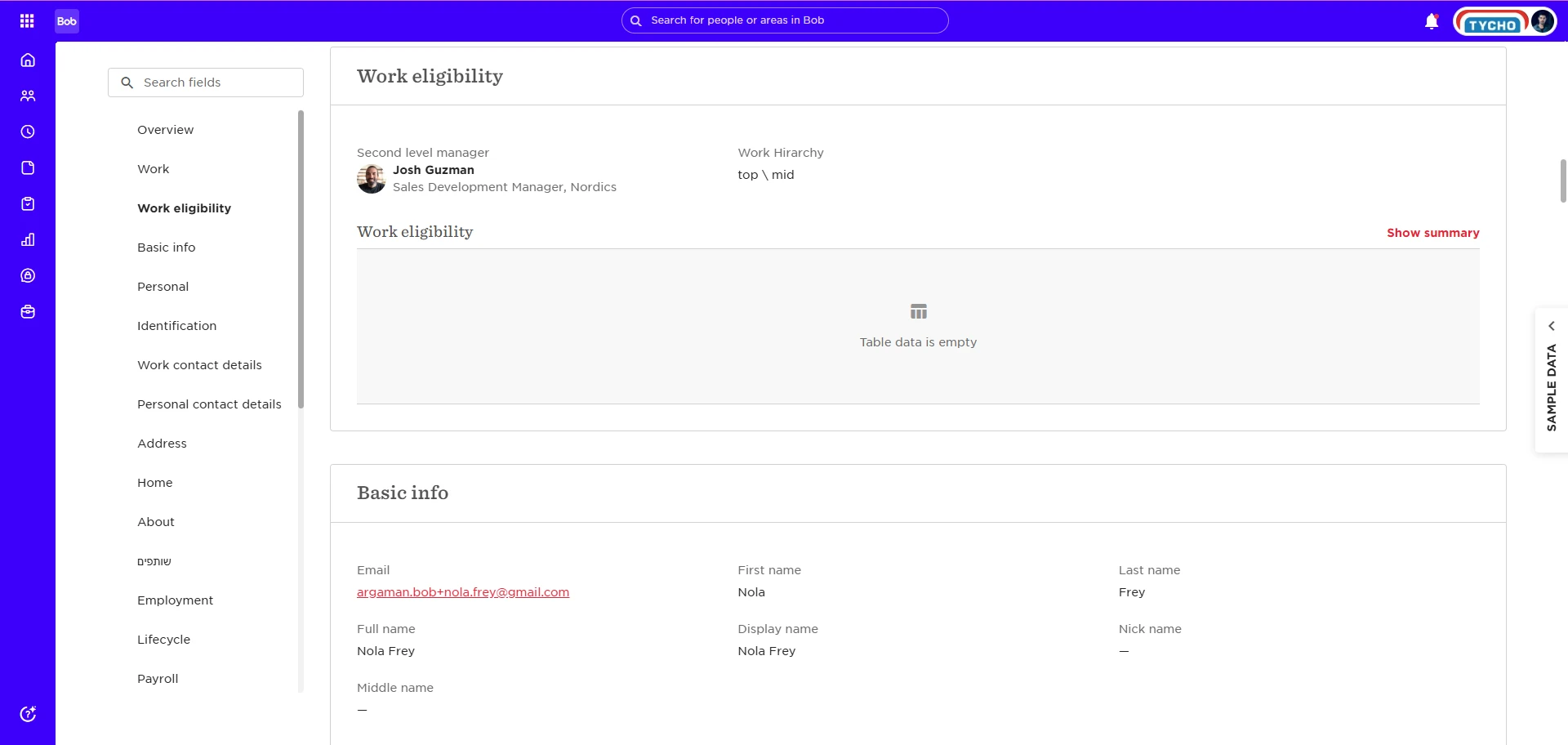
-
But the 2nd WH level field remains in the original Work category
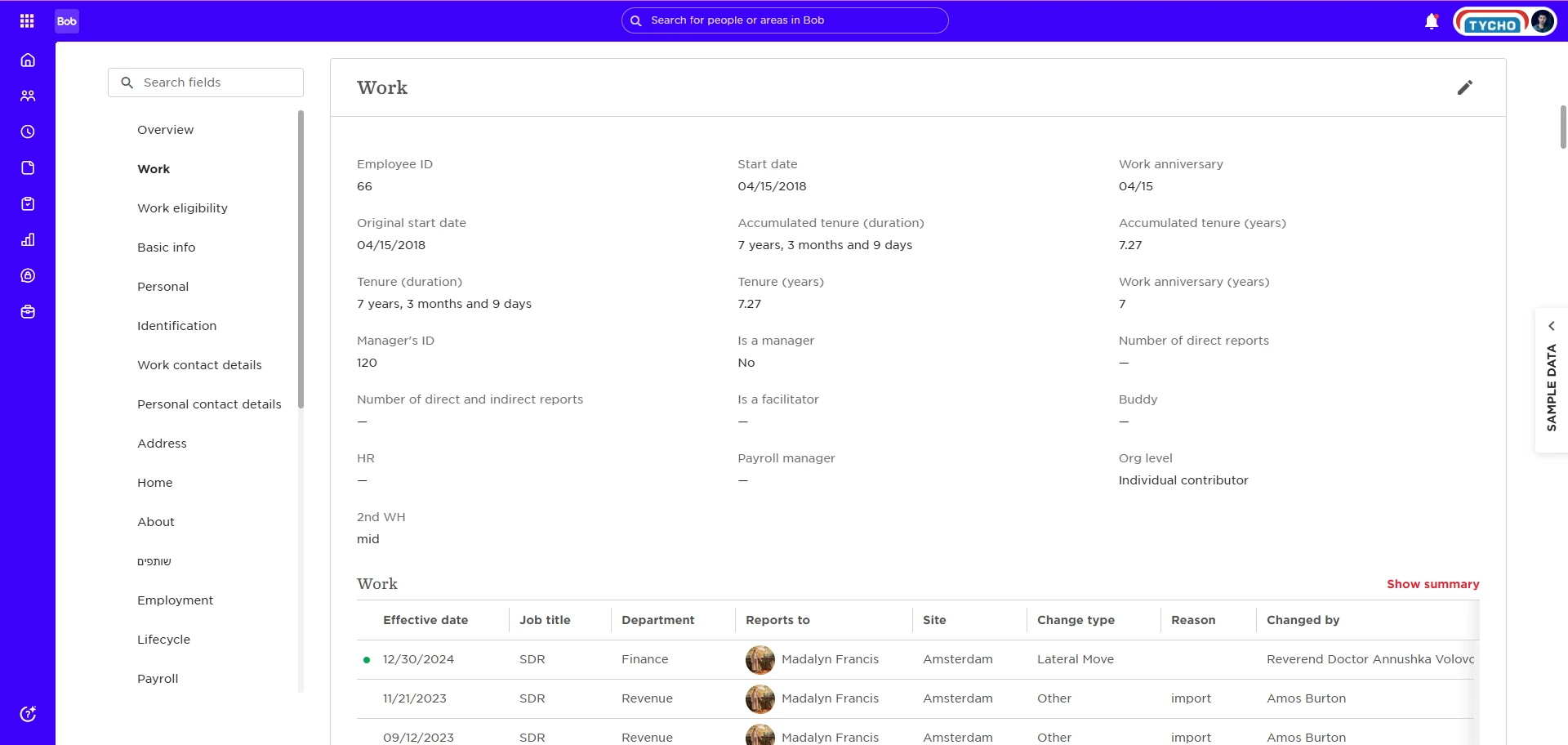
-
It does not show up in the People’s data fields under the new category
This behavior may cause confusion when trying to find or manage these fields later.
What you can do
-
If you’ve already moved a list and are seeing missing fields, check the original category - this is where the level fields still live
-
Document where level fields were originally defined, especially if you rely on them for reporting, flows, or profile visibility, since the UI won’t clearly show their source once the list is moved
-